
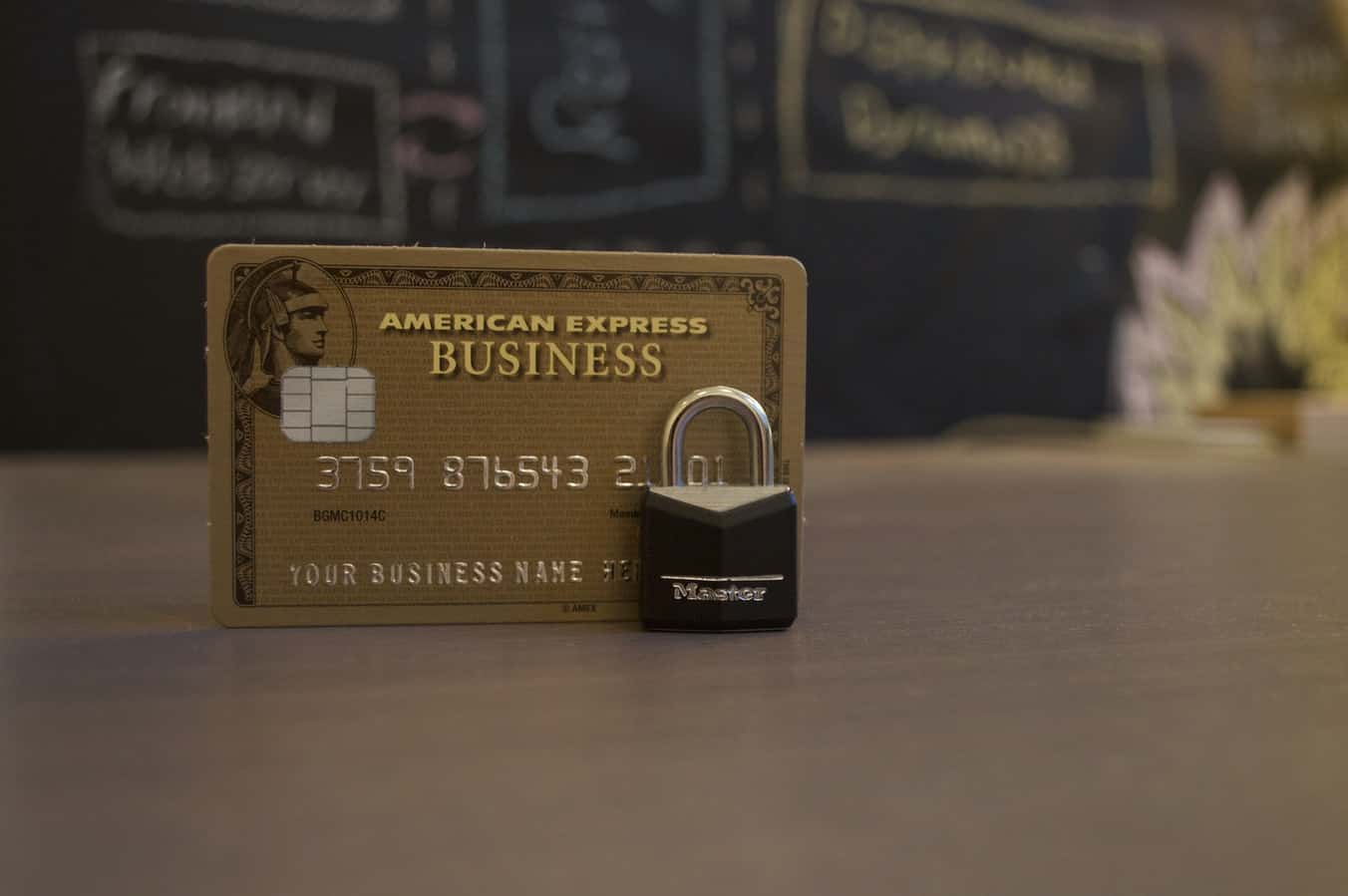
Secure ERP Credit Card Processing Solutions
Two Critical ERP Challenges with Credit Card Processing Systems
In today’s always on world, seamlessly accepting online payments is no longer a differentiator but a basic success requirement for manufacturers, distributors, and service businesses. This means as part of your ERP system you must be able to accept credit card payments from your customers. Credit card sales allow your business to easily increase the size of potential sales, reduce the labor associated with sending out invoices, and improve cash flow.
Accepting a credit card for payment, however, introduces two critical risks to the business – fraud and operational complexity.
At the top of every business owners list should be security. Developing a security strategy is especially important today because of the increasing amount of attempted fraudulent charges. The loss of trust from stolen identity or criminal transactions will have many years of impact beyond a bad transaction.
In order to provide the highest levels of security, credit card payments must be encrypted. In addition, to prevent the possibility that a malicious person gains access to a customer’s account and steals their credit card information, no credit card information should be stored in an ERP system.
How is this done? Instead of storing a customer’s credit card information, the system can use a concept of tokens through a credit card processing company utilizing the PCI (Payment Card Industry) security standard.
These companies create an account for the customer and send your business a token that you store with the customer’s account information in your ERP system. Every time the customer orders, the token is sent to and verified by the credit card processing company. Once the token is verified, the transaction is approved without having to enter or store the credit card information on your site. Follow-on and add-on sales happen just as quickly.
Another risk of accepting credit card payments is operational complexity. Back end ordering, shipping, and accounting systems need to be synchronized with the processing of the payment. Otherwise, manual accounting and auditing practices will be required to match invoice with payments, issue refunds, or answer customer questions. Many businesses have had to implement expensive, complicated programming efforts to interface their business to these credit card processors.
In order to make it easy for you to accept credit cards and not have to worry about possible issues, My Office Apps has established partnerships with two well-respected credit card processing companies. We’ve invested in developing a seamless integration between our cloud-based Kechie ERP software and their credit card processing platforms. This tight integration provides the highest level of security while eliminating operational risk and the need for your business to initiate expensive software development to match payments with orders or manage returns and RMAs.
These two companies are CardConnect and Century Business Solutions. We have incorporated their token system into the Kechie cloud ERP software. Both companies provide highly secure transactions that are compliant with the PCI security standard.
Providing a built-in interface to credit card processing is another example of My Office Apps’ commitment to incorporate innovative features using partnerships and smart algorithms in the Kechie ERP system. Our goal is to provide the best ERP solutions for small and medium sized businesses using the latest techniques in order to help make our clients more efficient and profitable. For more information, you can visit www.myofficeapps.com or better yet, call us at (714) 486-1487 and ask us to schedule a demo so we can show how we can help solve your business issues you face, both today and tomorrow.
About My Office Apps, Inc.
My Office Apps, Inc. (MOA) is a leader in business improvement software solutions to automate your organization. Building on three decades of software design and development, MOA delivers Kechie™, a transformative business tool. Kechie is a fully integrated Enterprise Resource Planning Software as a Service (SaaS) platform with a simplified user experience and the latest in cloud technology. It is quick and easy to implement without the expensive price tag. Sold in separate packages – inventory and warehouse management (CRM, Sales, Procurement, Logistics included), manufacturing, finance – or a fully configured ERP system to include all of these individual tools. Kechie is easily configured to the scalable needs of your growing business. For more information on managing your business processes more efficiently and effectively, visit www.myofficeapps.com.
###


Business Dashboard: 4 Management Tips from Warren Buffett
Business Dashboard: 4 Management Tips from Warren Buffett
The billionaire Berkshire Hathaway CEO has offered some sage advice over the years. Every year, Berkshire Hathaway CEO Warren Buffett writes a letter to the company’s shareholders. Although the letter is mainly about performance of the business, it’s also packed with sage advice from Buffett’s 60-plus-year career. Here are some of his best management tips from the past decade.
1. Base decisions on business needs, not fads.
In his 2014 shareholder letter, Buffett wrote: “That old line, ‘The other guys is doing it, so we must as well,’ spells trouble in any business.”
2. Recognize your employees.
Every shareholder letter from the last decade ends with Buffett thanking his team. “I regularly extol the accomplishments of our operating managers,” he wrote in his 2011 letter. “They are truly All-Stars.”
3. Don’t surround yourself with enablers.
CEO’s keen to close a deal seldom seek dissenting views, Buffett wrote in 2020. “It would be an interesting exercise for a company to hire two ‘expert’ acquisition advisors, one pro and one con, to deliver his or her views on a proposed deal to the board.”
4. Prepare ahead to avoid debt.
“I never will operate Berkshire in a manner that depends on the kindness of strangers,” Buffett wrote in his 2017 letter. “Or even that of friends who may be facing liquidity problems of their own.” Instead, he suggests, build a cash reserve for lean times. Or, as the billionaire calls it, a “cookie jar” fund.
Buffett has employed a laissez-faire or free reign approach to managing his company. It’s a style that allows employees to carry out tasks without much guidance from leaders. Much freedom is given to the employees to make the right decision about what they are going to do. With Kechie™ ERP, management decisions can be swift and powerful with real-time information available at your fingertips. Let us help you make meaningful and prosperous management decisions to grow your business. Visit myofficeapps.com and schedule a demo today.
4 Free Management Tips From Warren Buffett’s Annual Shareholder Letters. (2020, March 4). Retrieved from Management Tips From Warren Buffett’s Annual Shareholder Letters
About My Office Apps, Inc.
My Office Apps, Inc. (MOA) is a leader in business improvement software solutions to automate your organization. Building on three decades of software design and development, MOA delivers Kechie™, a transformative business tool. Kechie is a fully integrated Enterprise Resource Planning Software as a Service (SaaS) platform with a simplified user experience and the latest in cloud technology. It is quick and easy to implement without the expensive price tag. Sold in separate packages – inventory and warehouse management (CRM, Sales, Procurement, Logistics included), manufacturing, finance – or a fully configured ERP system to include all of these individual tools. Kechie is easily configured to the scalable needs of your growing business. For more information on managing your business processes more efficiently and effectively, visit www.myofficeapps.com.
###


WFH: Chapter One - The Dog will Bark during your Meeting
Working from Home Series
Chapter One: Your Dog will Bark during your Meeting
If you’re a person who spent your pre-pandemic work life in a cubicle or office, right now is a good time to throw yourself into looking on the bright side. Working from home is what you dreamed about every morning and evening when you were stuck in traffic or jammed onto a crowded bus or subway car. Yes, it’s all terrifying and apocalyptic right now — but you can sit in your pajamas all day. You can hang out with your dog. You can make a snack anytime you want, and you can eat it with the TV on in the background.
As companies adjust to the “new normal” of remote work amid the COVID-19 pandemic, maintaining a strong culture and engaging employees is critical. Embracing remote-work opportunities can deliver positive changes to business metrics, including reduced expenses and increased productivity, but requires a willing and motivated shift in perspective from management and staff.
The effectiveness of working from home has been a debated topic for decades. Only about a quarter of the US workforce works from home on a consistent basis. Concerns around productivity, collaboration, connectivity and distractions have all been cited as reasons working from home is not effective.
However, it has taken a pandemic to force a distributed workforce to come together and use online collaboration and technology tools to their full potential. An estimated 900 million people around the world are now working remotely to slow down the spread of the virus. Tools like Zoom, Slack, Google Hangouts, and Microsoft Teams are being rediscovered for their value in supporting video, messaging, conferencing, document sharing, virtual white boarding and many other features.
As we begin to better understand the real potential of working from home, we could now be looking at the future of work. In this new business model, offices may become a fixture of the past and relegated to an occasional pit stop to greet colleagues and process administrative tasks.
The result? Work is actually getting done remotely! And benefits around flexibility and reduced commute times may actually increase productivity and effectiveness. In fact, those of us who work from home often find ourselves overworking. We tether ourselves to our desks and stress ourselves out more at home that we do at work. That’s why it’s important to make sure we take care of ourselves and don’t burn out while working remotely.
During this time, stay connected with friends and build in healthy distractions. Keep perspective and give yourself permission to prioritize information flow. Focus on others and keep moving. Today’s challenges will shift and we will return to a new normal with plenty of new learning and expanded adaptability.
At Kechie™, we can see a shift in how the coronavirus pandemic will permanently change the way business will be done in the future. Our belief is that working from home will become a permanent aspect for many of us. Employers, who were previously reluctant to allow work from home, may also observe the productivity benefits. We will have more to share on this topic in the coming weeks. Until then, please take care of yourselves, follow all the guidelines, and do your best to remain healthy.

Win Big with ERP: AI Solutions to Influence Your Bottom Line
Win Big with ERP: Artificial Intelligence Solutions to influence Your Bottom Line
One of the hottest topics in IT today is Artificial Intelligence (AI). By continuing to automate certain functions using sophisticated AI algorithms, one can free up employee resources for more creative activities that will add further value for your business. Although some believe that AI may replace more mundane jobs, our belief is exactly the opposite. AI will help create an increased number of less-repetitive jobs in your organization making it more innovative, more responsive to your customer’s needs, and more successful. AI will also bring operational benefits with an ability to reduce errors and improve processing times for various transactions that will decrease costs and improve customer satisfaction.
AI incorporates the ability to find trends in a large collection of data and provide insights that may not be obvious to a person looking at gigabytes of data. Many AI programs incorporate the ability to learn from previous activities and allow one to develop more accurate forecasts and predictions.
AI technology can make a positive impact in multiple areas of your business. These can include:
- Inventory Management – By helping to provide more accurate forecasts — optimizing supply chains — figuring out the most efficient way to store the inventory — and tracking product lifecycles, various AI techniques can improve costs, decrease waste, and improve cycle times.

- Production Management – Figuring out the most optimal way to process your backlog in your manufacturing plant can become a horribly complex problem. Utilization of AI techniques can figure out the best ways to select what order to process the jobs in your backlog, which machines to use, maintenance scheduling, and overall logistics as the work-in-process moves through the manufacturing cycle. These optimizations can help decrease the amount of capital equipment needed, improve cycle times, and lower costs.
- Sales – One of the most profitable ways of improving your sales is to implement sophisticated upsells and cross-selling approaches. A sophisticated AI algorithm can help by analyzing, in real-time, what additional products to recommend based on previous customer history and other information.
- Financial Management – Besides automating various financial functions, an AI program can help a financial manager make various key decisions, such as how much cash to keep on hand, whether a capital investment will pay off, and double-check financial statements for accuracy.
- Marketing – A key marketing function is to develop the best and most effective message for your marketing campaign based upon a variety of factors. These include customer demographics, competitive challenges, historical performance, product attributes and many others. Analyzing these factors can involve looking at a great deal of data. By utilizing advanced analytics, a good AI program can help a marketing manager sift through all these factors and create the most effective marketing campaign.

As part of our mission to be a business process improvement company, My Office Apps, Inc. is committed to providing continued improvements and incorporate various advanced AI techniques in our Kechie™ ERP software. Our goal is to provide the best solutions for small and medium sized businesses with the latest techniques to contribute to the success of our customers. In the coming weeks, we will post additional articles that describe some of the specific AI features we have already incorporated into our Kechie software and also provide a roadmap for other features we expect to implement in the near future. Our focus is not to provide AI for AI’s sake, but rather to implement practical AI functions that can make a real difference to your bottom line. For more information, visit www.myofficeapps.com, or better yet, call us at (949) 486-1947 and we will schedule a demo so you can view these features for yourself.

A Trail of Digital Bread Crumbs Can Lead You Home
A Trail of Digital Bread Crumbs Can Lead You Home
In the tale Hansel and Gretel, the two went hiking in the forest and dropped bread crumbs to find their way home. Wouldn’t it be nice if you could do the same thing with your ERP system to backtrack and figure how you ended up in this place?
These capabilities do exist in the Kechie™ 2020 ERP system with logging and traceability functions. The logging capability provides a record of every transaction and change in the system. This includes new order entries, product receipts, product shipments, RMA’s, purchase orders, as well as administrative changes such as adding and removing users and changing the privilege levels of a user. The logging record includes the date of change, who made the change and the value before and after the change.
The logging capability is a powerful tool in helping correct errors and manage your business. Suppose, for example, one of your employees had an incorrect price for one of your products — and for a two-week period, entered new sales orders at the wrong price. The logging capability would allow you to quickly identify all the orders that had the incorrect price and take action. Or, perhaps a customer calls with a complaint that they were shipped the wrong product. How did this happen? Were there changes made to the order after it was originally entered? The logging capability will allow you to figure out exactly what happened and take corrective action to prevent a re-occurrence.
Additionally, the logging capability can provide further analytic data that will allow for deep insights to improve your operations. What percentage of orders needed to be changed before they were finally shipped? Who changed an access privilege for a particular user? How many times has a vendor changed the expected delivery date for a purchase order? When did that vendor notify your company of the change? Having a log data base available makes it easier to find the answers to these types of questions.

Traceability is another related function that is particularly useful in manufacturing environments. Many manufactured items are created with a collection of different parts created internally or purchased through a vendor. Depending upon the nature of the business, each individual part could have a serial number or a lot code from the vendor to track the history of the part. When manufacturing a new item utilizing a collection of many different parts, you will assign either a serial number or a lot code to this new item or assembly. The traceability function provides a data base to associate the serial number or lot code to all the component parts used to manufacture this part.
The traceability function can be extremely useful with a quality problem or customer complaint. Sometimes, a quality problem can be traced to an occurrence with a specific lot or component purchased from a vendor. With this information and the traceability data base, the ability to quarantine other items manufactured or issue a recall to customers in receipt of a bad component.
The logging and traceability capabilities built into Kechie™ 2020 ERP are very advanced and not commonly found in other ERP systems. For those companies seeking excellence in operations and customer satisfaction with the quality and service, these functions will raise the bar. For more information, visit www.myofficeapps.com, or call us at (949) 486-1947. Let us schedule a demo so you can view these features for yourself.
About My Office Apps, Inc.
My Office Apps, Inc. (MOA) is a leader in business improvement software solutions to automate your organization. Building on three decades of software design and development, MOA delivers Kechie™, a transformative business tool. Kechie is a fully integrated Enterprise Resource Planning Software as a Service (SaaS) platform with a simplified user experience and the latest in cloud technology. It is quick and easy to implement without the expensive price tag. Sold in separate packages – inventory and warehouse management, manufacturing, finance – or a fully configured ERP system to include all of these individual tools. Kechie is easily configured to the scalable needs of your growing business. For more information on managing your business processes more efficiently and effectively, visit www.myofficeapps.com.
###

My Office Apps, Inc. Launches Kechie™ 2020 ERP
My Office Apps, Inc. Launches Kechie™ 2020 ERP
SANTA ANA, Calif., Feb. 20, 2020 /PRNewswire/ -- My Office Apps, Inc. (MOA), an industry leader in business improvement software, announced the availability of Kechie™ 2020 Enterprise Resource Planning (ERP) software, a cloud-based solution, enabling business owner/operators quick access to business-critical information in real time. The company has raised the Software as a Service (SaaS) bar by delivering innovative features to make small-to-medium sized businesses more productive and competitive, while increasing efficiency and effectiveness.
Read More about Kechie™ 2020

Bullet-Proof your IT System in 2020
Bullet-Proof your IT System in 2020
As we move into a new decade, it seems we are regularly hearing of new security leaks which are costing companies millions. With the evolution of information technology, the “bad guys” continue to ramp up their game. Many CIOs and top managers are placing high priority on keeping their data systems secure from hackers — working to improve their software, systems, and procedures.
Smart managers are leveraging cloud-based technology advancements to keep their systems and data secure. The transition to cloud-based Enterprise Resource Planning (ERP) systems is rapidly transforming the security issues of the past. A common misconception of ERP systems is that on-premise systems will have better security than a cloud-based system. Let us take this opportunity to burst that bubble. A cloud-based system is MORE SECURE than one that you might operate on your own site.
 Why is Cloud-based Security Better?
 Why is Cloud-based Security Better?
Software-as-a-Service (SaaS) providers are particularly focused on excelling in this area. SaaS providers utilize highly-trained staff to identify and eliminate potential security threats. With cyber-security experts, security is top priority. Corporate IT staff manage many responsibilities, and few are focused exclusively on the cutting edge of cyber threats.
Employing the right software to protect your data is equally important in warding off potential security threats. At My Office Apps, Inc., we partner with the Progress Software company for the back-end database functionality of our Kechie™ ERP software. Progress Software, founded in 1981, is one of the largest providers of database management software worldwide. The following security features are built into the software:
- Authentication: Security measures determine who is allowed ®into the system via User Interface (UI) or directly to API’s
- Authorization: Security levels determine what data each user can access
- Auditing: Security tracking verifies which user made changes
- Data-at-Rest: Security of data when stored in the application
- Data-in-Motion: Security of data when flowing through architectural components in the application
- Network Connectivity: Accessibility is safe inside and outside the application boundaries
The Kechie™ software takes advantage of these features by creating a smooth interface to security functionality and enhancements. For example, individual permissions can be programmed in the system for each user with NO ACCESS, VIEW, UPDATE, or ADMIN privileges. These permissions allow you to keep employees on a need-to-know basis and prevent unauthorized viewing, deleting, or changing of data. Another important feature is the CHANGE LOG function. Kechie™ provides built-in detection of data changes. Recovering from inadvertent errors is just a few clicks away. Finally, the cloud-based system has automatic data replication functionality. Should a database become invalid due to hacking or other reason, the replicated information is available for restoration while maintaining functionality for the end user.
While communicating your data over the internet, precautions must be taken to ensure that a bad actor can’t tap into the connection, read the data, or cause mischief with this information. The internet standard for this is called Transport Layer Security (TLS) and Kechie™ software fully complies. All data transmitted between the end user and the server is encrypted. If someone was able to intercept the data, he/she cannot decode it. Data-at-rest on the server is also encrypted preventing any decoding if hardware were to be compromised.
As companies look to 2020 information technology, many are gravitating toward cloud computing to ensure IT security and efficiency. It is critical that top managers use reliable, secure and accessible technology. With the Kechie™ ERP system, data and systems are secure. Leave the cyber-security to us … you have more important things to do.
My Office Apps, Inc. (MOA) is the leader in business improvement software solutions to automate your organization. Building on three decades of software design and development, MOA delivers Kechie™, a transformative business tool. Kechie™ is a fully integrated Enterprise Resource Planning Software as a Service (SaaS) with a simplified user experience and the latest in cloud technology. It is quick and easy to implement without the expensive price tag. Sold in separate modules – inventory management, ERP, finance, manufacturing – Kechie™ is easily configured to the scalable needs of your growing business. For more information on managing your business end-to-end or streamlining business processes, visit www.myofficeapps.com.
When to choose a new ERP System
Signs It's Time to Upgrade your ERP System, and How To Do It

What do you do when you know it’s time to choose a new ERP system?
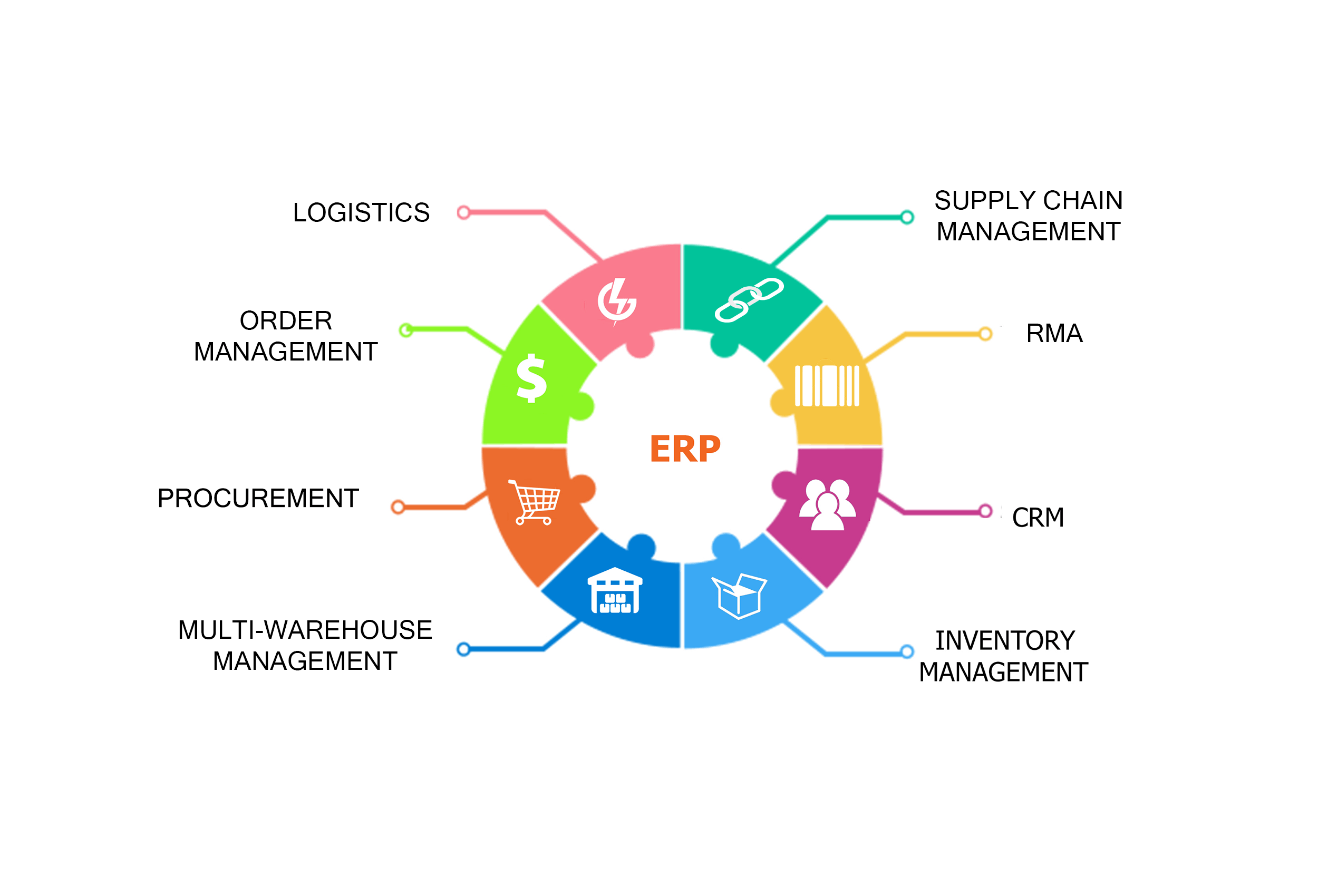
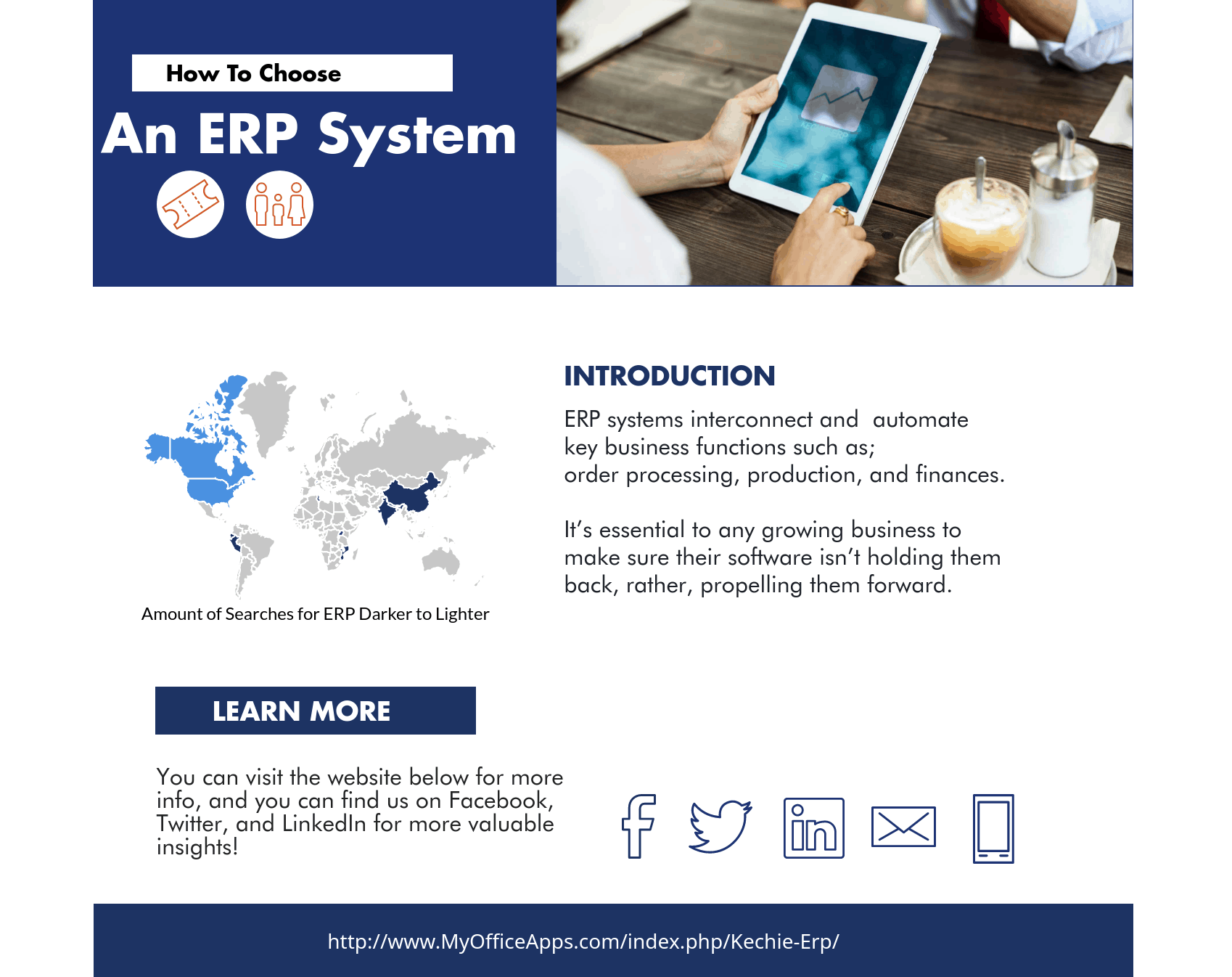
ERP systems interconnect and automate key business functions such as; inventory management,order processing, production, and finances in one, easy-to-use software.
It’s essential to any growing business to make sure their software isn’t holding them back, rather, propelling them forward.
You have to have the latest all-in-one solution that meets all of your company’s needs.
How do you know if it's the right time to upgrade or replace your ERP software?
It's time to upgrade your ERP system if:
- Your ERP software isn't cloud-based, or accessible from everywhere.
- It's not customizable, and catering to your company's way of doing business.
- There aren't automatic updates to your system from the back-end.
- You have a bad user-interface, and your employees find the software difficult to use.
- Your ERP system doesn’t meet the needs of today’s workplace, where users expect on-demand availability from any location and device.
What Should You Look for When Choosing an ERP solution?
- Software Compatibility
- Learning Curve
- Functionality
- Overall Cost
- Ease of use
- Deployment Options
- Scalability
- Adaptability
How do you choose the right one?
- Draw up a definite list of requirements
- The key is to map out processes that your ERP should support
- (80% of customers are unhappy with their current ERP)
- Decide on a delivery method
- Cloud ERP vs the outdated, on premise ERP
- (78% of American small businesses will have adopted cloud by 2020)
- Review the Project Budget
- Think about the immediate and long-term financial implications
- (Cloud ERP allows companies to recover costs within 2 years)
- (Kechie ERP has no additional costs apart from monthly license costs)Read about The Important Factors to Look for When Comparing ERP System blog to dive deep.
Efficiency is the most important factor of ERP selection; find an ERP that is cost-effective and will improve your existing processes, (or establish new ones) to select the best ERP solution for your company.
Receive a free demo of the best cloud ERP software with the most cost-effective price with no risk at all!


What Viewpoint Did Your ERP System Originate From?
What Viewpoint Did Your ERP System Originate From?
If you had a very experienced finance manager, would you want them to head your production department? Or would you rather have someone with deep experience in production and inventory control do that job? The same questions should be raised with the ERP (Enterprise Resource Planning) software that you choose.

Like many software systems, ERP software is developed in stages with an initial release that provides a specific function. Later releases will add additional modules that add more functions, support other functional areas and broaden the scope of the software. Eventually, after many additional releases, all of these modules will be put together and called a complete ERP solution.
The problem is, most of the ERP software on the market was not started with the intention of creating inventory management software in the form of a full ERP solution. They started with accounting. This bias may be an optimal one for the first module developed, but it definitely does not work well in the long run for ERP creation. Other functions can be very much different!

When an accounting software tries to expand to provide functions for different departments, or even other industries, it does not go smoothly. It lacks support for specific aspects of inventory control, specifically item class and location tracking, because it is trying to get use the software in ways that were not originally intended. You can’t use oranges to make lemonade. You can try, but everyone will notice the difference.
ERP developers make attempts to get around this, however. They try to integrate completely different software with their own hoping that it will be “good enough” for the common warehouse manager. The issue with this is that it almost always fails. The largest ERP providers that you are familiar with (yes them) may not highlight this to their customers until the customer has signed up for a very expensive deal. The providers then add on these “integrations” hoping the customers won’t notice that the base software was originally created with an intended purpose different from the inventory management function that was the customer’s primary requirement.

Kechie ERP, by My Office Apps, is a little different. Unlike other ERP systems, this software was developed from the start to support production and inventory control. It was created and developed with all of this in mind, by a team that has decades of experience creating and working with ERP software before off-the-shelf ERP software existed. Additional support for finance was added later on, but it was originally designed in a way to enhance and support the production and inventory control functions. Kechie, for example, has strong MRP functionality that is often lacking in other ERP implementations because it’s actually built-in from the beginning with the intended purpose of providing a strong solution for this area.
If your biggest management concern is getting better control of your production and inventory control activities within your company, don’t choose an accounting software to manage your inventory. Kechie may be a better solution, because unlike the most known brands on the market today, it was designed from the very beginning to solve these problems. To learn more about our production and inventory control modules and how Kechie can help you, schedule a demo or call us at (714) 486-1487.

Why You Should Change to a Cloud ERP System Immediately
Why You Should Change to a Cloud ERP System Immediately
Are you worried you may not be collecting and interpreting data on your company’s resources quickly enough? Computer programs can make data processing faster, but creating and setting one up on your own can be both complicated and inefficient. We call this process Enterprise Resource Planning (or ERP), and My Office Apps is here to make the process quick, and rarely said of ERP software, simple.
There are a lot of expenses involved in setting up an ERP system on your own. The software and servers are expensive by themselves, and on top of that you need to pay for a subscription to the software and hire an IT team to manage it and fix the inevitable errors. And finally, you need to train your operators to use the system, from the hidden commands to the convoluted data reports.
The good news is that My Office Apps’ solution, Kechie ERP, has improved the process, and it is now; affordable, comfortable, and quickly establishes an ERP system for your company. Our ERP system can be employed immediately, allowing you to access essential data in order to manage your business better, increasing revenue and profits.
Why Cloud ERP?
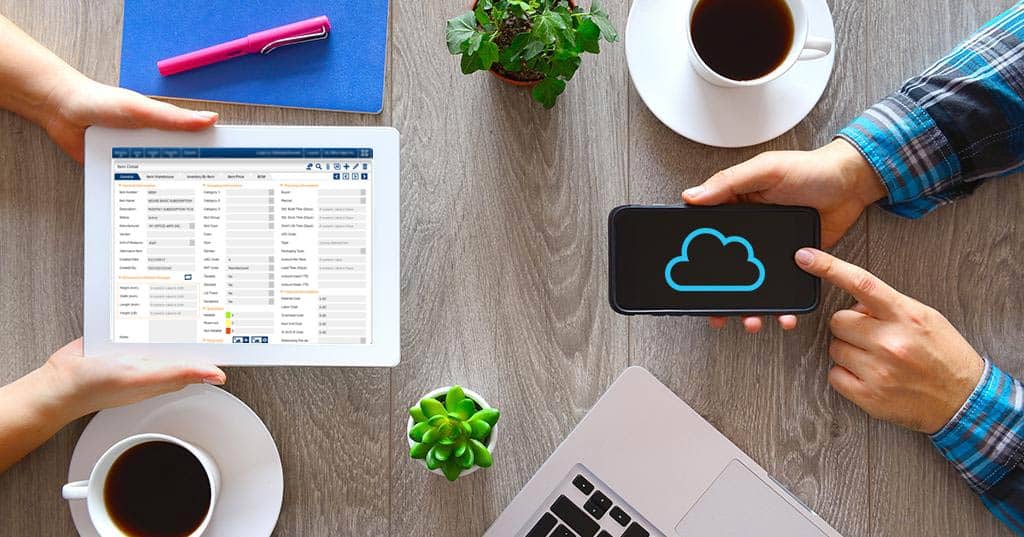
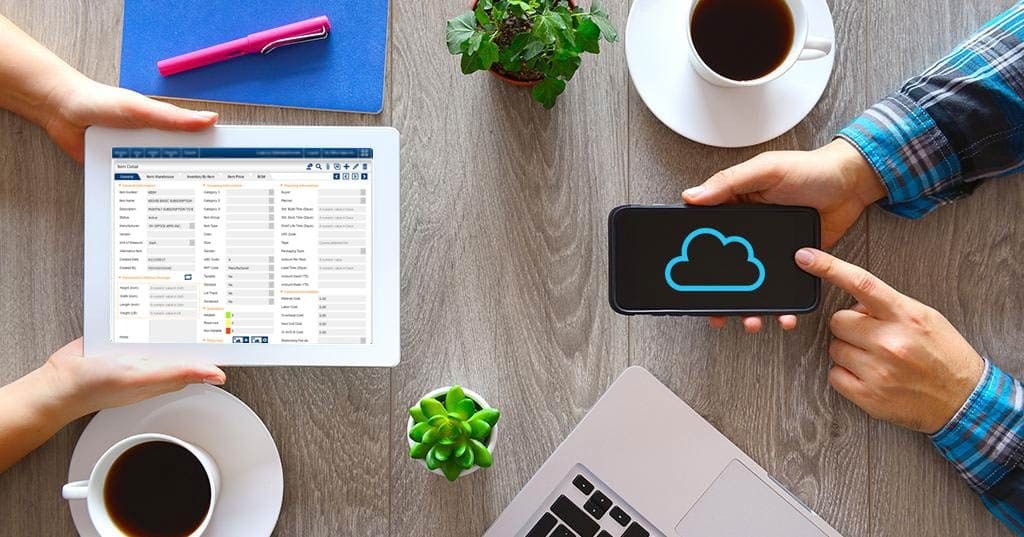
The first advantage of cloud ERP is that it employs a cloud-based system that is accessible over a secured internet connection. The software itself runs on a remote server platform that you can access 24/7 with any internet-capable device, including your office's personal computer, a tablet, or even your smartphone. By using this type of system, you eliminate the headaches of software installation, software updates, server maintenance, data backups, and other labor-intensive tasks. The software is always available for you to use without any extra effort on your part.

Easy To Use ERP Interface
The second advantage of cloud ERP is that its user interface is logical, consistent, and intuitive, so that your employees can pick it up easily. With our software, you won’t need to train your employees to memorize an uncountable number of hidden commands; instead, they will have access to an easy-to-use graphical user interface that will allow them access data with a mouse, touchscreen, or even a barcode scanner.
Schedule a demo, and we will show you how quick and easy it is for you to get your company on a capable ERP system and have the benefits that improved operational information availability can bring to you.