
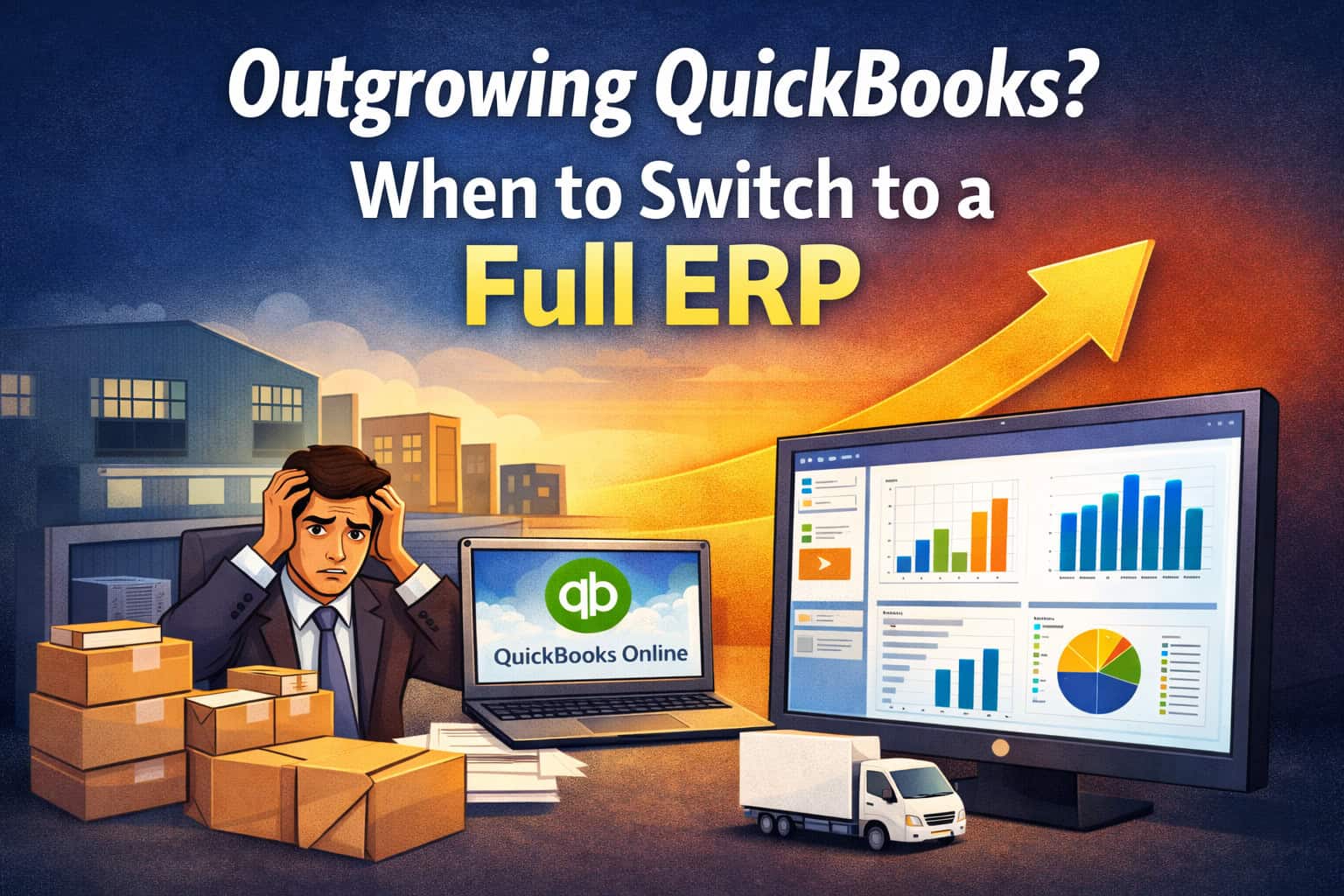
Outgrowing QuickBooks? When a Full ERP Makes More Sense
Outgrowing QuickBooks? When a Full ERP Makes More Sense
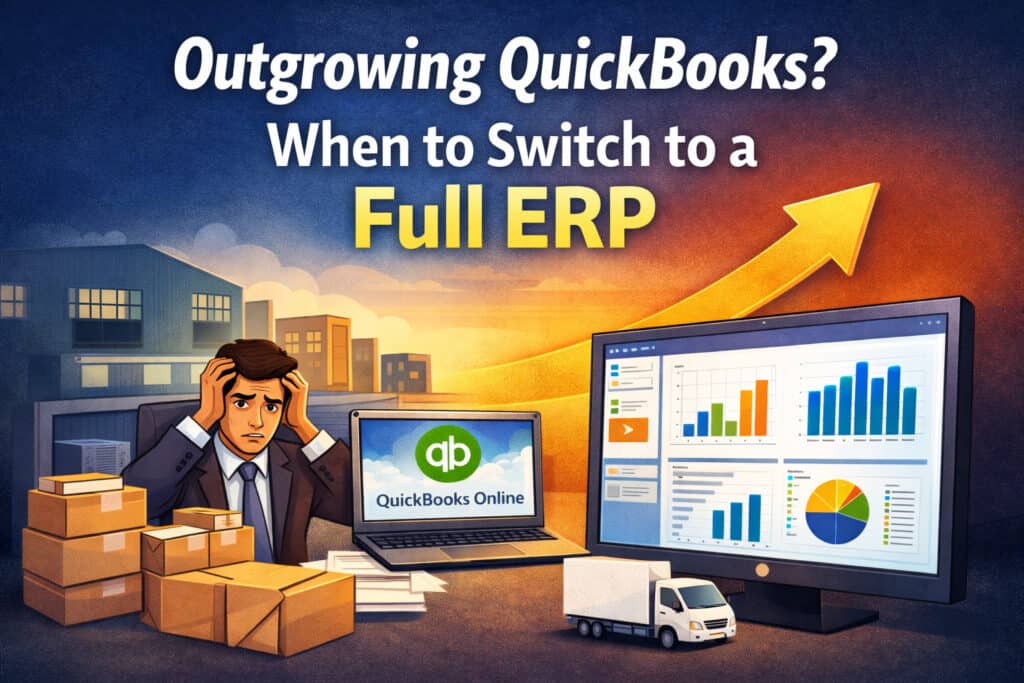
When It’s Time to Move Beyond QuickBooks — and What a Full ERP Really Solves
QuickBooks is often the first accounting system a business adopts — and for good reason. It’s accessible, familiar, and works well in the early stages.
But for many growing companies, there comes a point where the question isn’t “How do we upgrade QuickBooks?”
It’s “Why are we still building so many workarounds around it?”
As QuickBooks Desktop continues to be phased out and more users are pushed toward QuickBooks Online, some businesses realize that simply moving accounting to the cloud doesn’t solve their bigger operational challenges. That’s usually the moment ERP enters the conversation.
What Actually Pushes Businesses Beyond QuickBooks
Most companies don’t leave QuickBooks because they dislike it.
They leave because the business outgrows what accounting software alone can support.
Common signals include:
- Inventory tracked across spreadsheets and disconnected tools
- Orders, fulfillment, and purchasing handled outside accounting
- Multiple locations or warehouses with limited visibility
- Manual reconciliation between sales, inventory, and finance
- Leadership questioning whether reports reflect reality
QuickBooks didn’t fail — it just wasn’t designed to be the operational backbone of a growing business.
Why Moving to QBO Isn’t Always Enough
For many businesses, QuickBooks Online (QBO) is a logical next step — and for accounting-only needs, it works well.
But when inventory, operations, and reporting are central to the business, QBO often highlights the same gaps Desktop had:
- Limited inventory depth
- Minimal workflow automation
- Disconnected operational processes
At that point, businesses face a choice:
- Continue extending QuickBooks with more systems
- Or consolidate into a single platform designed to manage operations and accounting together
This is where a full ERP becomes a serious consideration.
What a Full ERP Actually Does (Without the Buzzwords)
ERP doesn’t have to be complicated.
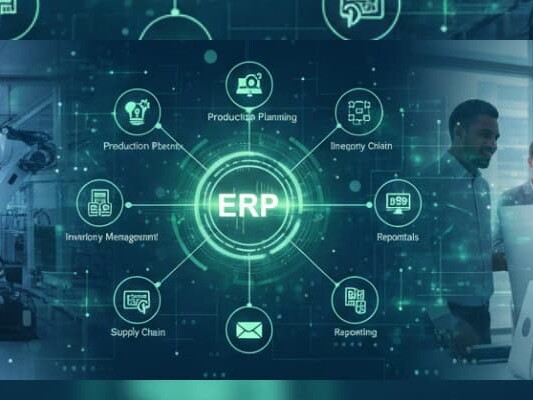
At its core, a full ERP brings accounting, inventory, operations, and reporting into one system with a single source of truth.
Instead of syncing data between tools, teams work from real-time information across:
- Accounting and financials
- Inventory and purchasing
- Orders and fulfillment
- Customer and operational data
For growing businesses, this reduces friction, manual work, and data inconsistencies.
When a Full ERP Makes Sense
A full ERP is usually the right move when:
- Inventory accuracy directly impacts revenue or customer experience
- Operations involve multiple steps, locations, or teams
- Reporting delays slow decision-making
- Manual processes are limiting growth
- Integrations and workarounds are becoming difficult to manage
At this stage, extending QuickBooks can feel like maintaining complexity instead of reducing it.
ERP Doesn’t Have to Mean “Enterprise-Only”
One of the biggest misconceptions about ERP is that it’s only for very large companies.
Modern ERPs are built for growing, mid-market businesses that need:
- Advanced inventory and operations
- Built-in accounting
- Flexibility without enterprise bloat
- Faster implementations and lower overhead
For many companies, ERP isn’t about adding complexity — it’s about removing it.
How Businesses Typically Get Here
Most companies don’t wake up one day and decide to replace QuickBooks.
They get there gradually — after layering spreadsheets, apps, and workarounds on top of accounting software that was never meant to run the entire business.
By the time ERP enters the conversation, the real goal is usually clarity:
fewer systems, better visibility, and less manual work.
👉 Related reading:
• QuickBooks Desktop Is Being Phased Out — What Growing Businesses Should Do Next
• Why So Many Businesses Are Moving from QuickBooks Desktop to QuickBooks Online — and Where QBO Needs Help
Schedule a Free Demo Today!
See how Kechie ERP can transform your business, save you time, money, and aggravation. Click the button below to schedule your free demo.
Schedule Your Kechie Demo Now!








QuickBooks Desktop to QBO: What Works — and Where QBO Falls Short
QuickBooks Desktop to QBO: What Works — and Where QBO Falls Short
Why So Many Businesses Are Moving from QuickBooks Desktop to QuickBooks Online — and Where QBO Needs Help
As QuickBooks Desktop continues to be phased out, many businesses are finding themselves pointed in one direction: QuickBooks Online (QBO).
Desktop is no longer being sold as a long-term solution, multiple Desktop versions have already been sunset, and the remaining versions are approaching end of support — including QuickBooks Desktop 2023 in May 2026. Intuit’s direction is clear: QuickBooks Online is the future.
For many businesses, QBO feels like the natural next step. But moving to QBO raises an important question:
How do you move forward without rebuilding the same workarounds you relied on with Desktop?
Why QuickBooks Online Is Often the First Step
QuickBooks Online is where Intuit is investing. It offers:
- Cloud access from anywhere
- Automatic updates and security patches
- Easier collaboration across teams
- Ongoing product support
For core accounting, QBO does exactly what it’s designed to do.
If accounting is your only challenge and inventory is minimal, QBO may be all you need.
Where QuickBooks Online Starts to Fall Short
QuickBooks Online was designed first and foremost as an accounting platform.
As businesses grow, limitations tend to show up around:
- Inventory beyond the basics
- Multiple locations or warehouses
- Order and fulfillment workflows
- Operational visibility and automation
These are often the same areas where Desktop users relied on spreadsheets, add-ons, and manual processes.
 Extending QuickBooks Online Instead of Forcing It
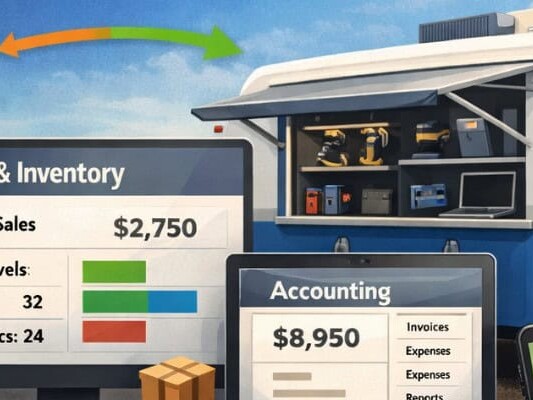
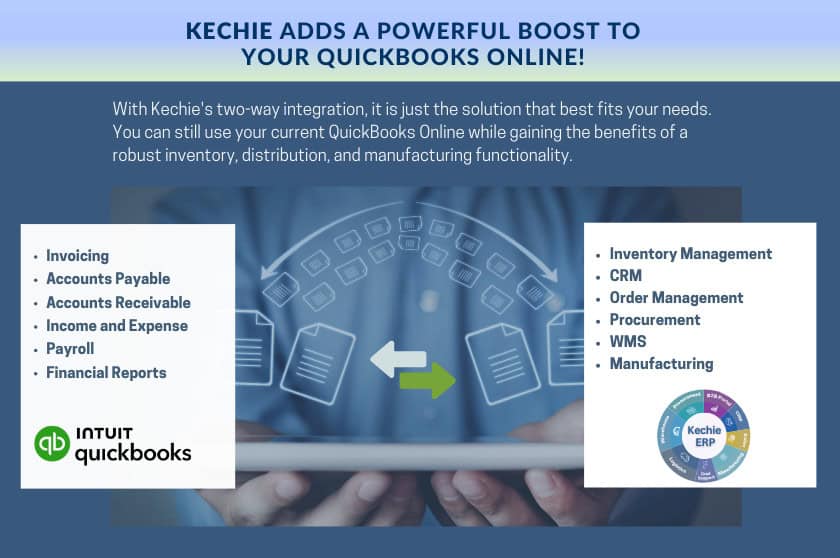
Rather than forcing QBO to do more than it was designed for, many businesses pair it with a robust inventory and operations system.
In this setup:
- QuickBooks Online remains the system of record for accounting
- Inventory and workflows are handled outside accounting
- Data stays synced without duplicate entry
This allows teams to modernize operations without disrupting finance.
QuickBooks Desktop Is Being Phased Out — What Growing Businesses Should Do Next
Schedule a Free Demo Today!
See how Kechie ERP can transform your business, save you time, money, and aggravation. Click the button below to schedule your free demo.
Schedule Your Kechie Demo Now!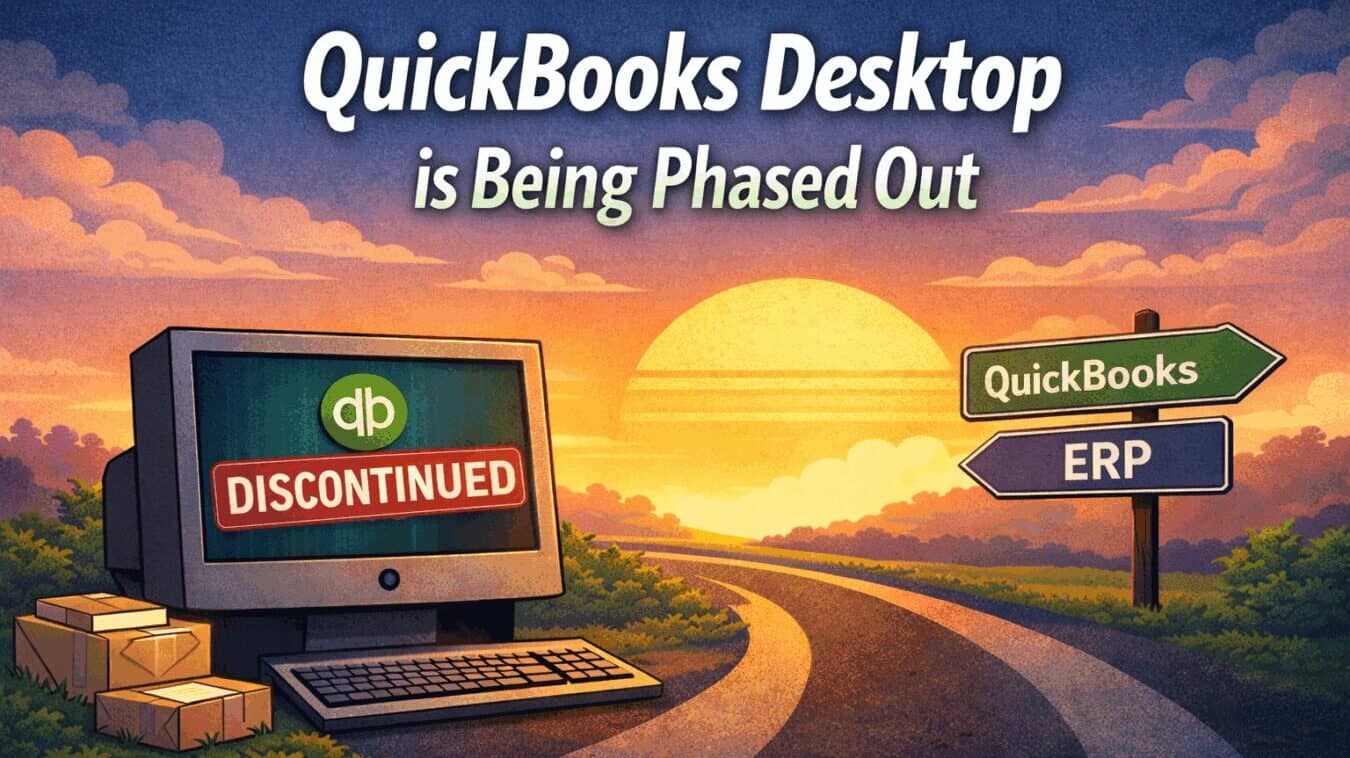
QuickBooks Desktop Is Being Phased Out: What Growing Businesses Should Do
QuickBooks Desktop Is Being Phased Out: What Growing Businesses Should Do
Schedule a Free Demo Today!
See how Kechie ERP can transform your business, save you time, money, and aggravation. Click the button below to schedule your free demo.
Schedule Your Kechie Demo Now!In This Article
-When Is QuickBooks Desktop 2023 Being Discontinued?
-Can You Keep Using QuickBooks Desktop After May 2026?
-Why This Impacts QuickBooks Enterprise Users More Than Others
-What Are Growing Businesses Doing Instead?
-Path 1: Move to QuickBooks Online
-Path 2: Move Beyond QuickBooks Entirely