fbpx

QuickBooks Desktop Is Being Phased Out: What Growing Businesses Should Do
QB being Phased Out

QuickBooks Desktop is being phased out — What That Really Means for Growing Businesses
If you’re a business owner, one of the first pieces of software you look for to run your business is an accounting system. And let’s face it — QuickBooks is usually the first name that comes up. It’s the biggest player in the SMB accounting market, it’s relatively simple to set up, and it’s easy for teams to learn and use.
For many companies, QuickBooks Desktop (including Enterprise) has done exactly what it was meant to do in the early stages: manage the books, keep things organized, and support day-to-day operations without much friction.

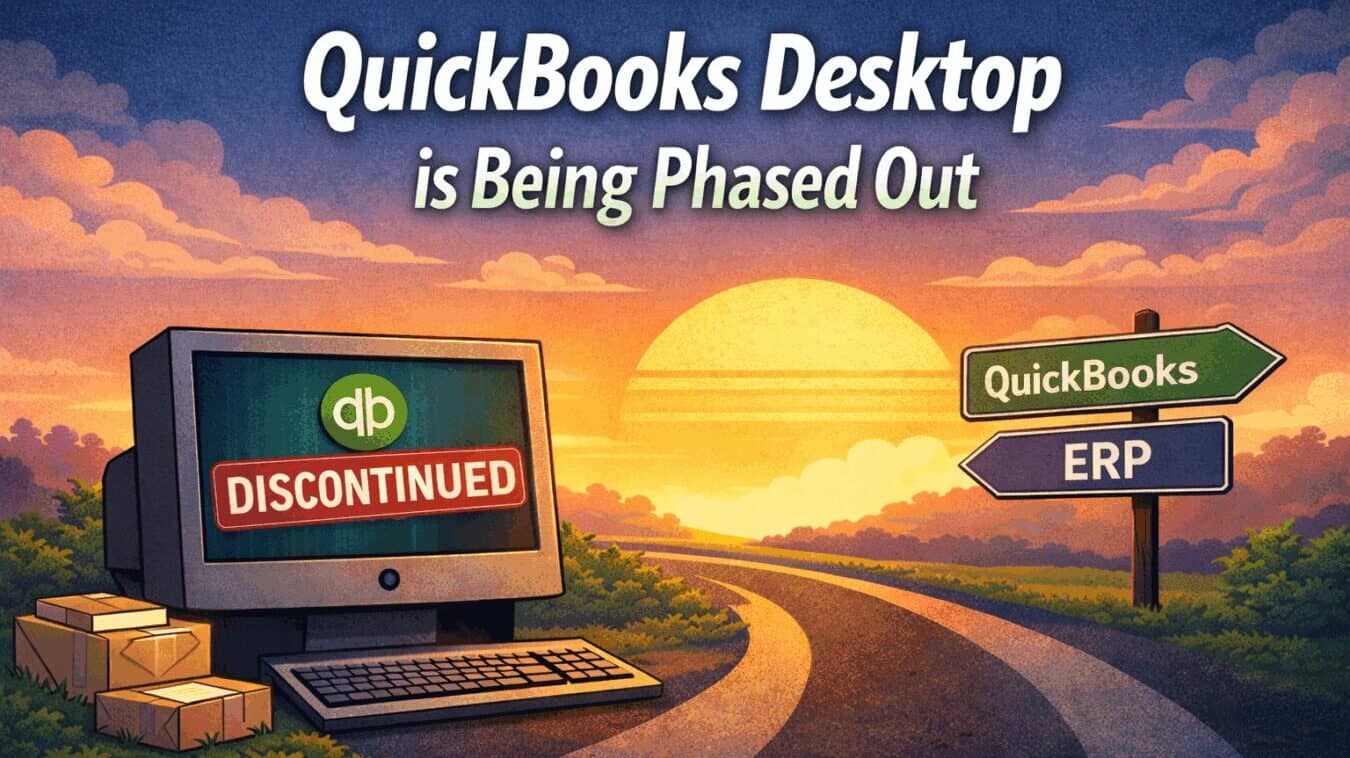
But businesses don’t stay small forever. As operations grow more complex and expectations increase, systems that once worked well can start to feel limiting. And now, with QuickBooks Desktop no longer being sold as a long-term solution, many Desktop versions have already been sunset, and Intuit’s direction is clear: all QuickBooks users are being pushed toward QuickBooks Online (QBO).

Many growing companies are reaching a natural decision point — not because QuickBooks failed them, but because they’ve outgrown what Desktop was designed to handle.

When Is QuickBooks Desktop 2023 Being Discontinued?
QuickBooks Desktop 2023 will reach end of support in May 2026. After that date, Intuit will no longer provide:
• Security updates or patches
• Technical support
• Online services like payroll, bank feeds, and integrations
While the software may still open, it will be unsupported. For businesses that rely on accurate financials, inventory visibility, or compliance, running core operations on unsupported software introduces real risk over time.

Can You Keep Using QuickBooks Desktop After May 2026?
Technically, yes — but practically, it becomes risky very quickly.

Once support ends, even small issues can snowball. Integrations stop syncing, updates no longer install cleanly, and manual workarounds start creeping in. Most companies don’t realize how dependent they are on Desktop until it begins slowing everything else down.

For growing teams, unsupported software often becomes a hidden bottleneck.

Why This Impacts QuickBooks Enterprise Users More Than Others
Enterprise users typically rely on QuickBooks for much more than basic bookkeeping.

Many are managing:
• Multiple warehouses or locations
• Inventory that needs to be accurate, not “close enough”
• High transaction volumes
• Reporting leadership depends on
To keep Desktop working, teams often layer on spreadsheets, add-ons, and manual processes. It works — until it doesn’t.

The sunset forces an honest question:
Are you running your business, or are you working around your system?

What Are Growing Businesses Doing Instead?
As May 2026 approaches, most QuickBooks Enterprise users find themselves evaluating one of two realistic paths.

Path 1: Move to QuickBooks Online — and Decide How Much More You Actually Need
For businesses that want to stay in the QuickBooks ecosystem, QuickBooks Online (QBO) is often the next step. It offers cloud access, automatic updates, and continued support.

If accounting is your only real challenge, and you don’t rely heavily on inventory, orders, or operational workflows, then moving to QBO may be all you need.

For growing businesses, however, accounting is usually just one piece of the puzzle. As inventory, fulfillment, and operations become more complex, many teams realize that QBO alone doesn’t replace the workarounds they relied on in Desktop.

That’s why many businesses choose to move to QuickBooks Online with a robust inventory and operations platform — keeping QuickBooks for accounting, while managing inventory, orders, and workflows in a system built for scale.

👉 Related reading:
Why So Many Businesses Are Moving from QuickBooks Desktop to QuickBooks Online — and Where QBO Needs Help

Path 2: Move Beyond QuickBooks Entirely

For other businesses, the sunset is an opportunity to simplify.
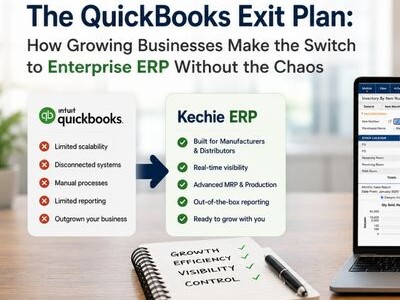
Instead of managing accounting, inventory, CRM, and reporting across multiple systems, they move to a single cloud platform that brings everything together — including accounting.
👉 Related reading:
When It’s Time to Replace QuickBooks with a Full Cloud ERP