

NetSuite Alternative for Small to Mid-Size Businesses: Features, Flexibility, and Fit (2026)
NetSuite Alternative for Small to Mid-Size Businesses: Features, Flexibility, and Fit (2026)

NetSuite is a well-established ERP platform with broad capabilities. But for small to mid-size businesses (SMBs) with 15 to 250+ employees and revenues from $1M to $50M or more, the question is not whether NetSuite is powerful. The question is whether that power comes packaged in a way that fits how your business actually operates.
Many SMBs explore NetSuite and find that the implementation timeline, the complexity of customization, and the learning curve for non-technical teams create friction that slows adoption rather than accelerating operations.
That doesn’t make NetSuite a bad platform. It means the fit matters as much as the feature set.
If you’re evaluating NetSuite alternatives in 2026, you’re likely looking for an ERP that delivers the operational depth you need (inventory, warehouse management, manufacturing, purchasing, financials) with a faster path to value, less dependency on outside consultants, and a user experience your team can adopt without months of specialized training.
What Should SMBs Look for in a NetSuite Alternative?
Small to mid-size businesses evaluating ERP platforms are not looking for a downgrade. They need the same core operational capabilities but delivered at a scale, complexity level, and support model that fits a 15-to-250-person operation. Here is what matters most:
Full ERP Functionality, Not Just Accounting
The right alternative goes beyond QuickBooks-level accounting to include inventory management, warehouse operations, order processing, and (for manufacturers) MRP. A tool that handles only financials doesn’t address the operational challenges that led you to evaluate a platform like NetSuite in the first place.
Implementation That Does Not Disrupt the Business
SMBs need an ERP that goes live in weeks, not months, with minimal disruption to daily operations. The vendor should handle data migration, process configuration, and training as part of onboarding, without requiring your team to manage a parallel implementation project alongside running the business.
Ease of Use for Operational Teams
Most SMBs don’t have a dedicated ERP administrator or in-house developer. The platform needs to be usable by warehouse staff, operations managers, and controllers without weeks of specialized training. If a system requires deep technical expertise to configure or maintain, it creates a long-term dependency that adds operational risk.
Modular Design That Scales With Growth
The right ERP lets you start with the modules you need today and expand as the business grows. Feature gating, forced bundles, and mandatory add-ons to access core functionality create friction. SMBs need a platform where growth doesn’t require a platform overhaul.
Direct, Responsive Support
When something goes wrong during month-end close or a critical fulfillment cycle, you need a vendor who responds directly and quickly. The support experience should be included in the subscription, with access to people who built and know the system, not a tiered queue that adds delays when it matters most.
Kechie ERP: Built for How SMBs Actually Operate
Kechie is a fully integrated, cloud-based ERP designed specifically for small to mid-size distributors and manufacturers. It delivers the operational modules that growing businesses need: inventory management, warehouse management (WMS), MRP, order processing, procurement, CRM, logistics, and supports GAAP-compliant financials. All of it runs on a single database with real-time data across every module.
What sets Kechie apart is not a single feature. It’s how the entire platform is designed around the way SMBs work:
Operational Depth Without Complexity
Kechie includes native inventory management, multi-warehouse WMS, MRP, lot tracking, barcode scanning, and integrated purchasing as core functionality, not add-ons. For SMB distributors and manufacturers, these are not optional capabilities. They’re the reason you need an ERP in the first place. Kechie treats them that way.
Fast, Hands-On Implementation
Kechie implements in weeks. Our team handles configuration, data migration, and training directly. There’s no requirement for a third-party implementation partner, no extended discovery phase, and no months of waiting before the system delivers value. Your team is operational quickly because our team does the heavy lifting during onboarding.
Designed for Business Users, Not IT Departments
Kechie is built for the people who actually use it: warehouse staff, production managers, operations leads, and controllers. The interface is intuitive enough that new employees are typically productive within days. Configuration is manageable without developer expertise, allowing your team to control the system rather than relying on outside specialists.
Modular Packaging With Room to Grow
You start with the packages that match your current operations and add modules as your business scales. Kechie supports companies from 15 to 250+ employees and $1M to $250M+ in revenue. The platform grows with you without forcing an upgrade to access functionality you need today.
Direct Access to Engineering Support
When you contact Kechie support, you work directly with our engineering team. There’s no partner escalation layer and no premium support tier required to get real answers.
How Kechie Compares to NetSuite for SMBs
The table below highlights key differences in how each platform serves small to mid-size businesses. The goal isn’t to say one is universally better. It’s to show where the fit differs based on business size, operational needs, and internal resources.
| Category | NetSuite | Kechie |
| Target Business Size | Mid-market to enterprise. Broad capabilities across business sizes and industries. | Small to mid-size businesses (15-250+ employees, $1M-$250M+ revenue). Purpose-built for SMB distributors and manufacturers. |
| Core ERP Modules | Comprehensive module library. Some capabilities (manufacturing, advanced WMS) available as add-on modules. | Inventory, WMS, MRP, order processing, procurement, CRM, logistics, RMA, and support GAAP-compliant financials included as core functionality. |
| Implementation | Implementation timelines vary based on complexity, customization requirements, and partner involvement. | Weeks. Kechie’s team handles configuration, data migration, and training directly. No third-party implementation partner required. |
| Ease of Use | Feature-rich interface with extensive capabilities. May require training investment and dedicated admin resources for smaller teams. | Designed for operational users (warehouse staff, production managers, controllers, buyers, sales team). New employees typically productive within days. |
| Customization | SuiteScript (JavaScript-based) enables deep customization. Requires developer expertise for workflow adjustments. | Configurable based on customer requirements. Managed by business users without developer dependency. |
| Support Model | Tiered support options. Premium support available. Complex issues may involve implementation partners. | Direct access to Kechie’s engineering team. No partner escalation layer. |
| Modular Flexibility | Core platform with additional modules and capabilities available at higher tiers or as paid add-ons. | Start with the modules you need and add more as you grow. Core operational features included from the start. |
When Kechie Is the Right Fit for Your Business
You Need Full ERP Functionality at SMB Scale
If your business needs inventory management, warehouse operations, manufacturing (MRP), purchasing, and fully integrated financials in a single platform, and you have 15 to 250+ employees, Kechie was designed for your exact situation. These capabilities are native to the platform, not layered on as add-ons.
You Are Outgrowing QuickBooks but Need a Practical Next Step
This is the most common position. QuickBooks can no longer support your operational complexity, but enterprise-grade platforms feel designed for a company two or three times your size. Kechie fills that gap: real ERP functionality built for the operational realities of growing SMBs.
Your Team Needs a System They Can Actually Use
If your operations team, warehouse staff, and finance team need to be productive on the system without weeks of specialized training, usability matters as much as features. Kechie is designed for business users. New team members are typically up and running in days, not weeks.
You Want to Be Live in Weeks, Not Months
If your business cannot absorb a long implementation timeline, Kechie’s hands-on onboarding gets you operational quickly. Our team handles configuration, migration, and training directly so your team can focus on running the business.
You Are a Manufacturer or Distributor
Kechie was purpose-built for SMB manufacturers and distributors. MRP, multi-warehouse inventory, lot tracking, barcode scanning, and integrated purchasing are core to the platform. If your business lives in these workflows, Kechie speaks your operational language natively.
See Kechie in Action
Kechie is the full-featured, right-sized ERP built for small to mid-size businesses that need operational depth without enterprise complexity. Inventory management, warehouse management, MRP, order processing, CRM, and GAAP-compliant financials in a single cloud platform. Implementation in weeks. Support from the team that built it.
➤ Schedule your free Kechie ERP demo and see the difference.
Key Takeaways
NetSuite is a capable ERP with a broad reach across industries and business sizes. For small to mid-size businesses, the question is whether that breadth translates into the right fit for your team, your timeline, and your operational needs.
Kechie delivers the core operational functionality that SMB distributors and manufacturers depend on: inventory, warehouse management, manufacturing, purchasing, and financials. It’s built around fast implementation, intuitive usability, modular flexibility, and direct engineering support. For businesses with 15 to 250+ employees and revenues from $1M to $250M and beyond, Kechie is designed to be the ERP that fits how you actually operate.
FAQs
Is Kechie ERP a true NetSuite alternative or just an accounting tool?
Kechie is a full ERP, not just accounting software. It includes inventory management, warehouse management, MRP, order processing, procurement, CRM, logistics, and supports GAAP-compliant financials. It serves as a complete operational platform for SMB distributors and manufacturers, not just a financial module replacement.
How long does it take to implement Kechie compared to NetSuite?
Kechie implements in weeks. Our team handles configuration, data migration, and training directly without requiring third-party implementation partners. The hands-on onboarding approach means your team is operational quickly with minimal disruption to daily business.
Does Kechie work for businesses in manufacturing or distribution?
Yes. Kechie was built specifically for SMB manufacturers and distributors. MRP, multi-warehouse inventory, lot tracking, barcode scanning, and integrated purchasing are native to the platform. These are core capabilities, not add-ons.
What size business is Kechie designed for?
Kechie serves small to mid-size businesses with 15 to 250+ employees and revenues from $1M to $250M+. That includes companies that many people would call “small business” at $5M in revenue and companies operating at $50M or beyond. The platform scales with growth rather than requiring a migration to a different system.
Is Kechie suitable for non-manufacturing SMBs?
Yes. Kechie serves distributors, wholesalers, 3PL providers, ecommerce fulfillment operations, food and beverage distributors, and healthcare supply chain businesses in addition to manufacturers. The modular design lets non-manufacturing businesses use inventory, purchasing, and financial modules without the manufacturing-specific features.
Schedule a Free Demo Today!
See how Kechie ERP can transform your business, save you time, money, and aggravation. Click the button below to schedule your free demo.
Schedule Your Kechie Demo Now!









7 Best Manufacturing Software for SMB Manufacturers (2026)
7 Best Manufacturing Software for SMB Manufacturers (2026)

If you’re a small or mid-size manufacturer still running production in spreadsheets, managing BOMs in documents, or tracking inventory in QuickBooks, you already know the cost: version conflicts, data gaps, stockouts that should not have happened, and reporting delays that make decision-making reactive instead of strategic.
The best manufacturing software in 2026 solves these problems by connecting production planning, inventory management, purchasing, and financials in a single system.
This guide compares the 7 best manufacturing software systems for SMB manufacturers, including both full ERP platforms with native manufacturing modules and dedicated MRP tools.
We evaluated each platform on manufacturing depth (BOMs, work orders, MRP, production scheduling), inventory management, ease of use for floor-level staff, total cost of ownership, and how well it serves small to mid-size operations specifically.
Whether you run a small manufacturing team or a growing operation with hundreds of employees, choosing the right manufacturing software can be challenging. This comparison will help you evaluate your options and build a shortlist.
Best Manufacturing Software Systems: Comparison & Ratings Chart
| Software | Best For | Key Features | Integrations | Setup | Starting Price | Rating |
| Kechie | SMB manufacturers & distributors | Full ERP + MRP + WMS + inventory | Native: Shopify, Amazon, ShipStation, EDI, QuickBooks | Weeks | Contact for quote | 4.5+/5 |
| Epicor Kinetic | Discrete manufacturers | MRP, shop floor, quality mgmt | Native: major EDI, CAD, CRM | 3-6 months | Contact for quote | 4.0/5 |
| Oracle NetSuite | Mid-market manufacturers | Global ERP + manufacturing | Large marketplace | 3-6 months | $$$+/user/mo | 4.0/5 |
| Acumatica | Mid-size (no per-user fees) | Manufacturing + distribution ERP | Native Power BI, 200+ connectors | 3-6 months | Contact for quote | 4.5/5 |
| Katana | Small e-commerce manufacturers | MRP, BOM, production scheduling | Shopify, WooCommerce, Xero, QBO | 2-6 weeks | From $179/mo | 4.2/5 |
| Infor CloudSuite | Industry-specific verticals | Deep vertical manufacturing ERP | AWS-native, 100+ connectors | 3-9 months | Contact for quote | 4.0/5 |
| Odoo | Budget-conscious manufacturers | Open-source modular ERP + MRP | Community marketplace | 4-12 weeks | Free (Community); ~$25/user/mo | 4.1/5 |
7 Top Manufacturing Software Solutions in 2026 Reviewed
Here are the top 7 manufacturing software solutions for SMB manufacturers in 2026:
1. Kechie – Best Fully Integrated Manufacturing ERP for SMB Manufacturers & Distributors
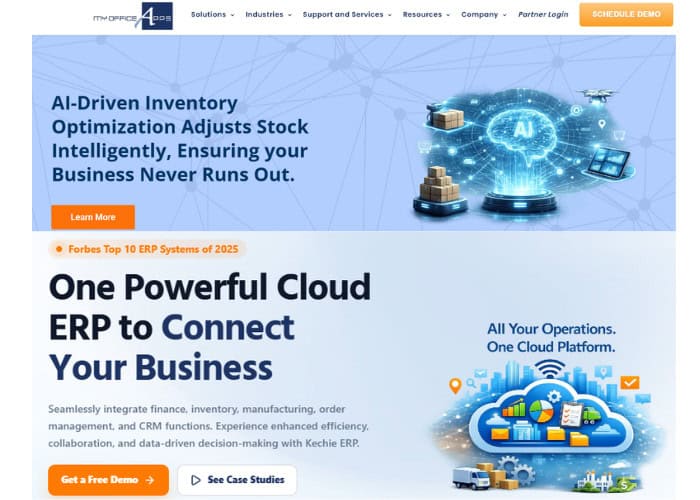
If your core frustration is that your current tools force you to manage production in one system, inventory in another, and accounting in a third, Kechie is the most direct solution. We built Kechie as a fully integrated, cloud-based ERP that runs MRP, inventory, warehouse management, purchasing, order processing, and GAAP-compliant financials on a single database, with real-time data across every module.
Product Overview
Kechie addresses the three biggest pain points for SMB manufacturers: disconnected systems forcing manual reconciliation, inventory inaccuracies causing stockouts and overstock, and production planning that lives in spreadsheets rather than a system of record. Our MRP module calculates material requirements from real-time demand, generates purchase orders automatically, and integrates production scheduling with inventory and purchasing so nothing falls through the gaps.
Multi-warehouse inventory with lot tracking, serialization, barcode-driven pick/pack/ship, automated cycle counting, and real-time stock visibility completes the operational picture. Every transaction is auditable and drillable from a single interface.
Pricing
User-based subscription pricing. Packages available modularly (manufacturing/MRP, inventory/WMS, finance) or as a full ERP. One-time fee for implementation, data migration, and training. Minimum 7 users. Contact us for a custom quote.
Integrations
Native integrations with Shopify, Amazon, ShipStation, FedEx, UPS, EDI trading partners, and payment processors. QuickBooks migration path for businesses upgrading from accounting software.
Setup
Implementation typically takes a few weeks. Our team blueprints your manufacturing processes, configures workflows, handles data migration, and trains staff. No external consultants required.
Tradeoffs
Reviewers on Capterra, G2, and GetApp consistently highlight ease of use, flexible customization, and support quality. Some users note a learning curve with advanced configuration, and manufacturers needing highly specialized industry modules should verify fit. For SMB manufacturers who need production, inventory, and accounting in one system without enterprise complexity, Kechie delivers the best balance of depth and usability.
Support
Award-winning customer support with direct access to our engineering team. No third-party support partners or consultant fees for basic questions. Phone, email, and ticket-based support with dedicated account management.
Mini Case Study
Caitec, a distribution and manufacturing company, evaluated four ERP systems and chose Kechie because we could customize during rollout rather than forcing a rigid package. They doubled their business with 30% less overhead after implementation, with new employees productive on the system within one to two days.
➤ See Kechie’s manufacturing ERP in action: Schedule your free demo
2. Epicor Kinetic – Best for Discrete Manufacturers Needing Deep Shop Floor Control
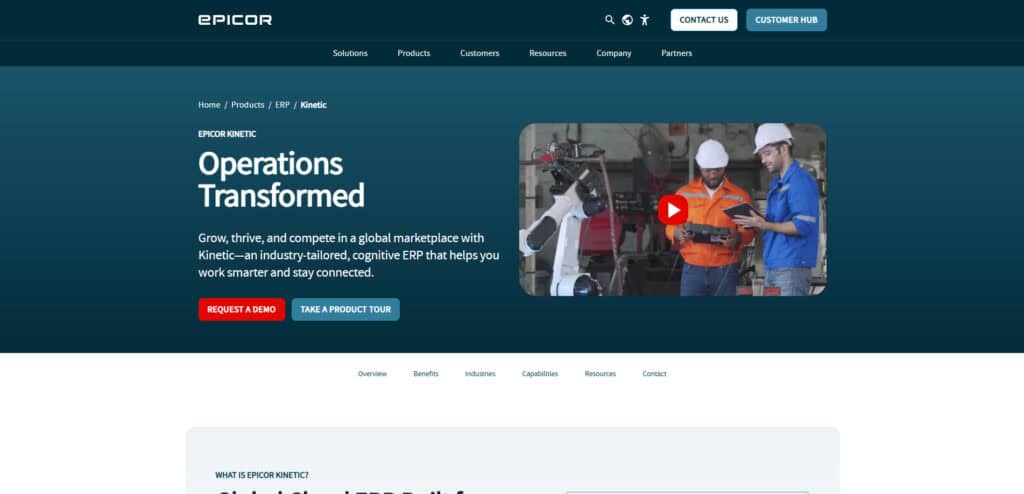
Epicor was built for manufacturing from the ground up. For discrete manufacturers who need advanced production scheduling, shop floor execution, quality management, and MES capabilities beyond what general-purpose ERPs offer, Epicor Kinetic is the manufacturing-first platform.
Product Overview
MRP, advanced production scheduling, quality management with inspection plans, shop floor execution with real-time tracking, supply chain management, and integrated financials. Strong in automotive, aerospace, industrial equipment, and job shop environments.
Pricing
Contact Epicor for quotes. Positioned between SMB and enterprise pricing. Implementation costs add substantially.
Setup
3 to 6 months for standard deployments. Partner-dependent implementation.
Tradeoffs
Epicor provides the deepest manufacturing functionality of any platform on this list, particularly for discrete manufacturers with complex shop floor requirements. The trade-off is higher cost, longer implementation, and a UI that is still being modernized. Less suited for distribution-heavy or mixed operations.
3. Oracle NetSuite – Best for Mid-Market Manufacturers Planning Global Expansion
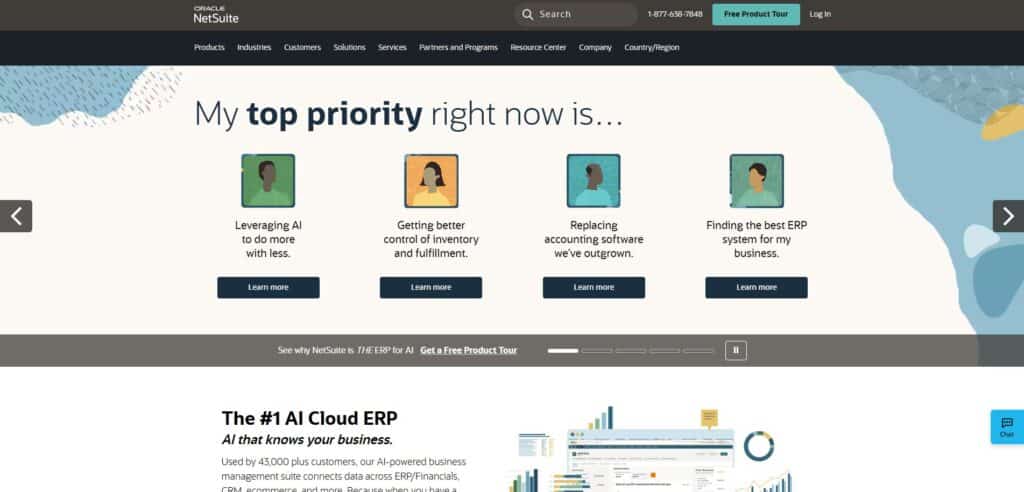
NetSuite is the ERP that growing manufacturers move to when they need multi-subsidiary management, global compliance, and a platform that handles enterprise-scale manufacturing operations.
Product Overview
Manufacturing modules include demand planning, work orders, routing, WIP tracking, and quality management. Integrated with NetSuite’s financials, inventory, CRM, and ecommerce (SuiteCommerce).
Pricing
Base platform fee plus per-user licensing. Significantly higher than SMB alternatives. The manufacturing module is an add-on.
Setup
3 to 6 months standard. Complex deployments extend beyond 12 months.
Tradeoffs
NetSuite provides strong manufacturing functionality within a mature global ERP, but the cost and complexity exceed what most SMB manufacturers need. Best suited for companies with $10M+ revenue planning multi-entity or international operations.
4. Acumatica – Best for Mid-Size Manufacturers Who Want Unlimited Users
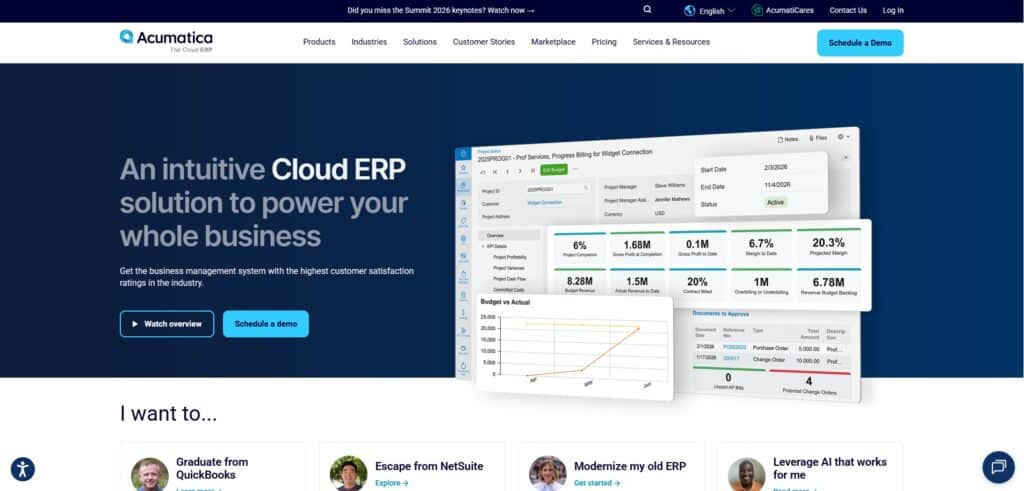
Acumatica’s consumption-based pricing means every warehouse worker, machine operator, and floor manager can access the system without adding per-user costs. For manufacturers with large teams, this pricing model can save tens of thousands annually compared to per-seat alternatives.
Product Overview
Manufacturing suite includes engineering change control, production management, MRP, estimating, product configurator, and advanced planning. Integrated with distribution, financials, CRM, and project accounting.
Pricing
Consumption-based (transactions and storage, not user count). Contact Acumatica for quotes.
Setup
3 to 6 months through certified VARs. Implementation quality varies by partner.
Tradeoffs
Acumatica offers strong manufacturing capabilities with a pricing model that rewards growth rather than penalizing it. Implementation requires a VAR partner, and costs can exceed initial estimates if scope changes during deployment.
5. Katana – Best MRP for Small Ecommerce-Driven Manufacturers
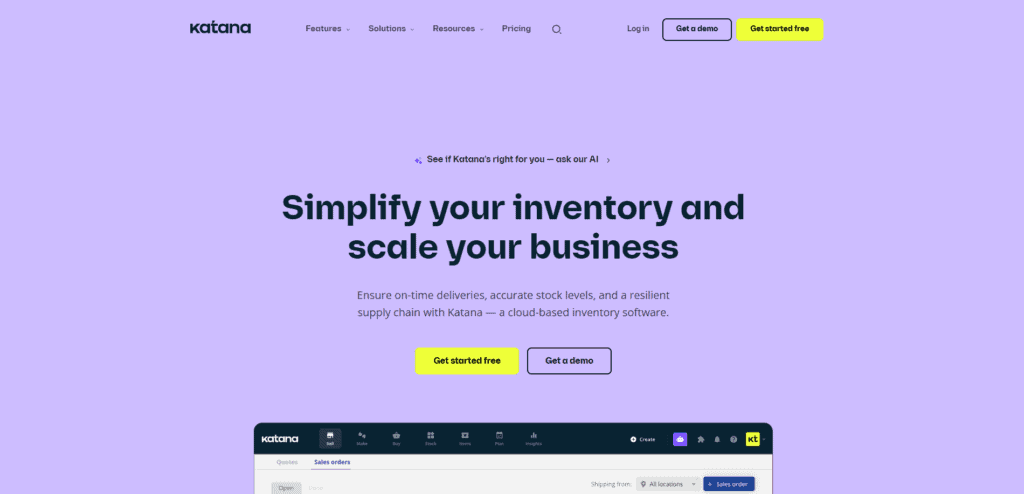
Katana is a cloud-native MRP platform designed for small manufacturers who sell through Shopify, WooCommerce, or Amazon and need production planning, BOM management, and inventory tracking without a full ERP. It’s one of the best small business manufacturing software options for e-commerce-first operations.
Product Overview
Visual production scheduling, auto-booking of materials from BOMs, real-time inventory tracking, batch and serial number management, barcode scanning, and sales order management with e-commerce sync.
Pricing
Starter from $179/month. Standard from $359/month. Pricing is usage-based (sales order volume and locations), not per-user. Free plan available for up to 30 SKUs.
Setup
2 to 6 weeks with dedicated onboarding. Onboarding fee starts at $999.
Tradeoffs
Katana excels at visual production planning and e-commerce integration for small manufacturers. Recent pricing model changes have drawn criticism from users with high order volumes and low-ticket products, as usage-based tiers can escalate quickly. Katana is an MRP, not a full ERP, so you will still need separate tools for advanced accounting, CRM, and warehouse management.
6. Infor CloudSuite Industrial (SyteLine) – Best for Industry-Specific Manufacturing
Infor differentiates through deep industry-specific manufacturing functionality. Instead of one platform configured for every vertical, Infor offers purpose-built CloudSuites for discrete manufacturing, process manufacturing, automotive, aerospace, and food & beverage.
Product Overview
Production scheduling, shop floor management, quality management, supply chain planning, demand sensing, and financials. Pre-configured industry workflows reduce customization needs.
Pricing
Contact Infor for custom pricing. Enterprise tier.
Setup
3 to 9 months, depending on vertical and manufacturing complexity.
Tradeoffs
Infor provides the deepest industry-specific preconfiguration, reducing implementation time for manufacturers in supported verticals. Cost and complexity are enterprise-grade, making it less accessible to SMBs with revenue below $25M.
7. Odoo – Best Budget-Friendly Open-Source Manufacturing Platform
Odoo’s Community edition provides free, open-source MRP with BOMs, work orders, and production scheduling. For budget-constrained manufacturers who need basic production planning without licensing fees, Odoo offers the lowest entry point on this list.
Product Overview
MRP, BOMs, work orders with routing, work center management, quality control, maintenance scheduling, and inventory management. Enterprise edition adds more advanced planning and reporting.
Pricing
Community edition: free (self-hosted). Enterprise: approximately $24.90/user/month (Standard) to $37.40/user/month (Custom). Each additional app adds to the monthly cost.
Setup
4 to 12 weeks, depending on complexity and whether self-hosted or cloud.
Tradeoffs
Odoo’s low entry price attracts cost-conscious manufacturers, but the total cost of ownership rises significantly with Enterprise licensing, third-party modules, and implementation partner fees. Heavy customization creates upgrade debt, and US GAAP accounting support is limited. Best for technically capable teams with modest manufacturing complexity.
How to Choose the Best Software for Manufacturing
Step 1: Define Your Core Manufacturing Requirements
Document your specific needs: discrete vs. process manufacturing, BOM complexity, production scheduling requirements, quality management, lot traceability, and compliance mandates (ISO, FDA). The best software for a manufacturing company depends entirely on your specific production model, so start with what you actually do on the floor every day. Whether you are evaluating the best software for a manufacturing business of 20 people or 200, the requirements definition step is what separates a good decision from an expensive mistake.
Step 2: Set Your Budget and Total Cost of Ownership
Calculate beyond the license fee: implementation, data migration, training, ongoing support, and the cost of integrations you will need. Compare this to the cost of your current system (including manual processes and error costs).
Step 3: Evaluate Integration With Your Existing Tech Stack
Verify native integrations with your e-commerce platforms, shipping carriers, EDI partners, accounting tools, and any CAD or PLM systems. Middleware and manual exports create the same data fragmentation you are trying to solve.
Step 4: Assess Scalability for Your Growth Plans
Choose a platform that handles your needs today and your projected needs in 3 years. Adding users, SKUs, warehouses, or production lines shouldn’t require a platform migration.
Step 5: Request Demos and Involve Your Floor-Level Users
Bring your production manager, warehouse lead, and controller into the demo. Have the vendor walk through your actual workflows: creating a production order, consuming materials, tracking WIP, completing a work order, and reconciling costs. Generic demos hide usability problems.
Step 6: Check Vendor Support, Training, and Onboarding
Evaluate how the vendor handles onboarding, training, and ongoing support. Direct vendor support is faster and more reliable than partner-mediated support. Ask about response times, dedicated account management, and whether support is included in the subscription.
Step 7: Compare Implementation Timelines and Disruption Risk
Ask each vendor for a realistic implementation timeline based on your scope. Platforms that are implemented in weeks create less business disruption than platforms that require 6 to 12 months. Factor in the cost of running parallel systems during a long implementation.
Key Features to Look for When Choosing the Best Manufacturing Management Software
Material Requirements Planning (MRP)
MRP calculates what materials you need, when you need them, and generates purchase orders and production recommendations from real-time demand and supply data. This is the single most important manufacturing feature. Without it, you’re planning production manually.
Bill of Materials (BOM) Management
Multi-level BOMs with cost rollup, revision control, and the ability to track components across assemblies. Your BOM should connect directly to inventory and purchasing, so material availability is always visible.
Production Scheduling and Work Orders
Visual production scheduling with work order creation, status tracking, material consumption, and completion reporting. Floor-level users should be able to start, track, and close work orders without leaving the system.
Real-Time Inventory Management
Multi-warehouse inventory with real-time stock visibility, lot tracking, serialization, barcode scanning, automated cycle counting, and reorder point automation. Inventory accuracy is the foundation of manufacturing efficiency.
Quality Management and Traceability
Lot traceability, inspection plans, quality holds, and documentation that support compliance with ISO, FDA, or customer-mandated quality programs. For regulated manufacturers, this is non-negotiable.
Integrated Financials (GAAP-Compliant)
Manufacturing costing (standard, average, or actual), WIP accounting, variance analysis, and financial reporting that connects production costs to your general ledger without manual journal entries.
Procurement and Vendor Management
Automated purchase orders triggered by MRP, vendor scorecarding, receiving workflows, and three-way matching. Procurement should flow directly from material requirements to purchase orders to receiving to accounts payable.
Which of the Popular Manufacturing Platforms Is Right for Your Business?
For SMB manufacturers (15 to 250 employees) who need MRP, inventory, warehouse management, and accounting in one integrated platform without enterprise complexity or cost, Kechie is the best fit. We built it for exactly this use case.
For discrete manufacturers with complex shop floor and quality requirements, Epicor Kinetic provides the deepest manufacturing functionality. For mid-market companies planning global operations, Oracle NetSuite offers enterprise scale. For manufacturers who want unlimited users without per-seat fees, Acumatica’s consumption model is compelling. Small e-commerce manufacturers who primarily need MRP and inventory should evaluate Katana.
➤ Ready to upgrade your manufacturing software? Schedule your free Kechie demo
FAQs
What is the best manufacturing software for a small business in 2026?
For small manufacturers (15 to 250 employees) who need integrated MRP, inventory, and accounting, Kechie provides the best balance of manufacturing depth, ease of use, and total cost. Katana is a strong option for very small e-commerce manufacturers who primarily need MRP and BOM management without full ERP functionality.
Cloud-Based vs. On-Premises ERP: Which Is Best for Manufacturing?
Cloud-based ERP is the better choice for most SMB manufacturers in 2026. It eliminates infrastructure costs, provides remote access, includes automatic updates, and implements faster. On-premises makes sense only for manufacturers with strict data sovereignty requirements or very specialized hardware integrations that cloud platforms cannot support.
How does the manufacturing industry sector affect ERP software selection?
Discrete manufacturers need BOMs, work orders, and production scheduling. Process manufacturers need formula management, batch tracking, and regulatory compliance. Mixed-mode manufacturers need both. Choosing a platform built for your manufacturing type avoids costly customization and ensures core workflows are native, not bolted on.
What are the most common challenges when choosing the best manufacturing software?
The biggest mistakes are: overbuying enterprise software for an SMB operation, underestimating implementation time and cost, not involving floor-level users in evaluation, choosing based on feature lists rather than workflow testing, and ignoring total cost of ownership in favor of sticker price.
How long does it take to implement a new manufacturing system?
Cloud-based SMB platforms like Kechie can be implemented in weeks. Mid-market solutions like Acumatica and Epicor take 3 to 6 months. Enterprise platforms like NetSuite and Infor can take 6 to 12+ months. The timeline depends on data complexity, customization needs, and how many parallel systems you’re replacing.
What ongoing costs are associated with manufacturing systems?
Ongoing costs include: software subscription or license fees, user licensing (if per-seat), annual maintenance (for on-premises), vendor support fees (if not included), integration maintenance, and periodic training for new employees. Cloud ERP typically bundles most of these into the subscription, making costs more predictable.
What are the five types of software used in manufacturing?
The five primary categories are: ERP (enterprise resource planning for end-to-end operations), MRP (material requirements planning for production), MES (manufacturing execution systems for shop floor), CAD/CAM (design and machining), and CMMS (maintenance management). Many modern platforms combine ERP and MRP into a single system.
Schedule a Free Demo Today!
See how Kechie ERP can transform your business, save you time, money, and aggravation. Click the button below to schedule your free demo.
Schedule Your Kechie Demo Now!In This Article
– Best Manufacturing Software Systems: Comparison & Ratings Chart
– 7 Top Manufacturing Software Solutions in 2026 Reviewed
– How to Choose the Best Software for Manufacturing
– Key Features to Look for When Choosing the Best Manufacturing Management Software
– Which of the Popular Manufacturing Platforms Is Right for Your Business?
– FAQs

Outgrown QuickBooks? Signs It's Time to Switch to ERP (2026)
Outgrown QuickBooks? Signs It’s Time to Switch to ERP (2026)

If you’ve outgrown QuickBooks, you know the feeling. The spreadsheets are multiplying, inventory counts are wrong more often than they’re right, month-end close takes twice as long as it should, and your team is spending more time working around the system than working inside it.
QuickBooks was built for accounting. It handles invoicing, bill payment, and basic financial reporting well. But it was never designed to run a distribution or manufacturing operation with multiple warehouses, thousands of SKUs, complex purchase orders, and a growing team that needs real-time data across departments.
This guide identifies the 12 clearest signs a business has outgrown QuickBooks, explains what it actually means to outgrow your accounting software, and walks you through the features to look for when choosing an ERP replacement.
If you’re asking, “How do I know if I have outgrown QuickBooks?”, the answer is usually that you already know. The question is what to do about it.
What Does It Mean to “Outgrow” QuickBooks?
Outgrowing QuickBooks doesn’t mean the software stopped working. It means the gap between what your business needs and what QuickBooks can deliver has become wide enough that the workarounds cost more than a proper solution would.
QuickBooks is accounting software. It tracks money in and money out.
When your business starts requiring real-time inventory visibility, multi-warehouse management, manufacturing planning, integrated CRM, or cross-departmental automation, QuickBooks can’t accommodate those needs without bolt-on tools, manual processes, and spreadsheets that introduce errors and slow your team down.
The inflection point varies by company, but it typically occurs when operational complexity outpaces a financial system’s capacity to manage it.
For distributors, it’s usually inventory accuracy. For manufacturers, it’s production planning. For multi-location businesses, it’s consolidated reporting.
The common thread is that QuickBooks becomes the bottleneck instead of the backbone.
12 Top Signs You’ve Outgrown QuickBooks
The signs you have outgrown QuickBooks tend to compound over time. What starts as a minor inconvenience becomes a structural limitation that affects every department. Here are the 12 most common signals we see across distributors and manufacturers in the SMB space.
Sign 1: You’re Managing Critical Processes in Spreadsheets
When core business processes like inventory tracking, order management, and procurement start living in Excel rather than your accounting system, QuickBooks has reached its operational ceiling. The reliance on manual data re-entry between disconnected tools is both a symptom and the source of compounding errors. If your team maintains more spreadsheets than QuickBooks workflows, the system is no longer serving you.
Sign 2: Inventory Tracking Is Getting Too Complex
QuickBooks tracks what you bought and sold, but it can’t manage multiple warehouses, lot tracking, serial numbers, expiration dates, or real-time stock levels across locations. Once you pass a few hundred SKUs or add a second warehouse, inventory accuracy in QuickBooks depends entirely on manual updates that your team will inevitably fall behind on.
Sign 3: You Need Consolidated Reporting Across Multiple Entities
QuickBooks Online requires separate subscriptions per entity, and Enterprise lacks true multi-entity consolidation. If you’re running multiple locations, legal entities, or sales channels, producing a consolidated financial picture means exporting data into spreadsheets and manually reconciling. This creates lag, errors, and a version-control problem that worsens every month.
Sign 4: Financial Reporting Takes Too Long Every Month
When month-end close requires pulling data from multiple systems, reconciling spreadsheets, and manually entering transactions, the process becomes a recurring drain on finance team capacity. Controllers spending three to five days closing the books every month are not doing strategic work. They’re compensating for system limitations. A full ERP centralizes that data and automates the reconciliation work that QuickBooks forces your team to do by hand.
Sign 5: Your Team Is Entering the Same Data in Multiple Systems
Duplicate data entry is the clearest sign of system fragmentation. When your accounting team enters an invoice in QuickBooks, your operations team logs the same order in a spreadsheet, and your warehouse tracks it in a third tool, you’re paying for three inputs when one should suffice. Every duplicate entry is an opportunity for error.
Sign 6: You Need More Advanced Financial Controls and Permissions
QuickBooks offers basic role-based access, but growing businesses need granular permission controls: approval workflows for purchase orders, segregation of duties for financial transactions, audit trails for compliance, and role-specific dashboards. Without these, you’re either over-exposing sensitive data or creating manual approval bottlenecks.
Sign 7: QuickBooks Struggles With Your Transaction Volume
QuickBooks Online slows noticeably with high transaction volumes, large customer/vendor lists, and complex reporting queries. Enterprise performs better but has a hard ceiling. If your team waits for reports to load, experiences sync delays, or hits performance walls during peak periods, you have outgrown the platform’s technical capacity.
Sign 8: You Lack Real-Time Visibility Into Business Performance
QuickBooks reporting is financial and backward-looking. It tells you what happened last month. Growing businesses need to know what’s happening now: current inventory levels, open orders, fulfillment status, production progress, and margin by customer. If answering basic operational questions requires pulling data from multiple sources and assembling it in Excel, you are making decisions on stale information.
Sign 9: You’re Managing Manufacturing or Supply Chains Outside Your Accounting System
QuickBooks has no native support for bills of materials, work orders, MRP, or vendor management workflows. For manufacturers and distributors, this means production planning, material requirements, and supplier management live entirely outside your financial system. As production complexity grows, operating critical processes without a system of record becomes a compounding risk.
Sign 10: Too Many Integrations Are Holding Your Tech Stack Together
If you’re running QuickBooks plus an inventory app, plus a shipping tool, plus a CRM, plus a reporting tool, and they’re connected through Zapier, middleware, or manual exports, your tech stack is a fragile patchwork. Each integration point is a potential failure. When one breaks, data stops flowing, and your team scrambles. A single ERP replaces the patchwork with a unified platform.
Sign 11: Manual Work Is Slowing Down Your Finance Team
Manual bank reconciliation, manual invoice matching, manual journal entries, and manual intercompany transfers. When every step in your financial workflow requires human intervention, your finance team becomes a bottleneck that grows proportionally with transaction volume. An ERP automates the routine work, so your team can focus on analysis and decision-making.
Sign 12: Scaling the Business Means Hiring More Admin Staff
If every increase in order volume requires hiring another person to manage manual processes, you’re scaling headcount linearly with revenue. That’s not sustainable. Automation through an ERP, including automated reorder points, barcode scanning, integrated order-to-cash workflows, and real-time reporting, lets you grow without proportionally growing your back-office team.
Why You Should Switch to ERP If You’ve Outgrown QuickBooks
The switch from QuickBooks to ERP isn’t about getting a bigger version of the same thing. It’s about moving from a system that tracks financial transactions to a platform that runs the entire operation. Here are the main reasons why you should switch to ERP:
One System Instead of Five
An ERP replaces QuickBooks, your inventory spreadsheet, your shipping tool, your CRM, and your production tracker with a single platform where every transaction updates in real time across every department. No more reconciliation between systems. No more duplicate entries. No more wondering which version of the data is correct.
Real-Time Visibility Across the Entire Business
Controllers can see margin by customer. Operations managers can see fulfillment rates. Warehouse staff can see real-time stock levels. Sales can see what is available to promise. Everyone works from the same data, updated in real time, without waiting for someone to export a spreadsheet.
Automation That Replaces Manual Processes
Automated reorder points trigger purchase orders when stock drops below threshold. Barcode scanning eliminates manual inventory counts. Order-to-cash workflows move from quote to invoice without manual handoffs. The processes that consume your team’s time in QuickBooks happen automatically in an ERP.
Financial Controls That Match Your Growth
Granular role-based permissions, approval workflows, segregation of duties, and complete audit trails give your finance team the controls they need without manual bottlenecks. Multi-entity consolidation happens in the system, not in a spreadsheet.
Scalability Without Proportional Headcount Growth
An ERP lets you double order volume without doubling admin staff. The system handles the increased complexity through automation and integration, not through more people doing more manual work.
Key Features to Look for When Choosing the Right ERP for Your Business
Here are the main features to look for when deciding which ERP is right for your business:
Multi-Warehouse Inventory Management
Real-time stock visibility across every location, with bin-level tracking, lot and serial number management, barcode scanning, and automated cycle counting. This is the single most common gap that drives businesses away from QuickBooks.
Integrated Financial Management (GAAP-Compliant)
Full accounting that handles multi-entity consolidation, multi-state tax compliance, revenue recognition, bank reconciliation, and financial reporting. Your ERP should replace QuickBooks entirely for accounting, not run alongside it.
Manufacturing and MRP
If you manufacture, you need bills of materials, work orders, production scheduling, and material requirements planning integrated with inventory and purchasing. This functionality doesn’t exist in QuickBooks at any tier.
Order Management (Quote-to-Cash)
End-to-end order processing from quote to sales order to pick/pack/ship to invoice to payment, with real-time status updates and margin visibility at every step.
Procurement and Purchase Order Management
Automated purchase orders based on reorder points, vendor management, receiving workflows, and three-way matching (PO, receipt, invoice) that connects purchasing to inventory and accounting.
CRM Connected to Operations
Customer data linked to sales history, open orders, inventory availability, and financials. Your sales team sees the full picture without switching systems.
Reporting and Real-Time Dashboards
Out-of-the-box reports for margin by customer, inventory valuation, aging, fulfillment rates, and production status. Controllers and operations managers shouldn’t need to export to Excel to answer basic business questions.
Native Integrations
Vendor-built integrations with e-commerce platforms (Shopify, Amazon), shipping carriers (ShipStation, FedEx, UPS), EDI trading partners, and payment processors. Native means the ERP vendor maintains the integration, not a third-party app developer.
Check Out Kechie, the ERP System Made for Businesses Outgrowing QuickBooks
We built Kechie specifically for the transition from QuickBooks to ERP. It’s a fully integrated, cloud-based ERP for fast-growing small to mid-size distributors and manufacturers (doing 7 digits in revenue or over $1M in revenue) that replaces the entire patchwork of QuickBooks, bolt-on apps plus spreadsheets with a single platform.
Inventory management, warehouse management, MRP, order processing, procurement, CRM, logistics, and GAAP-compliant financials all run on one database with real-time visibility across every module.
Implementation takes weeks, not months. Our team helps with data migration from QuickBooks, configures workflows to match your processes, and trains your staff. The intuitive user interface makes training a breeze. No dedicated IT team or ERP administrator is required.
Kechie is a ready-to-go, subscription-based software solution, with pricing based on the packages you select. Companies can start with our Inventory Package, which manages all the ways inventory comes into and goes out of your company. This includes CRM, procurement, logistics, inventory management, warehouse management (WMS), and order management.
There are no hidden fees, and we support the implementation by providing a dedicated project manager and engineer to help ensure a smooth and successful rollout.
Kechie is also highly scalable based on your business requirements. As your operations grow, you can easily add modules such as Accounting, full Manufacturing, Equipment Maintenance, customer and vendor portals, and much more.
“When looking at new ERP software, we reviewed six or seven different software packages. Kechie was the one who gave us everything we were looking for. And, our decision turned out to be a great one. I would highly recommend Kechie to anyone looking for a new ERP system!”
➤ See Kechie in action: Schedule your free ERP demo
FAQs
How big is too big for QuickBooks?
There is no single revenue or employee threshold where a business outgrows QuickBooks. The real signal is operational complexity, not company size. Businesses with multiple warehouses, manufacturing processes, or teams approaching the 25-user limit often start running into its limitations. When critical processes are being managed in spreadsheets or separate systems because QuickBooks cannot support them, it’s usually a sign the business has outgrown it.
What’s the difference between QuickBooks and an ERP system?
QuickBooks is accounting software that manages financial transactions. An ERP manages the entire business: accounting plus inventory, warehouse management, manufacturing, CRM, procurement, and order processing in one integrated system. QuickBooks tracks money. An ERP tracks money and everything that generates it.
How do I know if I’ve outgrown QuickBooks?
The clearest indicators are: managing critical processes in spreadsheets, declining inventory accuracy, month-end close taking more than a few days, duplicate data entry across multiple systems, and workarounds that outnumber actual workflows. If your team spends more time compensating for QuickBooks’ limitations than using it productively, you have outgrown it.
Do big companies use QuickBooks?
Some larger companies use QuickBooks for basic accounting, but virtually none rely on it as their operational system. Companies with complex inventory, manufacturing, or multi-location operations use ERP systems. QuickBooks is designed for small businesses with straightforward accounting needs, not for operational management at scale.
Is switching from QuickBooks to an ERP disruptive?
It doesn’t have to be. With a cloud ERP like Kechie, implementation takes weeks. Data migration from QuickBooks is a defined process: customers, vendors, products, open orders, and financial history transfer into the new system. The disruption of switching is typically far less than the ongoing disruption of working around QuickBooks’ limitations every day.
At what revenue or company size should a business consider moving to an ERP?
Revenue is less relevant than operational complexity. That said, businesses between $2M and $250M in revenue with 15 or more employees and inventory-dependent operations are the typical ERP transition point. The trigger is usually a specific pain point: inventory inaccuracy, manufacturing needs, multi-location operations, or a month-end close that takes too long.
Is QuickBooks going to be discontinued?
QuickBooks Online is not being discontinued. However, Intuit is phasing out QuickBooks Desktop, pushing users toward QuickBooks Online, which is cloud-based but even more limited for inventory, manufacturing, and multi-entity operations. For businesses already outgrowing QuickBooks Desktop, moving to QuickBooks Online is a lateral step, not a solution.
What do big companies use instead of QuickBooks?
Mid-size and growing companies typically move to ERP systems such as Oracle NetSuite, Microsoft Dynamics 365, Acumatica, SAP, or modern cloud ERP solutions like Kechie. The right choice depends on industry, operational complexity, and growth plans. For distributors and manufacturers moving beyond QuickBooks, Kechie provides a streamlined upgrade path designed for growing teams.
Can an ERP replace QuickBooks entirely, or do both need to run in parallel?
A full ERP replaces QuickBooks entirely. It includes accounting functionality (general ledger, accounts payable/receivable, bank reconciliation, financial reporting) plus operational modules. There’s no need to run both systems. During migration, there may be a brief overlap period for data validation, but the goal is a complete transition.
Is Intuit ending QuickBooks Desktop?
Yes. Intuit is gradually phasing out some QuickBooks Desktop versions and shifting customers toward QuickBooks Online. For businesses facing this forced migration, the decision is whether to move to QuickBooks Online (which is more limited for inventory and operations) or to move to an ERP that solves the underlying problems QuickBooks Desktop couldn’t address.
What should a small manufacturer or distributor look for in a QuickBooks replacement?
The essential requirements are: multi-warehouse inventory management, integrated GAAP-compliant accounting, manufacturing support (MRP, BOMs, work orders if applicable), order management from quote to cash, barcode scanning, real-time reporting, native integrations with your ecommerce and shipping platforms, and responsive support that doesn’t require a consultant. Kechie covers all of these.
Schedule a Free Demo Today!
See how Kechie ERP can transform your business, save you time, money, and aggravation. Click the button below to schedule your free demo.
Schedule Your Kechie Demo Now!In This Article
– What Does It Mean to “Outgrow” QuickBooks?
– 12 Top Signs You’ve Outgrown QuickBooks
– Why You Should Switch to ERP If You’ve Outgrown QuickBooks
– Key Features to Look for When Choosing the Right ERP for Your Business
– Check Out Kechie, the ERP System Made for Businesses Outgrowing QuickBooks
– FAQs

10 Best Odoo Alternatives for Manufacturing & Distribution (2026)
10 Best Odoo Alternatives for Manufacturing & Distribution (2026)

Odoo looks great on the surface: open-source flexibility, modular pricing, and a library of apps that covers nearly every business function. But once you are deep into implementation with multiple warehouses, thousands of SKUs, and a finance team that needs GAAP-compliant reporting, the cracks start to show.
Customizations that made sense at launch now break with every version upgrade. Integrations that were supposed to be native require third-party middleware that fails silently. And the “affordable” ERP that attracted you in the first place now costs as much as a mid-market platform, without mid-market reliability.
If you are researching Odoo alternatives, you have likely experienced at least one of those frustrations firsthand. This guide compares 10 of the best Odoo alternatives for 2026, organized by use case: all-in-one ERP, CRM and sales, accounting and finance, and project management. We evaluated each platform on integration depth, ease of use for non-technical teams, total cost of ownership, and how well it serves distributors and manufacturers specifically.
Whether you need an affordable Odoo alternative with full ERP functionality, an ERP system that competes with Odoo at a lower price, or a cloud ERP replacement that handles inventory and manufacturing modules natively, the comparison below will help you narrow the field quickly.
What Are the Alternatives to Odoo? Top Odoo Competitor Comparison & Ratings Chart
| Software | Best For | Key Strength | Deployment | Starting Price | Setup Time | Capterra Rating |
| Kechie | SMB manufacturers & distributors | Fully integrated ERP + WMS + MRP | 100% Cloud | Contact for quote | Weeks | 4.7/5 |
| Oracle NetSuite | Mid-market growth companies | Global ERP with multi-subsidiary | Cloud | $$$+/user/mo | 3-6 months | 4.0/5 |
| Acumatica | Mid-size companies (no per-user fees) | Consumption-based pricing | Cloud | Contact for quote | 3-6 months | 4.5/5 |
| SAP Business One | SMBs in SAP ecosystem | Deep industry functionality | Cloud / On-prem | ~$100+/user/mo | 3-9 months | 4.0/5 |
| Microsoft Dynamics 365 | Microsoft-heavy organizations | Native Microsoft 365 integration | Cloud | From $70/user/mo | 3-6 months | 4.0/5 |
| ERPNext | Open-source ERP seekers | Free, Python-based ERP | Cloud / Self-hosted | Free; hosted from $50/mo | 2-8 weeks | 4.0/5 |
| Zoho One | Small businesses wanting app suite | 40+ apps for $45/user/mo | Cloud | From $45/user/mo | Days to weeks | 4.3/5 |
| Fishbowl | QuickBooks users adding WMS | Native QuickBooks integration | Cloud / On-prem | From ~$329/mo | 1-4 weeks | 4.1/5 |
| Sage Intacct | Finance-first organizations | Best-in-class cloud accounting | Cloud | Contact for quote | 2-4 months | 4.3/5 |
| Xero | Small businesses needing accounting | Simple, clean accounting | Cloud | From $29/mo | Days | 4.4/5 |
10 Top Odoo Alternatives for 2026
1. Kechie – Best Fully Integrated Cloud ERP for SMB Manufacturers & Distributors
If your primary frustration with Odoo is that it promises full integration but delivers a collection of loosely connected modules, Kechie is the most direct alternative. We built Kechie as a fully integrated cloud-based ERP specifically for small to mid-size distributors and manufacturers (15 to 250+ employees).
Inventory management, warehouse management, order processing, procurement, manufacturing with MRP, CRM, logistics, and a complete accounting package all run on a single database with real-time data across every module.
Product Overview
Kechie delivers the core functionality that Odoo users typically need multiple apps and third-party connectors to replicate: multi-warehouse inventory with real-time visibility, lot tracking and serialization, barcode-driven pick/pack/ship, Material Requirements Planning (MRP), automated cycle counting, and integrated financials.
Every transaction is audited and drillable. The system is accessible from any browser on any device, with no local installation required.
Pros & Cons
Pros: Truly integrated (no module-stitching or middleware needed), award-winning customer support with direct access to development engineers, fast implementation measured in weeks, unlimited transactions with no per-SKU or per-order surcharges, frequent feature updates, strong track record in distribution and manufacturing verticals.
Cons: Smaller brand compared to SAP or NetSuite, UI is functional rather than visually polished, less suitable for companies with fewer than 15 employees who only need basic tools.
Pricing
User-based subscription pricing. Packages available modularly (inventory/WMS, manufacturing, finance) or as a full ERP. One-time fee for implementation, data migration, and training.
Minimum 7 users. Contact us for a custom quote.
Unlike Odoo, there are no per-app fees and no hidden module dependencies that inflate costs.
Setup
Implementation typically takes weeks, not months. Our team assigns a dedicated group that blueprints your processes, builds a scope of work, and handles configuration. Caitec, a distribution company, evaluated four ERP systems and chose Kechie specifically because we could customize during rollout rather than forcing a rigid package. New employees are typically productive on the system within one to two days.
Tradeoffs
Reviewers on Capterra, G2, and GetApp consistently highlight ease of use, flexible customization, and support quality as Kechie’s standout strengths.
Some users note a learning curve with advanced configuration, and companies needing highly specialized industry modules (e.g., construction project accounting or field service routing) should verify fit.
For distributors and manufacturers specifically, Kechie addresses the exact pain points that drive companies away from Odoo: unreliable integrations, insufficient accounting depth, poor warehouse usability, and unpredictable total cost of ownership.
➤ See Kechie in action: Schedule your free ERP demo
2. Oracle NetSuite – Best for Mid-Market Companies Planning Global Expansion
NetSuite is the ERP that Odoo users graduate to when they need multi-subsidiary management, global tax compliance, and a platform that does not break under enterprise complexity. It runs financials, CRM, inventory, ecommerce, and HR on a single cloud platform with real-time dashboards.
Product Overview
NetSuite provides real-time financial consolidation, advanced demand planning, multi-currency and multi-subsidiary support, and a built-in WMS module. SuiteCommerce handles B2B and B2C ecommerce natively.
Pros & Cons
Pros: Mature, proven platform for scaling companies, strong financial management, global compliance, large partner ecosystem.
Cons: Expensive (total cost often 3-5x initial estimates), long implementation timelines, steep learning curve, customization requires SuiteScript expertise.
Pricing
Base platform fee plus per-user licensing. Total costs vary widely but typically run significantly higher than Odoo or most SMB-focused alternatives. Implementation fees add substantially to year-one costs.
Setup
3 to 6 months for standard implementations. Complex, multi-subsidiary deployments can extend beyond 12 months.
Tradeoffs
NetSuite solves Odoo’s scalability limitations but introduces cost and complexity that many SMBs find prohibitive. Best suited for companies with $10M+ revenue that need a platform built for global operations. If your primary issue with Odoo is cost, NetSuite moves in the wrong direction.
3. Acumatica – Best for Mid-Size Companies That Want Unlimited Users
One of the biggest pain points with Odoo’s per-user pricing is that adding warehouse workers, sales reps, or finance staff to the system inflates costs quickly. Acumatica eliminates this with consumption-based pricing that charges by resource usage rather than seat count, making it a strong Odoo alternative for companies with large teams.
Product Overview
Acumatica is a cloud-native ERP with strong vertical solutions for manufacturing, distribution, construction, and retail. It includes financials, CRM, inventory, project accounting, and advanced reporting through native Power BI integration.
Pros & Cons
Pros: No per-user fees, strong manufacturing and distribution modules, modern interface, robust API and integration framework.
Cons: Implementation costs can exceed initial estimates, customization requires .NET development expertise, pricing is opaque until you engage with a partner.
Pricing
Consumption-based pricing (transactions and storage, not user count). Contact Acumatica for quotes. Typically higher overall cost than Odoo but more predictable than NetSuite.
Setup
3 to 6 months through certified VARs (Value Added Resellers). Implementation quality varies by partner.
Tradeoffs
Acumatica ranks high in customer satisfaction (especially on G2) and offers genuine scalability for growing mid-market companies. The trade-off is that it requires more upfront investment than Odoo and depends heavily on partner quality for successful implementation.
4. SAP Business One – Best for SMBs Already in the SAP Ecosystem
SAP Business One is the small business tier of the SAP portfolio. It provides ERP functionality for companies with 10 to 500 employees, including financials, purchasing, inventory, manufacturing, and CRM. For businesses that value the SAP brand and need industry-specific functionality, it is a credible Odoo competitor.
Product Overview
Financials, purchasing, inventory, sales, CRM, production, MRP, and reporting in a single platform. Available on-premise or via SAP HANA Cloud. Strong in discrete manufacturing and wholesale distribution.
Pros & Cons
Pros: Enterprise-grade capabilities at an SMB scale, deep industry functionality, strong data analytics with HANA, global compliance.
Cons: Higher cost than Odoo, UI feels dated, implementation depends on quality of SAP partner, limited customization flexibility compared to open-source.
Pricing
Approximately $100+ per user per month for cloud. Perpetual licensing available for on-premise. Implementation costs range from $20,000 to $100,000+ depending on complexity.
Setup
3 to 9 months depending on scope and partner capability.
Tradeoffs
SAP Business One offers more reliability and depth than Odoo for manufacturing and distribution, but at a meaningfully higher price. If budget is your primary concern, SAP moves you further from Odoo’s cost advantage without the ease of use that newer cloud platforms provide.
5. Microsoft Dynamics 365 Business Central – Best for Microsoft-Heavy Organizations
If your team already lives in Outlook, Excel, and Teams, Dynamics 365 Business Central is the logical ERP choice. Native integration with the Microsoft 365 ecosystem eliminates the middleware and sync issues that plague Odoo’s third-party integrations.
Product Overview
Business Central covers financials, supply chain, sales, project management, and manufacturing with native Power BI analytics. In 2026, its integration with Microsoft Copilot adds AI-assisted reporting and data analysis.
Pros & Cons
Pros: Seamless Microsoft integration, strong financials and reporting, large AppSource marketplace, well-established partner network.
Cons: Per-user pricing adds up for larger teams, manufacturing module is less specialized than dedicated solutions, customization complexity, implementation can be slow.
Pricing
Essentials plan from $70/user/month. Premium (includes manufacturing and service management) from $100/user/month.
Setup
3 to 6 months for typical deployments. Heavily dependent on partner selection.
Tradeoffs
Dynamics 365 solves Odoo’s integration fragility for Microsoft shops, but per-user costs can climb fast with larger teams. The manufacturing and warehouse modules, while capable, are not as purpose-built for SMB distributors as solutions like Kechie.
6. ERPNext – Best Open-Source Alternative to Odoo
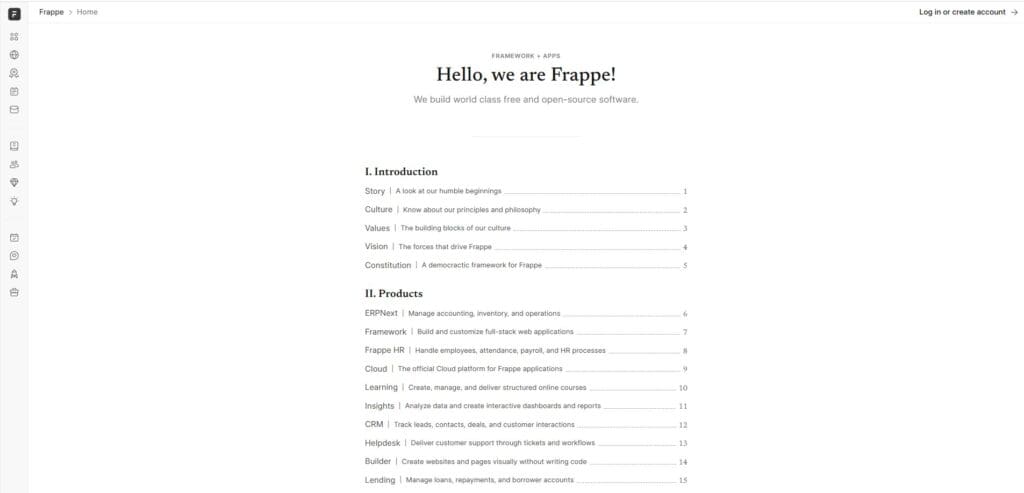
For companies specifically searching for an Odoo alternative that is open source, ERPNext is the closest equivalent. It is the strongest of the open source ERP alternatives to Odoo, offering a free, Python-based ERP that covers accounting, inventory, manufacturing, HR, CRM, and project management. Unlike Odoo, ERPNext does not split features between a Community and Enterprise edition.
Product Overview
ERPNext provides a full ERP suite including double-entry accounting, stock management with batch/serial tracking, manufacturing with BOM and work orders, CRM, HR, and project management. All features are available in the free version.
Pros & Cons
Pros: Completely free and open source (no paid tiers), all features included, active community, Python/JavaScript stack is easier to customize than Odoo’s framework, transparent development roadmap.
Cons: Smaller ecosystem than Odoo, fewer third-party apps and integrations, requires technical expertise for self-hosting, less polished UI, limited official support options.
Pricing
Free (self-hosted). Managed cloud hosting available from approximately $50/month through ERPNext Cloud. No per-user licensing fees in either model.
Setup
2 to 8 weeks for basic cloud deployments. Self-hosted installations require Linux administration skills.
Tradeoffs
ERPNext delivers on the open-source promise that Odoo originally made but has gradually moved away from. The tradeoff is a smaller partner ecosystem and less hand-holding during implementation. Best for technically capable teams that want full control without licensing fees.
CRM & Sales Alternatives
7. Zoho One – Best Affordable All-in-One Suite for Small Businesses
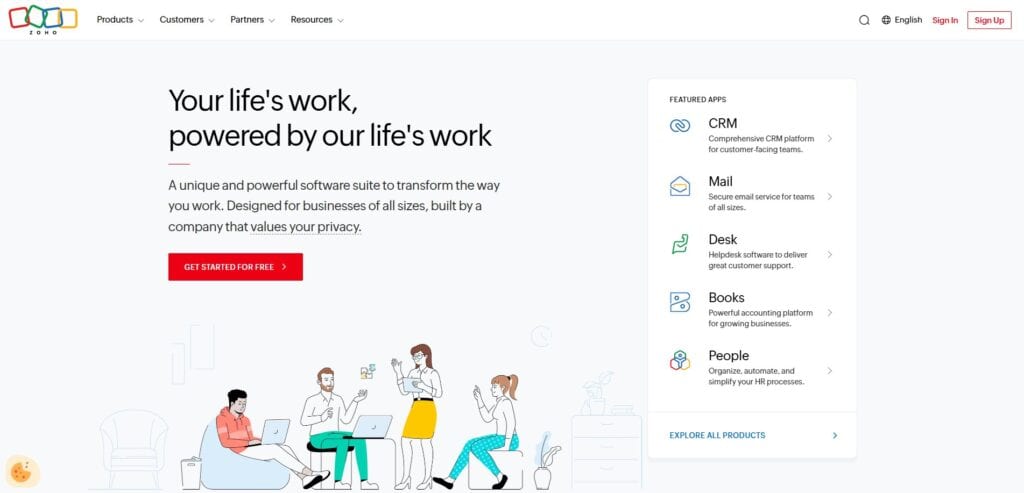
Zoho One bundles 40+ business applications (CRM, accounting, inventory, HR, project management, marketing, and helpdesk) into a single subscription. For small businesses that found Odoo’s CRM and sales modules acceptable but struggled with accounting or inventory depth, Zoho One provides a more cohesive experience at a predictable price point.
Product Overview
Zoho CRM is the centerpiece, with native integration to Zoho Books (accounting), Zoho Inventory, Zoho Projects, and dozens of other apps. The suite covers sales pipeline management, invoicing, inventory tracking, email marketing, and customer support.
Pros & Cons
Pros: Affordable flat-rate pricing, extensive app library, clean UI, strong CRM functionality, good for small teams that need breadth over depth.
Cons: Individual apps are less powerful than dedicated solutions, inventory and manufacturing modules lack depth for complex operations, integration between Zoho apps is good but not seamless, limited WMS capabilities.
Pricing
$45 per user per month (all apps included). Significant discount over buying individual Zoho apps separately. Free trial available.
Setup
Days to weeks. Zoho’s cloud-native design and guided setup make initial deployment fast.
Tradeoffs
Zoho One is excellent for small businesses that want a broad toolset without the complexity of a full ERP. It falls short for mid-size distributors and manufacturers that need deep inventory management, MRP, lot tracking, or multi-warehouse operations. Think of Zoho One as a better Odoo CRM alternative rather than a full Odoo ERP alternative.
Accounting & Finance Alternatives
8. Fishbowl – Best for QuickBooks Users Who Need Inventory and Warehouse Management
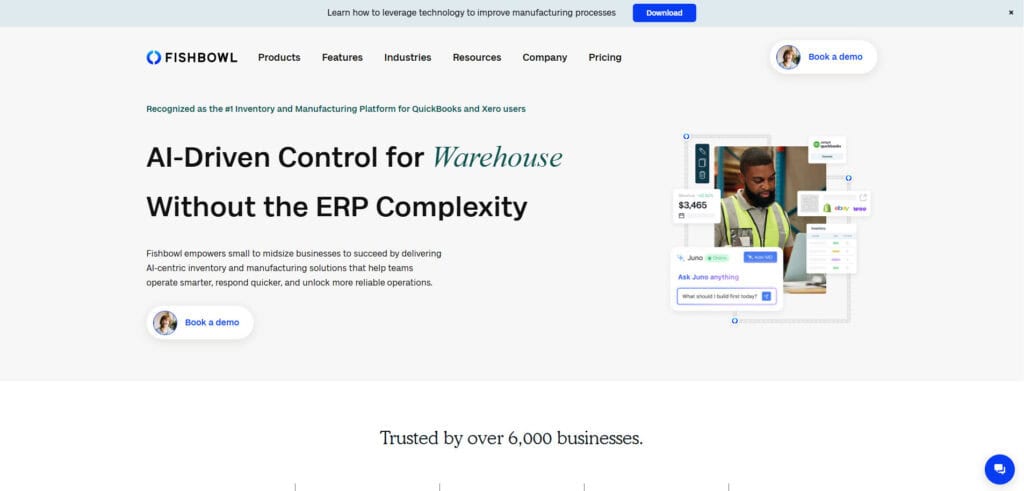
Many companies leave Odoo because its accounting module does not meet US GAAP standards or their controller’s expectations. If your team wants to stay on QuickBooks for accounting but needs proper warehouse and inventory management layered on top, Fishbowl bridges that gap without requiring a full ERP migration.
Product Overview
Fishbowl provides multi-location inventory tracking, barcode scanning, part tracking, work orders for light manufacturing, and shipping integrations, all with native bi-directional QuickBooks integration.
Pros & Cons
Pros: Best-in-class QuickBooks integration, straightforward inventory and warehouse management, reasonable pricing for small teams.
Cons: Not a full ERP, limited MRP and supply chain planning, companies outgrow Fishbowl as operational complexity increases, relies on QuickBooks for financials which has its own limitations.
Pricing
Fishbowl Online starts at approximately $329 per month. Fishbowl Advanced (on-premise) uses a one-time license model.
Setup
1 to 4 weeks. The QuickBooks integration simplifies data migration for existing QB users.
Tradeoffs
Fishbowl solves the immediate inventory management gap but does not address Odoo’s core problem of disconnected systems. You are still running separate platforms for accounting, inventory, and (potentially) CRM. For companies that want to eliminate system fragmentation rather than work around it, a fully integrated ERP is the better long-term path.
9. Sage Intacct – Best Cloud Accounting for Finance-First Organizations
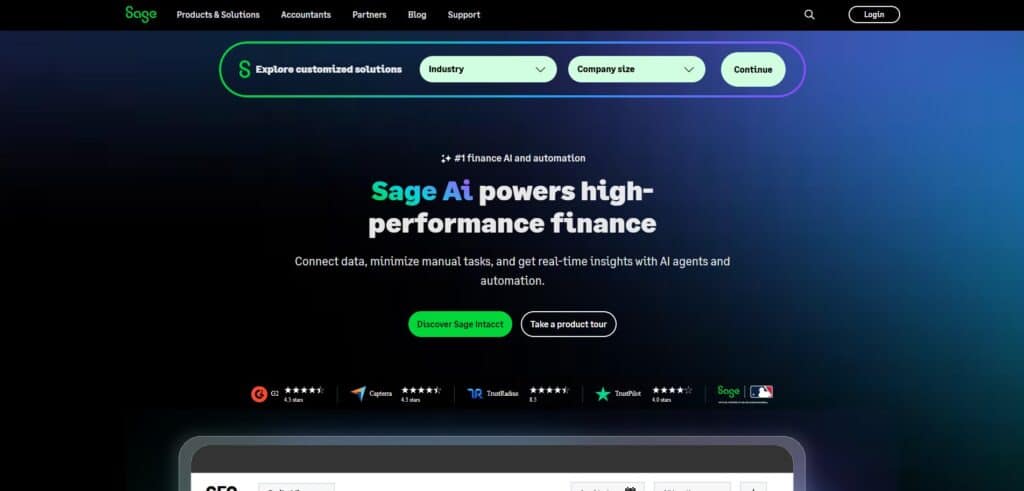
If your primary reason for leaving Odoo is accounting quality, Sage Intacct is the strongest dedicated cloud accounting platform available. It is built for controllers and CFOs who need multi-entity consolidation, revenue recognition, and granular financial reporting without the limitations of Odoo’s European-origin accounting module.
Product Overview
Sage Intacct provides dimensional accounting, automated revenue recognition (ASC 606), multi-entity consolidation, project accounting, and real-time dashboards. It is the only accounting application endorsed by the AICPA.
Pros & Cons
Pros: Best-in-class financial management, strong multi-entity and multi-currency support, AICPA-endorsed, excellent reporting and analytics, robust audit trail.
Cons: Not a full ERP (lacks native inventory, WMS, and manufacturing), premium pricing, requires additional integrations for operational workflows, limited CRM functionality.
Pricing
Contact Sage for custom pricing. Typically positioned at a premium above QuickBooks and Xero, with costs varying based on modules and entity count.
Setup
2 to 4 months for standard implementations. Multi-entity configurations add complexity.
Tradeoffs
Sage Intacct solves Odoo’s accounting weaknesses decisively. The tradeoff is that it is a financial management platform, not an all-in-one ERP. You will still need separate solutions for inventory, warehouse management, and manufacturing, which means more integrations to maintain.
10. Xero – Best Simple Accounting Alternative for Small Teams
For small businesses that primarily used Odoo for invoicing, expense tracking, and basic financial reporting, Xero offers a cleaner, simpler accounting experience without the overhead of an ERP platform.
Product Overview
Xero provides double-entry accounting, bank reconciliation, invoicing, expense management, payroll (US-supported), and multi-currency support. Over 1,000 app integrations through the Xero marketplace.
Pros & Cons
Pros: Clean, intuitive interface, strong bank feed integrations, affordable pricing, excellent for accountants and bookkeepers, large app marketplace.
Cons: No inventory management beyond basic tracking, no manufacturing or warehouse capabilities, limited reporting depth compared to Sage Intacct, not suitable as a standalone solution for distributors or manufacturers.
Pricing
Starter from $29/month, Standard from $46/month, Premium from $62/month (US pricing).
Setup
Days. Xero is one of the fastest accounting platforms to deploy.
Tradeoffs
Xero is a pure accounting tool, not an ERP. It works well for small teams that need clean books and straightforward invoicing but does not replace Odoo’s inventory, manufacturing, or operational modules. Pair it with a dedicated WMS or inventory tool if you need those capabilities.
Why Companies Switch Away from Odoo
The decision to leave Odoo typically builds over months, not overnight. Here are the most common reasons that drive companies to evaluate Odoo competitors, based on patterns we see across distributors and manufacturers in the SMB space.
Misleading Total Cost of Ownership
Odoo’s free Community edition attracts cost-conscious buyers, but it lacks critical functionality for serious business operations. Enterprise pricing starts around $24.90 per user per month, and each additional app dependency, third-party module, and customization adds to the bill. By the time you factor in implementation, hosting, and ongoing maintenance, the total cost rivals mid-market platforms that offer more reliability and deeper functionality out of the box.
Customization Debt That Compounds Over Time
Odoo’s flexibility is a double-edged sword. Heavy customization creates long-term maintenance headaches: custom modules conflict with core updates, version migrations break existing workflows, and the institutional knowledge about how your system is configured lives with the implementation partner rather than your team. When Odoo releases its next major version, companies with significant customizations face upgrade costs that can approach the original implementation budget.
Unreliable Integrations for US Distribution and Manufacturing
Native connectors for shipping carriers, ecommerce platforms, EDI, and payment processors often require third-party middleware that lacks real-time sync, fails silently, or loses vendor support. For distributors and manufacturers who depend on accurate inventory across multiple systems, these integration gaps create order errors and inventory discrepancies that erode customer trust.
Accounting That Falls Short of US Standards
Odoo’s accounting originated in European markets. GAAP compliance, multi-state tax handling, revenue recognition, and bank reconciliation workflows feel bolted on rather than native. Controllers and bookkeepers frequently maintain shadow books in QuickBooks or Excel alongside Odoo, which defeats the purpose of a unified system and doubles the reconciliation workload.
Support That Disappears When You Need It Most
Community edition offers no official support at all. Enterprise support often defers to implementation partners, whose quality varies significantly. When a critical issue arises during month-end close or peak shipping season, response times and resolution quality are unpredictable. This is a stark contrast to Kechie, where customers work directly with our engineering team.
Poor Daily Usability for Warehouse and Operations Teams
The interface looks modern in demos but proves inefficient for real-world warehouse, manufacturing, and order management workflows. Excessive clicks for routine tasks, unintuitive navigation for non-technical staff, and a general design philosophy that prioritizes developer flexibility over operational efficiency lead to low user adoption and persistent workarounds. For teams asking what ERP offers similar features to Odoo but is easier to use, the answer is almost any platform that was designed for operational users rather than developers.
How to Choose the Right Alternatives to Odoo ERP Software
Replacing an ERP is a consequential decision. Use this framework to move from evaluation to a shortlist efficiently.
Step 1: Document Why Odoo Failed You
Before evaluating any replacement, write down the specific problems that are driving the switch. Is it accounting depth? Integration reliability? Support quality? Total cost? Warehouse usability? Your list of pain points becomes the scoring criteria for every alternative you evaluate. If you skip this step, you risk choosing a new platform that repeats the same mistakes.
Step 2: Decide Whether You Need a Full ERP or Point Solutions
Some companies leave Odoo because the entire platform underperforms. Others only have issues with one module (usually accounting or inventory). If your Odoo CRM works fine but accounting is the problem, a solution like Sage Intacct or Xero solves the specific issue without a full migration. If the core problem is system fragmentation and unreliable integration, a fully integrated ERP like Kechie addresses the root cause.
Step 3: Calculate the Real Total Cost of Ownership
For every platform on your shortlist, request a complete cost breakdown: subscription/licensing, implementation, data migration, training, ongoing support, and the cost of integrations you will need. Compare these to what you are actually spending on Odoo today (including partner fees, third-party modules, internal IT time, and the cost of workarounds). The cheapest license often is not the cheapest total cost.
Step 4: Test With Your Actual Workflows
Request demos using your real-world scenarios: receiving a shipment, running a cycle count, processing a sales order, reconciling financials. Generic product tours do not reveal usability issues. Involve your warehouse staff, accounting team, and operations managers in the evaluation, not just the person signing the contract.
Step 5: Verify Migration Complexity Before You Commit
Moving data out of Odoo can be straightforward or painful, depending on how much customization exists. Ask each vendor about their migration process, typical timelines, and whether they have experience migrating from Odoo specifically. A vendor who has done it before will know the common pitfalls and data mapping challenges.
Key Features to Look for When Exploring the Best Odoo CRM Alternatives
Native Inventory and Warehouse Management
If you are a distributor or manufacturer, inventory visibility is non-negotiable. Look for multi-warehouse support, real-time stock tracking, barcode scanning, lot tracking, and serialization. These capabilities should be native to the platform, not bolted on through third-party apps that require middleware.
Integrated Financial Management (GAAP-Compliant)
Your accounting module should handle multi-state tax compliance, revenue recognition, bank reconciliation, and financial consolidation without requiring shadow books in QuickBooks or Excel. Ask specifically about GAAP compliance if you operate in the US.
Manufacturing and MRP
For manufacturers, Material Requirements Planning (MRP) that calculates what materials you need, when you need them, and generates purchase order and production recommendations based on real-time supply and demand data. Bill-of-materials management, work orders, and production scheduling should be integrated with inventory, not running in a separate module.
CRM That Connects to Operations
A CRM that exists in isolation from your inventory, orders, and financials creates more data silos. The best Odoo CRM alternatives connect customer data to sales orders, inventory availability, and payment history in real time, so your sales team can see what is available to promise and your finance team can see the full customer picture.
Reliable, Native Integrations
Verify that the platform integrates natively with your ecommerce platforms (Shopify, Amazon), shipping carriers (ShipStation, FedEx, UPS), EDI trading partners, and payment processors. “Native” means the vendor builds and maintains the integration, not a third-party app developer who may abandon it.
Reporting and Real-Time Dashboards
Controllers need margin-by-customer reports, inventory valuation, aging reports, and open order status without exporting to Excel. Operations managers need fulfillment metrics and warehouse productivity data. The platform should deliver these out of the box, not require custom development or third-party BI tools.
Responsive, Accountable Support
When your ERP goes down during month-end close, you need a support team that responds in hours, not days. Evaluate each vendor’s support model: dedicated account manager, phone support during business hours, ticket-based support, and average resolution times. Ask for references and verify.
Cost Comparison: Odoo vs. Competitors
| Platform | Licensing Model | Estimated Monthly Cost (10 users) | Hidden Cost Risks |
| Odoo Enterprise | Per user + apps ($24.90/user/mo standard) | ~$250-500+ (before implementation, hosting, modules) | Third-party modules, version migration, partner dependency |
| Kechie | Per user, all modules included | Contact for quote; no per-app or per-transaction fees | Implementation and training (typically lower than Odoo long-term) |
| Oracle NetSuite | Base fee + per user | $1,500-3,000+ | Implementation consulting, customization, annual price increases |
| Acumatica | Consumption-based (no per-user) | Contact for quote | Implementation partner fees, customization scope |
| Microsoft Dynamics 365 | Per user ($70-100/user/mo) | $700-1,000+ | Add-on modules, partner implementation, Power Platform licensing |
| ERPNext | Free (self-hosted) or ~$50+/mo (cloud) | $0-100 | Internal IT resources for self-hosting, limited paid support |
| Zoho One | Per user ($45/user/mo) | ~$450 | Limited depth forces additional tools for complex operations |
| Sage Intacct | Module-based, per entity | Contact for quote (premium tier) | Not a full ERP; need additional systems for operations |
Which of the ERP Alternatives to Odoo Is Right for Your Business?
The right choice depends on what specifically broke down with Odoo and how complex your operations are.
If you are a small to mid-size distributor or manufacturer that needs inventory, warehouse management, MRP, and accounting in one system without module-stitching or middleware, Kechie is the most direct replacement. It solves the exact problems that drive most companies away from Odoo: unreliable integration, weak accounting, poor warehouse usability, and unpredictable costs.
If your primary issue is accounting quality and you want to keep your operational tools mostly intact, Sage Intacct or Xero can replace Odoo’s financial module without requiring a full ERP migration. If you specifically want an open-source ERP alternative to Odoo, ERPNext provides the closest equivalent without Odoo’s dual-edition feature gating.
For mid-market companies with $10M+ revenue that need global operations, multi-subsidiary management, and enterprise-grade infrastructure, NetSuite or Acumatica provide the scalability Odoo cannot. And for teams deeply embedded in the Microsoft ecosystem, Dynamics 365 Business Central eliminates the integration friction that Odoo’s third-party connectors create.
Whichever direction you go, start with your pain points, test with your real workflows, and calculate total cost of ownership, not just the sticker price.
➤ Ready to replace Odoo? Schedule your free Kechie ERP demo
FAQs
What are the disadvantages of using Odoo?
The biggest disadvantages are hidden costs, customization debt, and unreliable integrations. Odoo’s free Community edition lacks critical features, pushing most businesses to Enterprise where per-user and per-app costs add up. Heavy customizations break during version upgrades, creating recurring migration expenses. Accounting is European-origin and falls short on US GAAP compliance, and integration with shipping carriers, EDI, and ecommerce platforms often requires fragile third-party middleware.
Is Odoo the cheapest ERP?
Not when you calculate total cost of ownership. Odoo’s entry price is low, but Enterprise licensing, third-party modules, implementation partner fees, hosting, and version migration costs bring the real expense closer to mid-market ERP pricing. Platforms like ERPNext (free, open source) or Zoho One ($45/user/month with 40+ apps included) can be more cost-effective depending on your requirements.
Which is better, Odoo or ERPNext?
ERPNext is the better choice for teams that want truly open-source ERP without feature gating between free and paid editions. All ERPNext functionality is available in the free version. Odoo has a larger ecosystem of apps and partners, but the Community/Enterprise split means many critical features are locked behind paid licensing. For manufacturers and distributors who value transparency and control, ERPNext offers a more honest open-source model.
Is Zoho better than Odoo?
Zoho One is better than Odoo for small businesses that prioritize CRM, marketing, and basic operations at a predictable price. The $45/user/month flat rate includes 40+ apps with no per-module surprises. Odoo is more capable for inventory-heavy or manufacturing operations, but at higher complexity and cost. For companies needing serious warehouse and manufacturing depth beyond what either offers, a fully integrated ERP like Kechie is the stronger fit.
How does QuickBooks compare to Odoo?
QuickBooks is a dedicated accounting platform, not an ERP. It handles financials better than Odoo for US-based businesses (especially tax compliance and bank reconciliation) but lacks inventory management, manufacturing, and warehouse capabilities. Many businesses outgrow QuickBooks and consider Odoo as a step up, only to find that Odoo’s accounting module does not meet the standard QuickBooks set. A fully integrated cloud-based ERP solves both limitations.
What are the problems with Odoo?
The most frequently reported problems include: insufficient US accounting standards, unreliable native integrations that require middleware, costly and disruptive annual version migrations, support that defers to partners with inconsistent quality, a UI that slows down warehouse and operations teams with excessive clicks, and a pricing model where hidden costs (modules, partners, hosting, customization) erode the original budget advantage.
What are the top 5 ERP systems in 2026?
The top ERP systems vary by company size. For SMB manufacturers and distributors, the leading platforms are Kechie (fully integrated cloud ERP), Oracle NetSuite (mid-market), Acumatica (consumption-based pricing), SAP Business One (SMB SAP), and Microsoft Dynamics 365 Business Central (Microsoft ecosystem). Enterprise-scale operations typically evaluate SAP S/4HANA and Oracle Cloud ERP.
Do big companies use Odoo?
Some large companies use Odoo, primarily in Europe and the Middle East where the platform originated. However, Odoo’s primary user base is small businesses with under 50 employees and revenue below $10 million. Larger companies with complex multi-warehouse operations, strict compliance requirements, and high transaction volumes typically outgrow Odoo and move to platforms like NetSuite, SAP, or Acumatica for the scalability and reliability they need.
How challenging is migration from Odoo to a competitor?
Migration complexity depends on how much customization exists in your Odoo instance. Standard data (contacts, products, orders, financials) exports cleanly from Odoo in most cases. Custom modules, non-standard workflows, and partner-specific configurations require more careful mapping. Plan for 4 to 12 weeks for migration depending on data volume and complexity. Work with a vendor that has specific Odoo migration experience to avoid common pitfalls.
What should I switch to from Odoo?
If you are a distributor or manufacturer that needs inventory, warehouse management, manufacturing (MRP), and accounting in one platform, switch to a fully integrated cloud-based ERP like Kechie. If your issue is specifically accounting, consider Sage Intacct. If you want to stay open-source, evaluate ERPNext. Start by documenting your specific Odoo pain points, then match them against each alternative’s strengths.
Schedule a Free Demo Today!
See how Kechie ERP can transform your business, save you time, money, and aggravation. Click the button below to schedule your free demo.
Schedule Your Kechie Demo Now!In This Article
– What Are the Alternatives to Odoo? Top Odoo Competitor Comparison & Ratings Chart
– 10 Top Odoo Alternatives for 2026
– Why Companies Switch Away from Odoo
– How to Choose the Right Alternatives to Odoo ERP Software
– Key Features to Look for When Exploring the Best Odoo CRM Alternatives
– Cost Comparison: Odoo vs. Competitors
– Which of the ERP Alternatives to Odoo Is Right for Your Business?
– FAQs
12 Best Warehouse Management Software for Distribution & Fulfillment (2026)
12 Best Warehouse Management Software for Distribution & Fulfillment (2026)
Your warehouse has more SKUs than it did two years ago. You are running inventory across multiple locations, juggling purchase orders in one system and financials in another, and relying on spreadsheet workarounds that break every time someone forgets to update a formula. If that sounds familiar, you are not alone.
Most controllers and operations managers searching for the best warehouse management software have already hit the ceiling of QuickBooks, a basic inventory app, or a legacy on-premise system. The real trigger is not curiosity. It is pain: stockouts that cost you orders, disconnected tools that force double data entry, and zero real-time visibility into what is actually on the shelf.
This guide reviews 12 of the top warehouse management systems for 2026, with a focus on distribution, wholesale, and manufacturing. We evaluated each platform on real-time inventory accuracy, multi-warehouse support, integration depth, ease of use, implementation speed, and total cost of ownership.
Whether you need a standalone WMS or a fully integrated cloud-based ERP with built-in warehouse management, you will find a clear breakdown of features, pricing, and tradeoffs below.
Best WMS Software Solutions: Comparison & Ratings Chart
| Software | Best For | Starting Price | Setup Time | Key Strength |
| Kechie | SMB distributors & manufacturers needing fully integrated ERP + WMS | Contact for quote (user-based) | Weeks, not months | Full ERP integration with WMS, MRP, accounting |
| Oracle NetSuite WMS | Mid-market companies wanting ERP + WMS in one | Contact for quote (typically $$$) | 3-6 months | Unified ERP and WMS on single database |
| Cin7 | Product brands and omnichannel retailers needing inventory + WMS | From ~$349/mo | 2-4 weeks | Omnichannel inventory with AI demand forecasting |
| SAP EWM | Large enterprises with existing SAP stack | Custom enterprise pricing | 6-18 months | Deep integration with SAP ecosystem |
| Brightpearl | Multichannel retailers and wholesalers ($1M+ revenue) | Contact for quote | 2-4 weeks | Retail-focused automation engine with built-in WMS |
| inFlow Inventory | SMBs needing intuitive inventory and warehouse management | From ~$186/mo | 1-2 weeks | Ease of use with barcode scanning and mobile app |
| Infor WMS | Large-scale complex warehousing | Custom enterprise pricing | 3-12 months | Advanced directed putaway and wave planning |
| Blue Yonder | Global supply chain enterprises | Custom enterprise pricing | 6-12+ months | AI/ML-powered demand forecasting |
| Fishbowl | QuickBooks users needing WMS | From ~$329/mo | 1-4 weeks | Native QuickBooks integration |
| Korber (HighJump) | Mid-to-large warehouse operations | Custom pricing | 2-6 months | Flexible, modular architecture |
| Zoho Inventory | Small businesses and startups | Free plan; paid from $29/mo | Days | Affordable with multichannel selling |
| Odoo | Budget-conscious SMBs wanting open-source | Free (community); from $24.90/user/mo | 2-8 weeks | Open-source flexibility with modular approach |
12 Top Warehouse Management Systems in 2026, Reviewed
1. Kechie
Best for: Small to mid-size distributors and manufacturers (15 to 250+ employees) who need fully integrated cloud-based ERP with warehouse management, inventory control, MRP, and accounting in a single platform.
My Office Apps built Kechie ERP in 2014 specifically for the gap that most SMBs fall into: too complex for basic inventory tools, too cost-conscious for enterprise ERP. Kechie is a fully integrated cloud-based ERP that includes warehouse management, inventory, order management, procurement, manufacturing (with MRP), CRM, logistics, and a complete accounting package. Everything runs on one database, so your warehouse team, finance team, and operations team all see the same real-time data.
Product Overview
Multi-Warehouse Visibility and Real-Time Tracking
One of the biggest pain points for growing distributors is losing visibility as they add warehouse locations.
Kechie lets you manage unlimited warehouses from a single dashboard with real-time inventory counts, transfer orders between locations, and min/max alerts that factor in allocated stock and open purchase orders.
Every transaction is audited and drillable, so when your controller asks where 200 units went, you can answer in seconds, not hours.
Lot Tracking, Serialization, and Compliance
If you distribute in food and beverage, healthcare, or any regulated vertical, traceability is not optional.
Kechie provides full lot tracking with expiration and best-use-date filtering, serialized inventory management for individual item tracking, and complete audit trails.
This is especially critical for companies that need to demonstrate compliance during audits or manage recalls efficiently.
Pick, Pack, Ship with Barcode Scanning
Kechie’s logistics module integrates portal barcode scanners directly into the pick, pack, and ship workflow.
This eliminates manual errors, speeds up fulfillment, and provides real-time visibility into order status across sales, warehouse, logistics, and finance departments.
Pricing
Kechie uses a user-based subscription pricing model. Packages are sold modularly (inventory and warehouse management, manufacturing, finance) or as a fully configured ERP system.
Integrations
Kechie integrates with Shopify, Shopify Plus, Square POS, EasyPost, ShipStation, QuickBooks Online, Amazon, Authorize.net, CardConnect, EBizCharge, SPS Commerce (EDI), Avalara, TaxJar, and Descartes Pacejet.
The B2B eCommerce Portal lets your customers place orders directly, with all orders flowing into Kechie inventory in real time.
Setup
Implementation is measured in weeks, not months. My Office Apps assigns a dedicated implementation team that blueprints your business processes, builds a scope of work, and walks you through every step.
Multiple customers report getting new employees productive on the system within one to two days. Caitec, a distribution company that evaluated four ERP systems, chose Kechie specifically because the team could customize the implementation during rollout rather than offering a rigid, take-it-or-leave-it package.
Tradeoffs
Kechie earns strong marks across review sites (Capterra, GetApp, G2) for ease of use, flexibility, and customer support.
Some users note a learning curve with advanced configuration options, and the UI, while functional, is built for depth of capability rather than visual polish.
Compared to well-established enterprise brands like SAP or NetSuite, Kechie is a smaller company, which some larger organizations may weigh during evaluation.
That said, the award-winning customer service and partner-level relationship approach consistently stand out in reviews.
Support
My Office Apps provides a dedicated ticket system for support requests, suggestions, and improvements. Phone support is available during business hours, and online support is accessible 24/7. Every customer gets assigned account management.
Reviewers repeatedly highlight that the support team includes the engineers who built the software, which means faster resolution and the ability to make customizations within days rather than months.
Mini Case Study
Meals on Wheels San Francisco needed to manage end-to-end supply chain operations for up to 30,000 meals per day.
After implementing Kechie, they grew from 5 to 17 system users (a 240% increase), gained real-time visibility into warehouse inventory and internal distribution, and achieved the ability to adapt to daily demand fluctuations of thousands of meals.
As their team put it: “Knowing exactly what we have on hand and where it is at any given moment is a huge time saver for our staff.” Read the full Meals on Wheels case study for more details.
➤ See Kechie in action: Schedule a free warehouse management demo
2. Oracle NetSuite WMS
Oracle NetSuite WMS is the warehouse management module built into the broader NetSuite ERP platform. It is designed for mid-market companies that want inventory management, order fulfillment, and financials running on a single shared database. NetSuite handles receiving, putaway, picking, packing, and shipping with mobile device support and barcode scanning.
Product Overview
NetSuite WMS provides wave management, cycle counting, bin management, and returns processing within the larger NetSuite ecosystem. Because it shares a database with NetSuite financials and CRM, inventory updates automatically flow into financial reporting. The platform supports multiple warehouse locations and can handle zone-based picking strategies.
Pricing
NetSuite does not publish pricing publicly. Expect a base platform fee plus per-user licensing, with total costs typically running significantly higher than standalone WMS solutions. Implementation fees add to the total cost of ownership.
Integrations
Native integration with the full NetSuite ecosystem (financials, CRM, ecommerce). Connects with major ecommerce platforms and third-party logistics tools through SuiteApp marketplace.
Setup
Implementation typically takes 3 to 6 months depending on complexity. Requires certified NetSuite implementation partners. Organizations with simpler needs may deploy faster, but customization adds time.
Tradeoffs
NetSuite is a powerful platform, but the cost and complexity can be prohibitive for smaller SMBs. Implementation timelines and ongoing consulting costs are common complaints. The WMS module is solid but less specialized than dedicated WMS platforms like Infor or Blue Yonder. Best suited for companies that are already committed to (or considering) NetSuite as their core ERP.
3. Cin7
Cin7 is a cloud-based inventory and warehouse management platform built for product brands, omnichannel retailers, wholesalers, and light manufacturers. Originally launched as DEAR Inventory before being acquired by Cin7, the platform combines inventory management, order management, and WMS in a single system with strong multichannel selling capabilities.
Product Overview
Cin7 provides a dedicated WMS mobile app that connects directly to the core inventory system. Warehouse staff work from real-time stock levels and bin locations, with barcode scanning for order validation at every step.
The platform supports guided walk paths and tote-based picking to optimize warehouse routes, zone-based picking for larger facilities, batch and expiration date tracking, and FIFO/FEFO enforcement on higher-tier plans.
Cin7 also includes ForesightAI, an AI-powered demand forecasting engine that analyzes sales trends, predicts demand, and can automatically generate purchase orders to prevent stockouts. For businesses selling across multiple channels, Cin7 syncs inventory in real time across ecommerce platforms, retail POS, and wholesale channels from one dashboard.
Pricing
Cin7 offers two product lines: Cin7 Core and Cin7 Omni. Core plans start at approximately $349 per month for growing businesses, with higher tiers for advanced WMS features like directed picking, time tracking, and delivery scheduling. Cin7 Omni is tailored for high-volume businesses with complex operations, with custom pricing available. All plans use a monthly subscription model.
Integrations
Cin7 integrates with Shopify, Amazon, eBay, WooCommerce, Etsy, QuickBooks Online, Xero, ShipStation, and many more. The platform supports over 700 integrations across ecommerce marketplaces, accounting platforms, shipping carriers, and POS systems. A B2B portal is also available for wholesale customers to place orders directly.
Setup
Typical deployment takes 2 to 4 weeks for cloud-based setup. Cin7 provides onboarding support and data migration assistance. The WMS mobile app is available for immediate download, and most warehouse teams become productive within the first week.
Tradeoffs
Cin7 is a strong choice for product-based businesses that sell across multiple channels and need warehouse management integrated with inventory and order management. However, it is not a full ERP. It lacks native accounting (relying on Xero or QuickBooks integration), and advanced WMS features like directed picking and FIFO enforcement require higher-tier plans.
Complex manufacturers, especially those in process or food and beverage production, may find the manufacturing capabilities too lightweight. Businesses needing a fully integrated ERP with accounting and MRP built in will want to look at more comprehensive solutions.
4. SAP Extended Warehouse Management (EWM)
SAP EWM is the warehouse management solution within the SAP ecosystem. It covers inbound and outbound processing, warehouse task management, physical inventory, and integration with SAP’s broader supply chain and ERP modules.
Product Overview
SAP EWM provides advanced capabilities including cross-docking, value-added services, labor management, yard management, and production warehousing. It is tightly integrated with SAP S/4HANA for end-to-end supply chain visibility.
Pricing
Custom enterprise pricing based on SAP licensing agreements. Total cost of ownership is high when factoring in implementation, consulting, and ongoing maintenance.
Integrations
Deep native integration with the SAP ecosystem. Connects with SAP S/4HANA, SAP TM (Transportation Management), and third-party warehouse automation systems.
Setup
Implementation ranges from 6 to 18 months depending on scope. Requires SAP-certified implementation partners and significant internal resources for configuration and testing.
Tradeoffs
SAP EWM makes the most sense for organizations already running SAP. The learning curve is steep, the implementation is resource-intensive, and the cost structure is built for enterprise budgets.
Smaller distributors and manufacturers will find better value and faster time-to-value with solutions designed for their scale.
5. Brightpearl

Brightpearl by Sage is a retail operating system designed specifically for multichannel retailers and wholesalers doing $1M or more in annual revenue. It combines order management, inventory, warehouse management, accounting, CRM, and purchasing into a single platform built around the needs of retail and wholesale businesses.
Product Overview
Brightpearl includes a built-in WMS with barcode scanning, automated pick/pack/ship workflows, batch shipment processing, and optimized pick routes. The platform features a dedicated warehouse login and interface so warehouse staff see only the tools and data they need.
Partial and full inventory counts can be run by zone without shutting down operations. The Automation Engine is a standout feature, allowing businesses to define rules that automatically route orders, allocate inventory, trigger fulfillment workflows, and process returns based on custom criteria. Brightpearl claims this processes orders 70% faster than manual workflows. Multi-warehouse support includes real-time inventory syncing across locations and third-party warehouse integrations.
Pricing
Brightpearl does not publish pricing publicly. The platform is designed for retailers doing $1M or more in revenue, and pricing is provided on a custom quote basis. Expect subscription pricing that scales based on order volume and the number of modules required.
Integrations
Brightpearl integrates natively with Shopify, Shopify Plus, Amazon, eBay, Magento, BigCommerce, and WooCommerce. It also connects with major shipping carriers and third-party logistics providers. As a founding member of Shopify’s global ERP program, Brightpearl has a particularly strong Shopify integration. Accounting is built in, so no separate QuickBooks or Xero integration is required for core financial workflows.
Setup
Implementation typically takes 2 to 4 weeks with a 97% implementation success rate according to Brightpearl. Dedicated onboarding teams guide businesses through data migration, workflow configuration, and training. The web-based interface requires minimal IT overhead.
Tradeoffs
Brightpearl is purpose-built for retail and wholesale, which is both its greatest strength and its main limitation. If you are a manufacturer, distributor, or non-retail business, the platform will not fit your workflows. It also targets businesses doing $1M or more in revenue, so earlier-stage companies may find it premature.
Some users report that reporting and business intelligence capabilities could be more robust, particularly for year-over-year comparisons and margin analysis. That said, for multichannel retail and wholesale operations, Brightpearl delivers a tightly integrated platform that eliminates the need for multiple disconnected systems.
6. inFlow Inventory
inFlow Inventory is a cloud-based inventory and warehouse management solution from Archon Systems, designed for small to mid-size businesses across wholesale, distribution, manufacturing, and ecommerce. It is known for its intuitive interface, fast onboarding, and strong mobile capabilities.
Product Overview
inFlow provides real-time inventory tracking across unlimited locations with bin-level visibility. The platform includes barcode generation and scanning, pick/pack/ship workflows, cycle counting, stock transfer management, and reorder point alerts. The mobile app (iOS and Android) lets warehouse staff receive shipments, fulfill orders, transfer stock, and scan barcodes from the floor. inFlow also offers an optional Smart Scanner, a ruggedized Android device with a built-in laser scanner designed for warehouse use. For businesses with manufacturing needs, inFlow offers a manufacturing add-on with bill of materials, assemblies, and kitting support. The built-in B2B Showroom feature lets businesses create customer-facing portals for wholesale ordering.
Pricing
inFlow uses tiered subscription pricing. The Entrepreneur plan starts at approximately $186 per month, the Small Business plan runs approximately $436 per month with five user seats and 1,000 monthly orders, and the Mid-Size plan runs approximately $549 per month. An Enterprise plan is available with custom pricing for larger organizations. Each subscription includes a mandatory onboarding package (one-time fee) with a dedicated Customer Success Manager. A 14-day free trial is available.
Integrations
inFlow integrates with Shopify, Amazon, WooCommerce, Squarespace, eBay, QuickBooks Online, Xero, Zapier, Extensiv Integration Manager, and EasyPost for shipping. The platform also provides API access for custom integrations on higher-tier plans.
Setup
Deployment is fast, typically 1 to 2 weeks for basic setup. inFlow assigns a dedicated Customer Success Manager during onboarding who helps with data migration, workflow configuration, and training. Multiple reviewers report getting teams of 10 or more productive within one week. The cloud-based architecture means no local servers or IT infrastructure are required.
Tradeoffs
inFlow delivers excellent ease of use and fast time-to-value, making it a strong choice for SMBs upgrading from spreadsheets or basic inventory tools. However, it is not a full ERP. It does not include native accounting (you will need QuickBooks Online or Xero), and its manufacturing capabilities are limited to simple assemblies and kitting. Integration limits on lower-tier plans (only 1 to 2 active integrations on entry plans) can be restrictive for businesses with multiple sales channels. The mandatory onboarding package adds to the initial cost. For businesses that need fully integrated financials, advanced MRP, or deep warehouse optimization, a more comprehensive platform will be a better fit.
7. Infor WMS
Infor WMS is an enterprise warehouse management solution tailored for large-scale warehousing with advanced directed putaway, wave planning, and labor management.
Product Overview
Infor WMS supports complex warehouse operations with features including 3D visual warehouse tools, voice-directed picking, task interleaving, dock scheduling, and advanced analytics. It is designed for high-throughput environments where optimizing every movement matters.
Pricing
Custom enterprise pricing. Infor typically serves mid-to-large warehouse operations with significant order volumes.
Setup
3 to 12 months depending on warehouse complexity, number of locations, and integration requirements.
Tradeoffs
Infor WMS is a strong fit for large, complex warehouses but is over-engineered for SMBs. Implementation requires specialized consultants and the total cost of ownership can climb quickly with customization and integration work.
8. Blue Yonder

Blue Yonder (formerly JDA Software) is a global supply chain platform with warehouse management capabilities that leverage AI and machine learning for demand forecasting and operational optimization.
Product Overview
Blue Yonder WMS includes real-time inventory management, labor optimization, slotting, wave management, and yard management. Its AI/ML capabilities help predict demand patterns and optimize warehouse workflows proactively.
Pricing
Custom enterprise pricing. Blue Yonder is positioned for global supply chain operations with significant complexity.
Setup
6 to 12+ months for enterprise implementations. Cloud deployments can be faster than legacy on-premise installations.
Tradeoffs
Blue Yonder is designed for global enterprises with complex, multi-node supply chains. The AI/ML capabilities are impressive but require substantial data volumes to deliver meaningful results. Cost, implementation timelines, and ongoing complexity make this a poor fit for small to mid-size operations.
9. Fishbowl
Fishbowl is a warehouse management and inventory solution known for its strong integration with QuickBooks. It is designed for small to mid-size businesses that want to keep QuickBooks for accounting while adding more robust inventory and warehouse capabilities.
Product Overview
Fishbowl provides multi-location inventory tracking, barcode scanning, part tracking, work orders for light manufacturing, and shipping integrations. The product comes in two flavors: Fishbowl Online (cloud) and Fishbowl Advanced (on-premise).
Pricing
Fishbowl Online starts at approximately $329 per month. Fishbowl Advanced (on-premise) uses a one-time license model.
Integrations
Native bi-directional integration with QuickBooks. Also connects with Shopify, Amazon, eBay, ShipStation, and UPS.
Setup
1 to 4 weeks for basic deployment. The QuickBooks integration makes migration smoother for businesses already on that platform.
Tradeoffs
Fishbowl is a solid QuickBooks add-on, but it is not a full ERP. As your business grows, you may hit the same ceiling that drove you away from QuickBooks in the first place: disconnected financials, limited reporting, and no native MRP or supply chain planning. Companies that need a fully integrated system often outgrow Fishbowl within a few years.
10. Korber (formerly HighJump)
Korber Supply Chain (formerly HighJump) offers a modular WMS platform for mid-to-large warehouse operations across distribution, retail, and manufacturing verticals.
Product Overview
Korber WMS includes configurable workflows, voice picking, mobile computing, and integration with warehouse automation. The platform’s modular architecture lets organizations start with core WMS and add functionality as needed.
Pricing
Custom pricing based on deployment model, number of users, and modules selected.
Setup
2 to 6 months for typical implementations. The modular approach allows phased rollouts.
Tradeoffs
Korber is flexible and scalable but requires more technical expertise to configure than cloud-native alternatives. The rebranding from HighJump has created some market confusion. Not ideal for companies looking for an all-in-one ERP with warehouse management built in.
11. Zoho Inventory
Zoho Inventory is a cloud-based inventory and warehouse management tool within the broader Zoho ecosystem. It is designed for small businesses and startups that need affordable, straightforward inventory tracking with multichannel selling support.
Product Overview
Zoho Inventory provides multi-warehouse management, order management, barcode scanning, batch and serial number tracking, and multichannel selling across Amazon, eBay, Etsy, and Shopify. Reporting covers inventory valuation, sales trends, and order fulfillment.
Pricing
Free plan available for very small operations. Paid plans start at $29 per month. Higher tiers (Professional, Premium, Enterprise) scale with order volumes and features.
Integrations
Integrates with the full Zoho suite (Books, CRM, Desk) plus Shopify, Amazon, eBay, Etsy, WooCommerce, and shipping carriers.
Setup
Days. Zoho Inventory is one of the fastest WMS tools to deploy due to its simplicity and cloud-native design.
Tradeoffs
Zoho Inventory is affordable and easy to use, but it lacks the depth needed for complex warehouse operations. There is no MRP, no advanced lot tracking with compliance-grade audit trails, and limited support for sophisticated pick/pack/ship workflows. Companies with more than basic inventory needs will outgrow Zoho Inventory quickly.
12. Odoo
Odoo is an open-source ERP platform with a modular approach that includes inventory and warehouse management alongside CRM, accounting, manufacturing, and ecommerce. The community edition is free; the enterprise edition adds features and support.
Product Overview
Odoo’s inventory module provides multi-warehouse management, automated replenishment rules, barcode scanning, serial/lot tracking, and configurable picking strategies (wave, batch, cluster). The open-source model gives you access to a large library of community modules.
Pricing
Community edition is free (self-hosted). Enterprise starts at $24.90 per user per month for cloud hosting. Additional apps are available at extra cost.
Integrations
Extensive app marketplace covering ecommerce, shipping, accounting, and manufacturing. Custom integrations are possible through the open API.
Setup
2 to 8 weeks for basic cloud deployments. Self-hosted community edition requires more technical expertise and can take longer.
Tradeoffs
Odoo’s flexibility is both its strength and its weakness. The modular pricing means costs can escalate as you add apps. The community edition lacks official support, and the ecosystem of implementation partners varies widely in quality. For distributors and manufacturers who need reliable, out-of-the-box warehouse management with dedicated support, a purpose-built solution will typically deliver faster time-to-value.
How to Choose the Best Software for Warehouse Management
Selecting the right WMS is not about finding the platform with the longest feature list. It is about matching the software to your specific warehouse complexity, growth trajectory, and operational priorities.
The following framework is designed so a controller or operations manager can work through each step and arrive at a shortlist within a week.
Step 1: Define Your Warehouse Complexity and Core Requirements
Start by documenting what your warehouse actually does today and where it is heading in 12 to 24 months.
- How many warehouse locations do you operate? How many SKUs do you manage?
- Do you require lot tracking, serial numbers, or expiration date management?
- Are you running manufacturing with bill-of-materials and work orders?
A company with two warehouses and 500 SKUs has fundamentally different requirements than one with six locations, 10,000 SKUs, and active production lines.
Step 2: Decide Between Standalone WMS and Fully Integrated ERP
This is the most consequential decision in the entire process. A standalone WMS handles warehouse operations but still needs to sync with your accounting, purchasing, and order management systems.
A fully integrated ERP with built-in WMS (like Kechie or NetSuite) puts everything on one database, eliminating data silos and reconciliation headaches.
If you are currently running separate systems for inventory, accounting, and orders that do not talk to each other, an integrated approach solves the root problem rather than adding another disconnected tool.
Step 3: Evaluate Multi-Warehouse Visibility and Real-Time Accuracy
If you operate (or plan to operate) more than one warehouse, test how each platform handles multi-location inventory.
- Can you see aggregated and location-specific stock levels in real time?
- Can you create transfer orders between locations?
- Does the system factor in allocated inventory and open purchase orders when calculating available stock?
Real-time accuracy across locations is the difference between confident decision-making and guesswork.
Step 4: Check for Lot Tracking, Serial Numbers, and Compliance Support
Industries like food and beverage distribution, healthcare supply chain, and medical device distribution require full traceability.
Verify that the WMS supports lot tracking with expiration dates, serialized inventory for individual item tracking, and audit trails that satisfy regulatory requirements.
If compliance is part of your operation, this is non-negotiable.
Step 5: Assess Fulfillment Automation: Barcode Scanning, Pick/Pack/Ship
Manual picking, packing, and shipping processes introduce errors and slow down fulfillment. Evaluate each platform’s support for barcode scanning, directed picking workflows, automated packing slip and invoice generation, and carrier integration for label printing and tracking.
The goal is to reduce manual touchpoints between order receipt and shipment.
Step 6: Compare Cloud-Based vs. On-Premise Deployment
Cloud-based WMS solutions offer accessibility from any device, automatic updates, lower upfront costs, and faster implementation.
On-premise solutions give you more control over data and customization but require internal IT resources, hardware, and longer deployment timelines.
For most SMBs in 2026, cloud-based deployment is the practical choice unless you have specific regulatory or infrastructure constraints.
Step 7: Test for Ease of Use With Non-Technical Warehouse Teams
Your warehouse staff are not software engineers. The system needs to be intuitive enough that new employees can be productive within days, not weeks.
Request a hands-on demo with actual warehouse scenarios (receiving a shipment, picking an order, running a cycle count) and involve the people who will use the system daily, not just the people signing the purchase order.
Step 8: Calculate Total Cost of Ownership Beyond the Sticker Price
The monthly subscription or license fee is only part of the picture. Factor in implementation costs, data migration, training, customization, ongoing support fees, and the cost of any additional integrations you will need.
Some platforms advertise low starting prices but require expensive add-ons for features you consider essential. Ask every vendor for a total cost of ownership breakdown for your specific scenario.
Step 9: Confirm It Can Scale With More Warehouses, SKUs, and Volume
Your WMS should support your business three to five years from now, not just today.
Verify that the platform can handle additional warehouse locations, growing SKU counts, increased order volumes, and new channels or business models without requiring a migration to a different system.
Switching WMS platforms is expensive and disruptive, so choose a solution that grows with you.
Pricing Models and Costs of the Top WMS Systems in 2026
WMS pricing varies dramatically based on deployment model, business size, and feature requirements. Most cloud-based platforms charge per user per month, with entry-level systems starting around $29 to $150 per month and mid-market solutions ranging from $500 to $2,000+ per month. Enterprise platforms (SAP, Blue Yonder, Infor) use custom pricing that can run into six figures annually.
Beyond the subscription, buyers should budget for implementation (which can range from a few thousand dollars for simple cloud deployments to $150,000+ for enterprise systems), data migration, training, and customization. The hidden cost that catches most buyers off guard is integration: connecting your WMS to accounting, ecommerce, shipping, and EDI systems often requires additional investment.
Questions to Ask When Choosing the Best Warehouse Management System Software
Bring these questions to every vendor demo and evaluation conversation. The answers will separate genuinely capable platforms from those that look good in a slide deck but fall short in practice.
1. What is included in the base price, and what costs extra?
Some vendors gate critical features (barcode scanning, multi-warehouse support, advanced reporting) behind premium tiers. Get a clear list of what is and is not included.
2. What does implementation actually cost, and how long does it take?
Ask for references from companies your size and in your industry. Timelines and costs that sound too good to be true usually are.
3. How does your system handle multi-warehouse inventory in real time?
Request a live demonstration of inventory visibility across locations, including transfer orders and allocated stock calculations.
4. What happens if we outgrow our current plan?
Understand the upgrade path, including pricing changes, data migration requirements, and any downtime involved.
5. What is your support model?
Determine whether you will interact with a dedicated account manager, a shared support queue, or a chatbot. Ask about average response times for critical issues.
6. Can you share total cost of ownership data for a business our size?
Push for real numbers, not ranges. Include implementation, training, integrations, and ongoing subscription costs for year one and year two.
7. What is your contract structure?
Ask about contract length, cancellation terms, and whether pricing is locked or subject to annual increases.
Integrations of WMS Platforms: What to Verify Before Buying
Integration is where most WMS buying decisions fail or succeed. A warehouse management system does not operate in isolation. It needs to exchange data with your accounting software, ecommerce platforms, shipping carriers, EDI trading partners, and potentially manufacturing or procurement systems.
Name-drop the specific integrations that matter for your operation during vendor demos. If you use QuickBooks, Shopify, ShipStation, or specific EDI partners, verify that the integration is native, maintained by the vendor, and included in your pricing tier. Third-party or Zapier-based integrations can work, but they add cost, complexity, and potential points of failure.
Key Features to Look for When Choosing the Top Warehouse Management Software
Real-Time Inventory Visibility
The ability to see accurate, current stock levels across all locations at any moment. This includes nettable vs. non-nettable inventory, allocated quantities, and items in transit. Without real-time visibility, every other warehouse process is built on unreliable data.
Multi-Warehouse Management
Support for managing inventory across multiple physical locations from a single system. This should include inter-warehouse transfer orders, location-specific min/max levels, and consolidated reporting. Critical for any business operating more than one facility.
Barcode Scanning and Mobile Access
Integration with barcode scanners and mobile devices for receiving, picking, packing, and shipping. Mobile access lets warehouse staff perform tasks from the floor without walking back to a desktop terminal, which directly improves throughput and accuracy.
Lot Tracking and Serialization
The ability to track inventory by lot number, serial number, and expiration date. Essential for regulated industries and any business that needs to manage recalls, warranty claims, or compliance audits.
Pick, Pack, and Ship Automation
Automated workflows that guide warehouse staff through the fulfillment process. This includes directed picking (telling staff exactly where to go and what to grab), automated packing slip generation, carrier rate comparison, and label printing.
Cycle Counting
The ability to run ongoing inventory audits without shutting down warehouse operations. Cycle counting programs with configurable parameters replace the need for disruptive full physical inventory counts while maintaining accuracy.
Reporting and Analytics
Configurable reporting that provides actionable data on inventory turnover, order accuracy, fulfillment speed, cost of goods sold, and warehouse labor productivity. The best WMS platforms provide real-time dashboards alongside the ability to generate detailed, drill-down reports.
MRP and Supply Chain Planning
For manufacturers and distributors with production needs, Material Requirements Planning (MRP) functionality is critical. MRP calculates what materials you need, when you need them, and generates recommendations for purchase orders and production schedules based on real-time supply and demand data.
Which of the Popular WMS Systems Is Right for Your Business?
The right choice depends on three factors: your business complexity, your budget, and how many disconnected systems you want to manage.
If you are a small to mid-size distributor or manufacturer running 15 to 250+ employees and you need warehouse management, inventory control, accounting, and optionally MRP and CRM in one system, Kechie delivers the broadest functionality in a single fully integrated cloud-based platform at a price point designed for SMBs.
If you are an ecommerce-heavy operation focused purely on picking, packing, and shipping high volumes of small parcels, Cin7 or Brightpearl may be a better fit for that specific workflow. If you are an enterprise with existing SAP or Oracle infrastructure, staying within that ecosystem with SAP EWM or NetSuite WMS avoids the complexity of cross-platform integration.
For most SMBs in the distribution and manufacturing space, the decision comes down to this: do you want another point solution that solves one problem while leaving your systems disconnected, or do you want a fully integrated platform that eliminates the root cause of your operational pain?
FAQs
What are the top 10 warehouse management systems in 2026?
The top WMS platforms depend on your business size and needs. For SMB distributors and manufacturers, the leading options include Kechie, Oracle NetSuite WMS, Fishbowl, and Zoho Inventory.
For enterprise operations, SAP EWM, Infor WMS, and Blue Yonder lead the market. Multichannel retailers benefit from Cin7 and Brightpearl. inFlow Inventory, Korber, and Odoo round out the list for SMB, mid-market, and open-source use cases respectively.
What is the best warehouse management system for small business?
For small businesses that need more than basic inventory tracking, the best WMS depends on your operational complexity. Kechie is the strongest option for small businesses that want warehouse management, accounting, inventory, and optionally manufacturing in one fully integrated cloud-based system.
Zoho Inventory works well for very small operations with simple needs. Fishbowl is a solid add-on if you are committed to QuickBooks.
Do small manufacturers need a WMS?
Yes, if your manufacturing operation has outgrown spreadsheets. Once you are managing multiple raw material inputs, tracking work orders, running production across shifts, and shipping finished goods from inventory, a WMS (ideally integrated with MRP) replaces the manual processes that create errors and slow you down.
The trigger for most small manufacturers is when they start losing track of materials on the floor or missing delivery dates because of inventory inaccuracies.
What is the best WMS for ecommerce?
Cin7 is a strong option for ecommerce fulfillment, with native integrations for Shopify, Amazon, eBay, and WooCommerce plus a WMS mobile app with barcode scanning and guided picking built for multichannel sellers.
Brightpearl is another strong choice for multichannel retailers doing $1M or more in revenue, with a retail-focused automation engine and built-in accounting. For ecommerce businesses that also need manufacturing and full ERP capabilities, Kechie (which integrates with Shopify and Amazon) gives you fulfillment tools without the disconnected systems problem.
Should you choose a standalone WMS or integrated ERP with WMS?
Choose standalone if your only pain point is warehouse operations and you are satisfied with your current accounting, order management, and procurement tools. Choose integrated ERP with WMS if you are running multiple disconnected systems, experiencing data reconciliation issues, or planning to consolidate your tech stack. For most growing SMBs, the integrated approach eliminates the root cause of operational inefficiency rather than adding another point solution.
Is cloud-based or on-premise WMS better?
Cloud-based is the better choice for most businesses in 2026. Cloud WMS solutions offer faster implementation, lower upfront costs, automatic updates, remote accessibility, and easier scalability.
On-premise still makes sense for organizations with strict data sovereignty requirements, unreliable internet connectivity, or existing infrastructure investments they need to maximize. The trend across the WMS market is heavily toward cloud-first deployment.
What is the best simple warehouse management system?
Zoho Inventory is the simplest option for very small businesses with basic warehouse needs. For businesses that need simplicity with more operational depth (multi-warehouse, lot tracking, barcode scanning, reporting), Kechie provides a user-friendly interface that reviewers consistently praise for ease of use, with the ability to add modules as complexity grows.
What is the difference between WMS and inventory management software?
Inventory management software tracks what you have and where it is. A warehouse management system goes further by optimizing how inventory moves through your warehouse: directed receiving, intelligent putaway, efficient picking routes, automated packing, and carrier management for shipping.
Many modern platforms (including Kechie) combine both capabilities. The distinction matters less than ensuring the system covers the specific workflows your warehouse needs.
Schedule a Free Demo Today!
See how Kechie ERP can transform your business, save you time, money, and aggravation. Click the button below to schedule your free demo.
Schedule Your Kechie Demo Now!In This Article
– Best WMS Software Solutions: Comparison & Ratings Chart
– 12 Top Warehouse Management Systems in 2026, Reviewed
– How to Choose the Best Software for Warehouse Management
– Pricing Models and Costs of the Top WMS Systems in 2026
– Questions to Ask When Choosing the Best Warehouse Management System Software
– Integrations of WMS Platforms: What to Verify Before Buying
– Key Features to Look for When Choosing the Top Warehouse Management Software
– Which of the Popular WMS Systems Is Right for Your Business?
– FAQs

QuickBooks vs ERP: When Accounting Software Isn't Enough (2026)
QuickBooks vs ERP: When Accounting Software Isn’t Enough (2026)
QuickBooks runs the accounting for millions of small businesses. It handles invoicing, expense tracking, and basic financial reporting well. But at some point, usually when you are managing multiple warehouses, thousands of SKUs, complex purchase orders, or a manufacturing process, QuickBooks stops being the tool that runs your business and becomes the tool you work around. The spreadsheets multiply. The manual processes stack up. And the workarounds your team builds to compensate for what QuickBooks cannot do start costing more in time and errors than the software saves.
If you are comparing QuickBooks vs ERP for your growing business, you are likely at an inflection point. This guide breaks down the real differences between accounting software and enterprise resource planning software, explains exactly when it makes sense to upgrade, and walks you through how to choose the right platform.
Is QuickBooks an ERP System?
No. QuickBooks is accounting software, not an ERP system. This distinction matters because it defines the ceiling of what QuickBooks can do for your business. QuickBooks handles financial transactions: invoicing, bill payment, payroll, bank reconciliation, and tax preparation. It does these things well for small businesses that primarily need to track money in and money out.
An ERP (Enterprise Resource Planning) system manages the entire operation: inventory across multiple warehouses, manufacturing with material requirements planning, order processing from quote to shipment, procurement, customer relationship management, warehouse workflows with barcode scanning, and financials, all in a single integrated platform where data flows in real time between every function.
The advantages of ERP over QuickBooks for operations become clear the moment your business outgrows basic accounting needs. When asking what an ERP can do that QuickBooks cannot, the answer covers nearly every operational function outside of core accounting.
QuickBooks sits in the accounting department. An ERP runs the whole business.
QuickBooks vs ERP: Key Differences Between Accounting Software and Enterprise Resource Planning Software
| Capability | QuickBooks (Accounting Software) | ERP System |
| Functional Scope | Accounting, invoicing, payroll, basic reporting | Accounting + inventory, WMS, manufacturing, CRM, procurement, logistics |
| Inventory Tracking | Basic item tracking, no lot/serial, no multi-warehouse | Real-time multi-warehouse, lot tracking, serialization, barcode scanning, cycle counting |
| Manufacturing | None | MRP, BOM management, work orders, production scheduling |
| Scalability | Designed for small teams (<25 users) | Scales from 15 to 250+ users across departments |
| Data Integration | Siloed; requires third-party apps to connect | Single database; all modules share real-time data |
| Cost & Complexity | Low entry cost, quick setup | Higher investment, broader ROI across operations |
| Reporting & Visibility | Financial reports only | Operational + financial dashboards, real-time KPIs |
| Audit & Compliance | Basic audit trail | Full audit trail, role-based access, regulatory compliance |
| Workflow Automation | Limited to accounting workflows | Cross-functional automation: order-to-cash, procure-to-pay, pick-pack-ship |
| CRM | None (requires separate tool) | Integrated CRM connected to orders, inventory, and financials |
| Industry Adaptability | General accounting for any business | Configurable for distribution, manufacturing, 3PL, food & bev, healthcare |
| Integration Framework | App marketplace (varying quality) | Native integrations with ecommerce, shipping, EDI, payment processors |
8 Key Differences Between ERP and QuickBooks
1. Scope: Accounting vs. Entire Operation
QuickBooks manages money. An ERP manages money, inventory, orders, manufacturing, customers, and warehouse operations in one system. The difference is not just feature count; it is whether your software can answer operational questions (what is in stock, what is allocated, what is the margin on this customer) without pulling data from three different places.
2. Scalability: 5-Person Team vs. 250-Person Organization
QuickBooks was designed for small businesses. As your operation grows past 20 to 25 users, multiple warehouses, or complex order flows, QuickBooks requires workarounds that multiply with scale. An ERP is built to handle growing transaction volumes, more users, and increasing operational complexity without collapsing under its own weight.
3. Data Integration: Silos vs. Single Source of Truth
With QuickBooks, your inventory is in one system, orders in another, CRM in a third, and shipping in a fourth. None of them talk to each other in real time. You spend hours reconciling discrepancies. An ERP runs on a single database where every transaction, from a sales order to a warehouse pick to an invoice, updates in real time across every module.
4. Inventory Management: Basic Tracking vs. Warehouse-Grade Control
QuickBooks tracks what you bought and sold. An ERP tracks where every item sits in which warehouse, which bin, which lot, with serial numbers, expiration dates, and real-time quantities. If you manage more than a few hundred SKUs across any physical space, the gap between QuickBooks and ERP inventory management is the gap between guessing and knowing. This is especially relevant when comparing QuickBooks vs ERP for distributors who depend on inventory accuracy.
5. Manufacturing: Nonexistent vs. Built-In MRP
QuickBooks has no manufacturing capability. If you are a manufacturer running QuickBooks, you are managing production in spreadsheets, whiteboards, or separate tools. An ERP with Material Requirements Planning calculates what materials you need, when you need them, and generates purchase orders and production schedules from real-time demand data. This alone answers the question: is QuickBooks or an ERP better for a manufacturing company? It is not close.
6. Cost Structure: Low Entry vs. Broader ROI
QuickBooks costs less to start. That is not debatable. But the total cost of running your business on QuickBooks plus spreadsheets plus bolt-on inventory apps plus manual workarounds plus the errors those workarounds create often exceeds the cost of a properly implemented cloud ERP. The comparison is not QuickBooks subscription vs. ERP subscription. It is the full cost of operating with disconnected systems vs. the cost of operating on an integrated one.
7. Reporting: Backward-Looking Financials vs. Real-Time Operational Dashboards
QuickBooks reporting is financial and backward-looking. It tells you what happened last month. An ERP provides real-time dashboards that tell you what is happening now: inventory levels, open orders, fulfillment rates, production status, and margin by customer. Controllers and operations managers can make decisions based on current data rather than last month’s exports.
8. Workflow Automation: Manual Processes vs. Cross-Functional Automation
QuickBooks automates invoicing and bill reminders. An ERP automates entire workflows: order-to-cash (quote, order, pick, pack, ship, invoice, payment), procure-to-pay (requisition, PO, receive, inspect, pay), and manufacturing execution (demand, plan, schedule, produce, quality check). Each automated workflow eliminates manual handoffs where errors occur.
Key Areas Where ERP Outshines QuickBooks
For Manufacturers
QuickBooks cannot manage a bill of materials, schedule production, calculate material requirements, or track work orders. If you are a manufacturer, you are running production outside your accounting software by definition. An ERP with integrated MRP connects demand forecasting to material planning to production scheduling to inventory, eliminating the spreadsheets and manual handoffs that create waste and delays. For manufacturers asking whether QuickBooks or ERP is the better fit, the answer is clear once production complexity exceeds a few basic assemblies.
For Distributors
Distributors live and die by inventory accuracy, order fulfillment speed, and margin visibility. QuickBooks provides none of these at the level a distribution operation requires. An ERP gives you real-time inventory across multiple warehouses, barcode-driven receiving and shipping, lot tracking for compliance, automated reorder points, and margin-by-customer reporting that QuickBooks simply cannot deliver. When choosing between QuickBooks vs ERP for distributors, the breakpoint is usually when inventory errors or fulfillment delays start costing you customers.
Multi-Location Operations
QuickBooks was built for single-location businesses. The moment you have inventory in two or more locations, you need real-time visibility into what is where. An ERP provides multi-warehouse management with transfer orders, location-specific stock levels, and consolidated reporting without manual spreadsheet merges.
Compliance and Traceability
Industries like food & beverage, healthcare, and regulated manufacturing require lot traceability, expiration date tracking, and audit trails that QuickBooks cannot provide. An ERP with native lot tracking and serialization keeps you compliant and audit-ready without maintaining separate tracking systems.
Cross-Departmental Visibility
When sales cannot see inventory, purchasing cannot see demand, and finance cannot see real-time costs, decisions happen in silos. An ERP gives every department access to the same real-time data, eliminating the information gaps that cause over-ordering, stockouts, missed shipments, and margin erosion.
When to Upgrade from QuickBooks to an ERP System
Not every business needs an ERP. QuickBooks is the right tool for businesses with simple operations, small teams, and straightforward accounting needs. But there are specific signals that indicate you have outgrown it.
Your Workarounds Outnumber Your Workflows
If your team maintains more spreadsheets, manual trackers, and bolt-on apps than actual QuickBooks workflows, the system is no longer serving you. At some point, the complexity of managing the workarounds exceeds the complexity of implementing an ERP.
Inventory Accuracy Is Declining
When physical counts consistently diverge from system records, when customers receive wrong items, or when you cannot confidently tell a customer whether something is in stock, QuickBooks has hit its inventory ceiling.
You Manage Multiple Warehouses or Locations
QuickBooks does not handle multi-warehouse inventory natively. If you are using location codes, sub-accounts, or external tools to track stock across multiple sites, you need a platform designed for multi-location operations.
You Are Manufacturing Anything
If you manage bills of materials, production scheduling, or material requirements in any form, you need MRP. QuickBooks does not have it and cannot simulate it. This is the clearest upgrade trigger.
QuickBooks Desktop End-of-Life Is Forcing a Decision
Intuit is phasing out QuickBooks Desktop, pushing users toward QuickBooks Online, which is cloud-based but even more limited for inventory, manufacturing, and multi-entity operations. If you are facing this forced migration, the smart question is: should I upgrade from QuickBooks to ERP or QuickBooks Enterprise? Moving to QuickBooks Online is a lateral step. Moving to an ERP is a permanent solution.
Scaling Without Proportionally Scaling Headcount
If order volume and warehouse transactions are growing but hiring more admin staff to manage manual processes is not sustainable, you need automation. Automated reorder points, barcode scanning, integrated order-to-cash workflows, and real-time reporting are ERP capabilities, not QuickBooks capabilities.
How to Choose the Right Software for Your Scaling Business
Step 1: Audit Your Current Pain Points
Write down every workaround, manual process, and data gap your team deals with weekly. Be specific: “We manually reconcile inventory in a spreadsheet every Friday” is actionable. “We need better visibility” is not. This list becomes your evaluation criteria.
Step 2: Calculate the Hidden Cost of QuickBooks
Add up: QuickBooks subscription, bolt-on apps (inventory, shipping, CRM), hours spent on manual processes, cost of errors (wrong shipments, inventory write-offs, reconciliation time), and revenue lost to stockouts or slow fulfillment. Compare this to ERP subscription plus implementation cost. The gap is usually smaller than expected.
Step 3: Define Must-Have vs. Nice-to-Have Features
Not every business needs MRP or lot tracking. But every distributor needs multi-warehouse inventory, and every manufacturer needs BOM management. Separate the features your business requires from features that sound appealing but you will not use in the first year.
Step 4: Demo With Your Actual Workflows
Request demos using your real data and scenarios. Watch the vendor process a sales order from quote to shipment in their system. Have your warehouse manager evaluate the picking workflow. Have your controller review the financial reporting. If the demo is generic, the implementation will be too.
Step 5: Plan Migration, Not Replacement
You are not “replacing” QuickBooks. You are migrating to a system that includes everything QuickBooks does and more. A good ERP vendor will map your QuickBooks data (customers, vendors, products, open orders, financials) into the new system as part of implementation. Ask specifically about their QuickBooks migration process.
Try Kechie’s ERP Software
Kechie is the fully integrated cloud ERP that QuickBooks users graduate to when their business outgrows accounting software.
Inventory management, warehouse management, MRP, order processing, CRM, and GAAP-compliant financials run on a single platform with real-time data across every module. No bolt-on apps. No middleware. No spreadsheet workarounds.
Implementation takes weeks, not months. Our team handles data migration from QuickBooks, process configuration, and training. Your team is productive in days.
➤ Schedule your free Kechie ERP demo and see the difference
Key Takeaways
QuickBooks is excellent accounting software for small businesses with simple operations. But it is not an ERP, and it was never designed to manage inventory across multiple warehouses, run manufacturing, or provide real-time operational visibility. When your workarounds outnumber your workflows, when inventory accuracy is declining, or when you are manufacturing anything at all, it is time to evaluate ERP.
The cost comparison between QuickBooks and ERP is not license vs. license. It is the total cost of running disconnected systems (QuickBooks plus spreadsheets plus bolt-on tools plus manual processes plus errors) vs. the cost of one integrated platform that handles everything. For most growing distributors and manufacturers, the ERP pays for itself in reduced errors, faster fulfillment, and operational visibility alone.
FAQs
What is the difference between QuickBooks and an ERP system?
QuickBooks is accounting software that manages financials: invoicing, bill payment, payroll, and tax reporting. An ERP manages the entire business operation: accounting plus inventory, warehouse management, manufacturing, CRM, procurement, and logistics in one integrated system. QuickBooks handles money. An ERP handles money and everything that generates it.
When should I switch from QuickBooks to a full ERP?
Switch when workarounds outnumber workflows, inventory accuracy declines, you manage multiple locations, you manufacture anything, or QuickBooks Desktop end-of-life forces a move. The transition point for most businesses is when manual processes and disconnected tools cost more in time and errors than an ERP would cost to implement and run.
What do most people replace QuickBooks with?
Most growing distributors and manufacturers replace QuickBooks with a cloud-based ERP that includes accounting plus operational modules. Common choices include Kechie (for SMB distribution and manufacturing), Oracle NetSuite (for mid-market), Sage Intacct (for finance-focused organizations), and Fishbowl (as a QuickBooks add-on rather than a full replacement).
What is the cost of an ERP system compared to QuickBooks?
QuickBooks costs $30 to $200/month, depending on the plan. Cloud ERP for SMBs typically ranges from a few hundred to several thousand per month for a team of 10 to 20 users. But the comparison should include total operational cost: QuickBooks plus bolt-on apps plus manual labor plus error costs vs. a single ERP subscription. Most businesses find the real gap is smaller than expected.
Can you use QuickBooks and still prepare for ERP integration later?
Yes. Keep clean data practices: standardized customer and vendor records, consistent product naming, organized chart of accounts. When you are ready to migrate, clean QuickBooks data transfers much faster. Some businesses also start with QuickBooks plus a focused inventory tool like Fishbowl as a bridge, then move to a full ERP when operational complexity demands it.
Is moving from QuickBooks to ERP software complicated?
It does not have to be. With a cloud ERP like Kechie, migration typically takes weeks. The vendor maps your QuickBooks data (customers, vendors, products, open orders, financial history) into the new system, configures workflows, and trains your team. The key is choosing a vendor with specific QuickBooks migration experience.
What are the most common mistakes when upgrading from QuickBooks to ERP?
The biggest mistakes are: overbuying (choosing a system built for enterprises when you are an SMB), underestimating data cleanup time, not involving operational staff in evaluation (only letting finance choose), skipping workflow testing during demos, and treating implementation as an IT project rather than an operations project.
Won’t an ERP be too complex for a small manufacturing business?
Not if you choose the right one. Legacy ERPs like SAP were built for Fortune 500 companies. Modern cloud ERPs like Kechie are built specifically for small to mid-size manufacturers with 15 to 250 employees. Implementation takes weeks, training takes days, and the system is designed for operational users, not IT departments.
What if your business is too small for an ERP system?
If you have fewer than 15 employees, a single location, simple inventory (under 500 SKUs), and no manufacturing, QuickBooks combined with a basic inventory tool is likely sufficient. The ERP upgrade makes sense when operational complexity outpaces what accounting software can manage, which typically happens between 15 and 50 employees.
What are the four types of ERP?
ERP systems are commonly categorized as: cloud-based ERP (hosted by the vendor, accessible anywhere), on-premise ERP (installed on your own servers), hybrid ERP (combination of cloud and on-premise), and open-source ERP (free to use and modify, like ERPNext). For most SMBs upgrading from QuickBooks, cloud-based ERP offers the fastest implementation, lowest maintenance burden, and best accessibility.
At what point does a business need an ERP instead of QuickBooks?
The inflection point is typically when you have 15+ employees, manage inventory across multiple locations, manufacture products, process more than 50-100 orders per day, or spend more time managing workarounds than doing actual work. If your controller cannot answer basic operational questions without pulling data from three systems, you have outgrown QuickBooks.
How does QuickBooks compare to cloud ERP for inventory management?
QuickBooks provides basic item tracking: what you bought and sold. A cloud ERP provides real-time multi-warehouse visibility, bin-level location tracking, lot and serial number management, barcode scanning for receiving and shipping, automated cycle counting, and reorder point automation. For any business where inventory accuracy matters to customer satisfaction or compliance, the gap is significant.
Should I upgrade from QuickBooks to ERP or QuickBooks Enterprise?
QuickBooks Enterprise adds user capacity and some inventory features, but it is still accounting software, not an ERP. It lacks MRP, real-time warehouse management, integrated CRM, and the cross-functional automation that an ERP provides. If your growth trajectory includes manufacturing, multi-warehouse distribution, or complex operations, upgrading to QuickBooks Enterprise delays the inevitable ERP transition without solving the underlying problems.
Schedule a Free Demo Today!
See how Kechie ERP can transform your business, save you time, money, and aggravation. Click the button below to schedule your free demo.
Schedule Your Kechie Demo Now!In This Article
-Is QuickBooks an ERP System?
-QuickBooks vs ERP: Key Differences Between Accounting Software and Enterprise Resource Planning Software
-8 Key Differences Between ERP and QuickBooks
-Key Areas Where ERP Outshines QuickBooks
-When to Upgrade from QuickBooks to an ERP System
-How to Choose the Right Software for Your Scaling Business
-Try Kechie’s ERP Software
-Key Takeaways
-FAQs

12 Top SAP Alternatives for Small, Mid-Size & Enterprise Businesses (2026)
12 Top SAP Alternatives for Small, Mid-Size & Enterprise Businesses (2026)
SAP is the default answer when someone says “enterprise ERP.” But for small and mid-size distributors and manufacturers, that answer comes with a price tag, implementation timeline, and complexity level that rarely matches the reality of a 50-person operation. You are paying for Fortune 500 infrastructure when you need a system that handles 10 things exceptionally well, not 500 things you will never touch.
If you are searching for SAP alternatives in 2026, you are likely dealing with at least one of these problems: licensing costs that are disproportionate to your company size, dependence on $200-to-$300-per-hour consultants for every field change, a painful implementation that went over budget and still does not work as promised, or an upgrade pressure from ECC to S/4HANA that feels like a full re-implementation.
This guide compares 12 of the best SAP alternatives for 2026, organized by business size: enterprise, mid-market, and small business. We evaluated each platform on total cost of ownership, ease of use for non-technical teams, integration depth, and how well it serves manufacturers and distributors specifically.
Whether you need an affordable SAP alternative with full ERP functionality, a cloud ERP that is lighter and more affordable alternative to SAP, or software like SAP but built for companies with 15 to 250 employees, the SAP competitors chart and reviews below will help you build a shortlist fast.
Top SAP Competitors: Comparison & Ratings Chart
| Software | Best For | Key Strength | Deployment | Starting Price | Setup Time | Capterra Rating |
| Kechie | SMB manufacturers & distributors | Fully integrated ERP + WMS + MRP | 100% Cloud | Contact for quote | Weeks | 4.7/5 |
| Oracle NetSuite | Mid-market growth companies | Global ERP with multi-subsidiary | Cloud | $$$+/user/mo | 3-6 months | 4.0/5 |
| Microsoft Dynamics 365 | Microsoft-heavy organizations | Native Microsoft 365 integration | Cloud | From $70/user/mo | 3-6 months | 4.0/5 |
| Acumatica | Mid-size (no per-user fees) | Consumption-based pricing | Cloud | Contact for quote | 3-6 months | 4.5/5 |
| Infor CloudSuite | Industry-specific verticals | Deep vertical functionality | Cloud | Contact for quote | 3-9 months | 4.0/5 |
| Epicor Kinetic | Discrete manufacturers | Manufacturing-first ERP | Cloud / On-prem | Contact for quote | 3-6 months | 4.0/5 |
| Workday | Enterprise HR + finance | HCM + financial planning | Cloud | Contact for quote | 3-12 months | 4.2/5 |
| Sage Intacct | Finance-first organizations | Best-in-class cloud accounting | Cloud | Contact for quote | 2-4 months | 4.3/5 |
| ERPNext | Open-source ERP seekers | Free, Python-based ERP | Cloud / Self-hosted | Free; hosted ~$50/mo | 2-8 weeks | 4.0/5 |
| Zoho One | Small businesses wanting app suite | 40+ apps for $45/user/mo | Cloud | From $45/user/mo | Days to weeks | 4.3/5 |
| QAD Adaptive ERP | Complex manufacturers | Supply chain + manufacturing | Cloud | Contact for quote | 3-6 months | 4.0/5 |
| Deacom (ECI) | Process manufacturers | Single-system ERP for process mfg | Cloud / On-prem | Contact for quote | 3-6 months | 4.1/5 |
12 Top SAP Alternatives for 2026
For Small Businesses
1. Kechie – Best Fully Integrated Cloud ERP for SMB Manufacturers & Distributors
If SAP’s complexity and cost are the core problems, Kechie is the most direct alternative for small to mid-size businesses. We built Kechie as a fully integrated cloud-based ERP specifically for distributors and manufacturers with 15 to 250+ employees.
Every module you would need multiple SAP modules and consultants to configure, inventory management, warehouse management, MRP, order processing, procurement, CRM, logistics, and financials, runs on a single database with real-time visibility across the entire operation.
Product Overview
Kechie delivers multi-warehouse inventory with real-time tracking, lot and serial number management, barcode-driven pick/pack/ship, Material Requirements Planning (MRP), automated cycle counting, integrated GAAP-compliant accounting, and CRM. Every transaction is auditable and drillable from a single interface accessible on any browser, any device, with no local installation.
Pros & Cons
Pros: Truly integrated (no middleware or module-stitching), award-winning customer support with direct access to our engineering team, implementation measured in weeks rather than months or years, unlimited transactions with no per-SKU or per-order surcharges, frequent feature updates, strong track record in distribution and manufacturing.
Cons: Smaller brand than SAP or Oracle, UI is functional rather than visually polished, less suited for companies with fewer than 15 employees who only need basic tools.
Pricing
User-based subscription pricing. Packages available modularly (inventory/WMS, manufacturing, finance) or as a full ERP. One-time fee for implementation, data migration, and training.
Minimum 7 users. Contact us for a custom quote. Compared to SAP, there are no hidden consulting fees, no per-module licensing surprises, and no six-figure implementation budgets.
Setup
Implementation typically takes weeks, not the months or years that SAP deployments require. Our team assigns a dedicated group that blueprints your processes, builds a scope of work, and handles configuration.
Tradeoffs
Reviewers on Capterra, G2, and GetApp consistently highlight ease of use, flexible customization, and support quality as standout strengths.
Some users note a learning curve with advanced configuration, and companies needing highly specialized industry modules (e.g., construction project accounting) should verify fit.
For distributors and manufacturers leaving SAP because of cost, complexity, or consultant dependency, Kechie addresses all three.
➤ See Kechie in action: Schedule your free ERP demo
2. Zoho One – Best Affordable All-in-One Suite for Small Businesses
For small businesses that find SAP massively overbuilt and need a broad toolset at a predictable price, Zoho One bundles 40+ applications including CRM, accounting, inventory, HR, project management, and marketing into a single $45/user/month subscription.
Product Overview
Zoho CRM is the centerpiece, with native integration to Zoho Books (accounting), Zoho Inventory, Zoho Projects, and dozens more. The suite covers sales pipeline management, invoicing, inventory tracking, email marketing, and customer support from a clean, modern interface.
Pros & Cons
Pros: Affordable flat-rate pricing, extensive app library, clean UI, strong CRM, good for teams that need breadth over depth.
Cons: Individual apps lack depth for complex operations, inventory and manufacturing modules are basic, limited WMS capabilities, not suitable for multi-warehouse distributors.
Pricing
$45 per user per month (all 40+ apps included). Free trial available.
Setup
Days to weeks. Cloud-native with guided setup.
Tradeoffs
Zoho One is a strong SAP alternative for small businesses that primarily need CRM, basic accounting, and project management. It falls short for manufacturers and distributors needing deep inventory management, MRP, lot tracking, or multi-warehouse operations. For those use cases, a purpose-built ERP like Kechie is the better fit.
3. ERPNext – Best Open-Source SAP Alternative
For technically capable teams that want SAP-level functionality without licensing fees, ERPNext is a free, open-source ERP covering accounting, inventory, manufacturing, HR, CRM, and project management. Unlike SAP’s opaque pricing, every feature is available without paid tiers.
Product Overview
Full ERP suite including double-entry accounting, stock management with batch/serial tracking, manufacturing with BOM and work orders, CRM, HR, and project management. Python-based framework that developers can extend.
Pros & Cons
Pros: Completely free and open source, all features included, active community, Python/JavaScript stack is accessible, transparent roadmap.
Cons: Smaller ecosystem, fewer integrations, requires technical expertise for self-hosting, less polished UI, limited official support.
Pricing
Free (self-hosted). Managed cloud hosting from approximately $50/month.
Setup
2 to 8 weeks for cloud. Self-hosted requires Linux skills.
Tradeoffs
ERPNext delivers genuine ERP functionality at zero licensing cost. The tradeoff is a smaller partner network and more self-reliance during implementation. Best for teams with in-house technical capability.
For Mid-Market Companies
4. Acumatica – Best for Mid-Size Companies That Want Unlimited Users
One of SAP’s biggest pain points is per-user licensing that makes system access expensive for warehouse workers, field staff, and occasional users. Acumatica eliminates this with consumption-based pricing that charges by resource usage rather than seat count, making it a compelling SAP alternative for mid-size companies with large teams.
Product Overview
Cloud-native ERP with vertical solutions for manufacturing, distribution, construction, and retail. Includes financials, CRM, inventory, project accounting, and advanced reporting through native Power BI integration.
Pros & Cons
Pros: No per-user fees, strong manufacturing and distribution modules, modern interface, robust API.
Cons: Implementation costs can exceed estimates, customization needs .NET expertise, pricing opaque until partner engagement.
Pricing
Consumption-based (transactions and storage, not user count). Contact Acumatica for quotes.
Setup
3 to 6 months through certified VARs.
Tradeoffs
Acumatica ranks high in customer satisfaction on G2 and offers genuine scalability. The trade-off is higher upfront investment than SMB-focused solutions and implementation quality that varies by partner.
5. Epicor Kinetic – Best for Discrete Manufacturers Leaving SAP
Epicor was built for manufacturing from the ground up. For discrete manufacturers currently on SAP who feel they are paying for supply chain complexity they do not use, Epicor Kinetic provides a manufacturing-first ERP with MRP, production scheduling, quality management, and shop floor control at a lower total cost.
Product Overview
MRP, advanced production scheduling, quality management, shop floor execution, supply chain management, and financials. Strong in automotive, aerospace, industrial equipment, and job shop environments.
Pros & Cons
Pros: Deep manufacturing functionality, strong shop floor and quality modules, industry-specific editions, modern cloud architecture.
Cons: Less strong in distribution-only operations, implementation can be complex, UI modernization is ongoing, partner-dependent.
Pricing
Contact Epicor for quotes. Typically positioned between SMB and enterprise pricing.
Setup
3 to 6 months for standard deployments.
Tradeoffs
Epicor is the strongest SAP alternative for pure manufacturers who need deep shop floor functionality. For distributors or mixed distribution/manufacturing operations, a more broadly integrated platform offers better balance.
6. Sage Intacct – Best Cloud Accounting Alternative to SAP Finance
If your primary SAP frustration is the finance and accounting modules, Sage Intacct is the strongest dedicated cloud accounting platform available. It is built for controllers and CFOs who need multi-entity consolidation, revenue recognition, and granular reporting without SAP’s overhead.
Product Overview
Dimensional accounting, automated revenue recognition (ASC 606), multi-entity consolidation, project accounting, and real-time dashboards. The only accounting application endorsed by the AICPA.
Pros & Cons
Pros: Best-in-class financial management, AICPA-endorsed, strong multi-entity support, excellent reporting.
Cons: Not a full ERP (lacks native inventory, WMS, manufacturing), premium pricing, requires integrations for operational workflows.
Pricing
Contact Sage for custom pricing. Premium tier.
Setup
2 to 4 months for standard implementations.
Tradeoffs
Sage Intacct solves SAP’s financial complexity with a focused, best-in-class accounting platform. The tradeoff is that you will still need separate solutions for inventory, warehouse, and manufacturing.
7. QAD Adaptive ERP – Best for Complex, Global Manufacturers
QAD is purpose-built for manufacturing and supply chain operations. For manufacturers who find SAP’s breadth excessive but need genuine supply chain depth, QAD Adaptive ERP provides demand planning, quality management, supply chain visibility, and manufacturing execution in a cloud-native platform.
Product Overview
Manufacturing execution, supply chain planning, quality management, demand sensing, supplier management, and financials. Strong in automotive, life sciences, consumer products, and food & beverage.
Pros & Cons
Pros: Deep manufacturing and supply chain, strong in regulated industries, cloud-native, purpose-built for complex manufacturing.
Cons: Limited brand recognition outside manufacturing, smaller partner ecosystem, CRM and front-office capabilities are basic.
Pricing
Contact QAD for quotes. Enterprise pricing model.
Setup
3 to 6 months depending on manufacturing complexity.
Tradeoffs
QAD is the right SAP alternative for manufacturers who need supply chain sophistication without SAP’s overhead. It is less suited for distributors or companies that need strong CRM and front-office functionality.
For Enterprise
8. Oracle NetSuite – Best Enterprise-Scale Cloud ERP
NetSuite is the SAP alternative that mid-market and enterprise companies gravitate to when they need multi-subsidiary management, global tax compliance, and a platform that handles enterprise complexity without the on-premise infrastructure SAP demands.
Product Overview
Real-time financial consolidation, advanced demand planning, multi-currency and multi-subsidiary support, built-in WMS, SuiteCommerce for B2B/B2C ecommerce. Single cloud platform for financials, CRM, inventory, and HR.
Pros & Cons
Pros: Mature, proven platform, strong financials, global compliance, large partner ecosystem, Oracle backing.
Cons: Expensive (total cost often 3-5x initial estimates), long implementations, steep learning curve, SuiteScript required for customization.
Pricing
Base platform fee plus per-user licensing. Significantly higher than SMB alternatives.
Setup
3 to 6 months standard. Complex deployments extend beyond 12 months.
Tradeoffs
NetSuite matches SAP’s scalability in a cloud-native package. The cost and complexity, while lower than SAP, still exceed what most SMBs need or can justify.
9. Microsoft Dynamics 365 – Best for Microsoft-Heavy Organizations
If your company runs on Outlook, Excel, Teams, and Power BI, Dynamics 365 is the logical SAP replacement. Native integration with the Microsoft 365 ecosystem eliminates the middleware and consulting costs that SAP’s third-party integrations require.
Product Overview
Business Central covers financials, supply chain, sales, project management, and manufacturing. Native Power BI analytics and Microsoft Copilot integration for AI-assisted reporting.
Pros & Cons
Pros: Seamless Microsoft integration, strong financials and reporting, large AppSource marketplace, established partner network.
Cons: Per-user costs climb with larger teams, manufacturing module less specialized than dedicated solutions, implementation complexity.
Pricing
Essentials from $70/user/month. Premium (includes manufacturing) from $100/user/month.
Setup
3 to 6 months. Heavily partner-dependent.
Tradeoffs
Dynamics 365 is the strongest SAP alternative for companies already invested in Microsoft. Per-user costs make it less attractive for large warehouse teams compared to consumption-based alternatives like Acumatica.
10. Infor CloudSuite – Best Industry-Specific Enterprise ERP
Infor competes directly with SAP in enterprise ERP but differentiates through deep industry-specific functionality. Instead of one platform configured for every industry, Infor offers purpose-built CloudSuites for manufacturing, distribution, healthcare, automotive, and food & beverage.
Product Overview
Industry-specific ERP suites built on AWS with embedded AI/ML through Infor Coleman. Supply chain management, manufacturing execution, financials, and HR. Pre-configured for specific verticals with industry-specific workflows.
Pros & Cons
Pros: Deep industry functionality, AWS-hosted cloud, strong in manufacturing and distribution verticals, less customization required for vertical fit.
Cons: Enterprise pricing, implementation complexity, brand less recognized than SAP in some markets, partner ecosystem smaller outside core verticals.
Pricing
Contact Infor for custom pricing. Enterprise tier.
Setup
3 to 9 months depending on vertical and scope.
Tradeoffs
Infor is a genuine SAP competitor at the enterprise level with stronger vertical pre-configuration. The cost and complexity, while often lower than SAP, are still enterprise-grade.
11. Workday – Best for Enterprise HR and Financial Planning
Workday is not a traditional ERP but directly competes with SAP in human capital management (HCM) and financial planning. For enterprises where SAP’s HR and finance modules are the primary pain point, Workday offers a modern, cloud-native alternative.
Product Overview
HCM, payroll, financial management, adaptive planning, analytics, and workforce management. Known for its modern UI, strong reporting, and machine learning capabilities.
Pros & Cons
Pros: Best-in-class HCM, strong financial planning, modern UI, excellent analytics, cloud-native.
Cons: Not a full operational ERP (no inventory, WMS, manufacturing), enterprise pricing, long implementation for large organizations.
Pricing
Contact Workday for quotes. Enterprise pricing model.
Setup
3 to 12 months depending on scope.
Tradeoffs
Workday replaces SAP’s HCM and financial planning modules effectively but does not cover supply chain, manufacturing, or warehouse management. Companies need separate operational ERP alongside Workday.
12. Deacom (ECI) – Best for Process Manufacturers
For process manufacturers (chemical, food, pharmaceutical, cosmetics) currently on SAP, Deacom provides a single-system ERP built specifically for batch and formula-based manufacturing, with lot traceability, regulatory compliance, and quality management native to the platform.
Product Overview
Batch management, formula-based manufacturing, lot traceability, quality management, regulatory compliance, inventory, financials, CRM, and warehouse management in a single system. No bolt-ons or third-party modules required.
Pros & Cons
Pros: Single-system architecture (no bolt-ons), strong in regulated manufacturing, native lot traceability, built for batch/formula production.
Cons: Niche focus (process manufacturing only), smaller brand, less suitable for discrete manufacturing or distribution-only operations.
Pricing
Contact Deacom for quotes.
Setup
3 to 6 months for standard process manufacturing deployments.
Tradeoffs
Deacom is the strongest SAP alternative for process manufacturers who need formula management and regulatory compliance without SAP’s cost. Not applicable for discrete manufacturers or distribution companies.
Why Choose an SAP Competitor
The decision to leave SAP typically traces back to a fundamental mismatch: you are paying for and managing a system built for Fortune 500 complexity when your business needs something that works well for the 10 to 15 processes your team actually uses every day. The SAP competition has evolved significantly in the last five years. Modern SAP ERP alternatives now offer comparable functionality for SMBs at a fraction of the cost, and the list of competitors of SAP continues to grow as cloud platforms mature.
Disproportionate Cost for Your Company Size
SAP licensing, maintenance fees, consultant rates, and upgrade costs consume a share of revenue that is difficult to justify for an SMB. By the time you factor in the annual maintenance, periodic consulting, and upgrade cycles, many mid-size companies spend more on SAP than they do on their entire IT department. Affordable SAP alternatives with full ERP functionality exist at a fraction of this cost. For businesses searching for the best alternatives to SAP for small businesses or ERP systems that compete with SAP at a lower price, the savings can be 50% to 80% of total SAP spend.
Consultant Dependency That Never Ends
Every field change, report modification, and workflow adjustment requires a $200-to-$300-per-hour SAP consultant. There is no internal self-sufficiency. The team feels hostage to the partner ecosystem, and every small change takes weeks and thousands of dollars. Modern cloud ERPs are designed for business users to configure, not developers.
Implementation Trauma
SAP implementations for SMBs routinely run 2x to 3x over budget and over timeline. The system still does not work as promised after go-live, and the business spent the next year patching gaps. “Burned by SAP” is a buying trigger we see repeatedly across distributors and manufacturers evaluating alternatives.
The S/4HANA Upgrade Pressure
SAP is pushing businesses off older ECC versions to S/4HANA, and the migration cost and complexity essentially amounts to a re-implementation. Many companies are asking the right question: “If we have to start over anyway, why not evaluate something that actually fits our size and budget?”
Low User Adoption
SAP’s interface is too complex for non-technical warehouse, operations, and accounting staff. Training costs are high, turnover resets progress, and the UI feels dated. People default to Excel because SAP is too intimidating for daily tasks. What ERP offers similar features to SAP but is easier to use? Almost any modern cloud ERP designed for operational users rather than IT departments.
No Cloud-Native Access
Running on-premise SAP with limited remote capability is no longer viable. Businesses need cloud-native access from anywhere without VPN headaches or expensive infrastructure maintenance. SAP’s own cloud offerings still feel enterprise-priced and heavy for SMBs that need a lighter, more affordable alternative.
How to Choose Your SAP Similar Software
Use this framework to move from SAP frustration to a shortlist of software like SAP that actually fits your business.
Step 1: Quantify What SAP Is Actually Costing You
Calculate total spend: licensing, annual maintenance, consulting hours, internal IT time supporting SAP, training costs for new hires, and the cost of workarounds your team builds in Excel. This number becomes your budget benchmark for alternatives.
Step 2: List the 10-15 Workflows That Matter
SAP does 500 things. You likely use 10 to 15 core workflows daily. Document them: receiving inventory, processing sales orders, running MRP, reconciling financials, managing warehouse picks, tracking lots. Every alternative must handle these workflows natively.
Step 3: Decide Your Size Category
Be honest about company size. If you have 15 to 250 employees and $1M to $250M in revenue, you are an SMB regardless of what SAP told you during the sales process. SMB alternatives like Kechie, Zoho One, or ERPNext solve your problems at a fraction of SAP’s cost. Mid-market companies ($50M-$500M) should evaluate Acumatica, Epicor, or Dynamics 365. Enterprise ($500M+) should look at NetSuite, Infor, or Workday.
Step 4: Test With Real Workflows, Not Demos
Request demos using your actual scenarios: receiving a shipment, running a cycle count, processing a sales order, reconciling month-end. Involve warehouse staff, accounting, and operations managers. Generic product tours hide usability problems.
Step 5: Verify Migration Path From SAP
SAP data migration can be straightforward or extremely complex depending on customizations. Ask each vendor about their SAP migration experience, typical timelines, data mapping approach, and whether they have done it before. A vendor with SAP-to-their-platform migration experience will save you months of pain.
Key Features to Look for When Exploring SAP Software Competitors
Native Inventory and Warehouse Management
Multi-warehouse support, real-time stock tracking, barcode scanning, lot tracking, and serialization should be native. If you are a distributor or manufacturer, the best SAP alternative must include inventory and manufacturing modules that do not require third-party add-ons.
Integrated Financial Management (GAAP-Compliant)
Multi-state tax compliance, revenue recognition, bank reconciliation, and financial consolidation. Your accounting should not require shadow books in Excel. GAAP compliance is non-negotiable for US-based operations.
Manufacturing and MRP
Material Requirements Planning that calculates what you need, when you need it, and generates purchase order and production recommendations from real-time data. BOM management, work orders, and production scheduling integrated with inventory.
CRM Connected to Operations
A CRM that connects to inventory, orders, and financials in real time. Your sales team should see what is available to promise, and finance should see the full customer picture without switching systems.
Reliable, Native Integrations
Native integration with ecommerce (Shopify, Amazon), shipping carriers (ShipStation, FedEx, UPS), EDI trading partners, and payment processors. “Native” means vendor-built and maintained, not third-party connectors that break.
Modern, Usable Interface
One of the biggest SAP complaints is the UI. SAP ERP competitors should provide an interface that warehouse staff, operations teams, and accounting can use efficiently without weeks of training. Fewer clicks for routine tasks. Intuitive navigation.
Responsive Support Without Consulting Fees
When your ERP has an issue, you need a support team that responds in hours, not a $250/hr consultant scheduled for next week. Evaluate support models: dedicated account manager, phone support, ticket resolution times. The best alternatives to SAP include support in the subscription, not as a billable add-on.
Cost Comparison: SAP vs. Competitors
| Platform | Licensing Model | Estimated Annual Cost (SMB, 20 users) | Hidden Cost Risks |
| SAP Business One / S/4HANA | Per user + modules + maintenance | $50,000-$250,000+ (before consulting) | Consulting, upgrades, customization, infrastructure |
| Kechie | Per user, all modules included | Contact for quote; no per-app or consulting fees | Implementation/training (fraction of SAP) |
| Oracle NetSuite | Base fee + per user | $40,000-$100,000+ | Implementation, customization, annual increases |
| Acumatica | Consumption-based | Contact for quote | Partner implementation, scope changes |
| Microsoft Dynamics 365 | Per user ($70-100/user/mo) | $17,000-$24,000+ | Add-on modules, partner implementation |
| Epicor Kinetic | Contact for quote | $30,000-$80,000+ | Customization, vertical modules, partner fees |
| ERPNext | Free (self-hosted) or ~$50+/mo | $0-$1,200 | Internal IT for self-hosting |
| Zoho One | Per user ($45/user/mo) | ~$10,800 | Limited depth forces additional tools |
Which of the Alternatives to SAP Is Right for Your Business?
The right choice depends on your company size, operational complexity, and what specifically drove you to search for SAP alternatives. The SAP competitors list is long, but the SAP biggest competitors break down by market segment. Here is a quick guide to finding a good replacement for SAP based on your situation.
If you are a small to mid-size distributor or manufacturer (15 to 250 employees) that needs inventory, warehouse management, MRP, and accounting in one system without SAP’s cost, complexity, or consultant dependency, Kechie is the most direct replacement. We built it for exactly this scenario.
If your primary frustration is SAP’s financial modules and you want best-in-class accounting, Sage Intacct solves that problem specifically. If you need an open-source alternative, ERPNext provides full ERP without licensing fees. For mid-market companies that want unlimited users without per-seat pricing, Acumatica’s consumption model is compelling.
For enterprise operations ($500M+ revenue) that need global multi-subsidiary management, Oracle NetSuite, Infor CloudSuite, or Microsoft Dynamics 365 provide the scale. Discrete manufacturers should evaluate Epicor Kinetic. Process manufacturers should look at Deacom.
Whichever direction you go, start by quantifying what SAP actually costs you today, list the workflows that matter, and test alternatives with your real scenarios.
➤ Ready to leave SAP? Schedule your free Kechie ERP demo
FAQs
Does SAP have any competitors?
Yes. SAP competes with dozens of ERP providers across every market segment. The most direct SAP competitors ERP buyers should evaluate include Oracle NetSuite, Microsoft Dynamics 365, Acumatica, Infor, Epicor, and Workday at the enterprise and mid-market level. For SMBs, platforms like Kechie, Zoho One, and ERPNext offer full ERP functionality at a fraction of SAP’s cost and complexity. The SAP ERP competitors landscape continues to grow as cloud platforms mature.
What is the best alternative to SAP?
The best alternative depends on company size. For SMB manufacturers and distributors (15-250 employees), Kechie provides the most direct replacement with fully integrated inventory, warehouse, manufacturing, and accounting in a single cloud platform. For mid-market companies, Acumatica or Epicor. For enterprise, Oracle NetSuite or Microsoft Dynamics 365.
What replaces SAP?
Modern cloud ERP platforms replace SAP for businesses that do not need Fortune 500 complexity. The ERP systems that most frequently replace SAP in the SMB space are cloud-native platforms that offer faster implementation, lower total cost of ownership, and interfaces designed for operational teams rather than IT departments.
What are the big 4 companies for SAP?
The “Big 4” SAP consulting firms are Deloitte, Accenture, PwC, and EY, which handle SAP implementations and support for large enterprises. These are not SAP alternatives but rather the consulting firms that charge $200-$300+/hour to configure and maintain SAP systems. For companies looking for alternatives to SAP itself, Oracle, Microsoft, Infor, and Acumatica are the biggest competitors.
Will SAP be replaced by AI?
AI will not replace ERP systems, but it is transforming how they work. Modern cloud ERPs now embed AI for demand forecasting, anomaly detection, automated reorder points, and natural-language reporting. SAP itself is integrating AI through Joule and other tools. The real question for SMBs is whether SAP’s AI features justify the cost when lighter platforms offer similar capabilities at a fraction of the price.
What are the top 5 companies for SAP?
The companies that most frequently compete with SAP for ERP market share are Oracle (NetSuite and Cloud ERP), Microsoft (Dynamics 365), Infor, Acumatica, and Workday (for HCM/finance). For SMB-focused alternatives, Kechie, Epicor, Sage Intacct, Zoho One, and ERPNext are the leading platforms that win business from companies leaving SAP.
Is Kechie ERP software worth its cost?
For SMB distributors and manufacturers leaving SAP, Kechie typically delivers a lower total cost of ownership with faster implementation and less ongoing consulting expense. Caitec doubled their business with 30% less overhead after switching to Kechie, and Computer Memory Solutions achieved 99.9% shipment accuracy. The value is measured in operational efficiency gains, not just software licensing.
Is there a simpler ERP than SAP for mid-size companies?
Yes. Most modern cloud ERPs are simpler than SAP by design. For mid-size companies specifically, Kechie, Acumatica, and Epicor Kinetic provide comparable operational functionality with significantly less complexity, faster implementations, and interfaces built for business users rather than SAP consultants. The key is finding a platform that covers your specific workflows without the overhead of unused modules.
Schedule a Free Demo Today!
See how Kechie ERP can transform your business, save you time, money, and aggravation. Click the button below to schedule your free demo.
Schedule Your Kechie Demo Now!In This Article
-Top SAP Competitors: Comparison & Ratings Chart
-12 Top SAP Alternatives for 2026
-Why Choose an SAP Competitor
-How to Choose Your SAP Similar Software
-Key Features to Look for When Exploring SAP Software Competitors
-Cost Comparison: SAP vs. Competitors
-Which of the Alternatives to SAP Is Right for Your Business?
-FAQs