10 Best Heavy Equipment Maintenance Software (2026)
Unplanned downtime on heavy equipment is not just an inconvenience. It halts production lines, delays projects, and costs thousands of dollars per hour in lost output. If your maintenance team is tracking service histories on spreadsheets, missing preventive maintenance schedules because there are no automated reminders, and discovering parts shortages mid-repair, you are operating in reactive mode.
Most maintenance software tracks work orders. The real challenge is what happens after, when parts are not available, purchasing is delayed, or costs are tracked separately. That is where disconnected systems create operational bottlenecks.
The best heavy equipment maintenance software in 2026 moves you from reactive to preventive, connecting work orders, parts inventory, PM schedules, and compliance documentation in a single system.
This guide compares the 10 best equipment maintenance software platforms for 2026, including dedicated CMMS (Computerized Maintenance Management Systems), EAM (Enterprise Asset Management) tools, and ERP platforms with native maintenance modules. We evaluated each on preventive maintenance scheduling, work order management, parts and inventory integration, mobile access for field technicians, compliance documentation, and total cost of ownership.
Best Heavy Equipment Maintenance Software Solutions: Comparison & Ratings Chart
| Software | Best For | Key Features | Type | Setup | Starting Price | Capterra Rating |
| Kechie | SMBs wanting maintenance inside ERP | Work orders + parts + inventory + purchasing + financials | ERP w/ maintenance | Weeks | Contact for quote | 4.7/5 |
| Fleetio | Fleet-heavy operations | Fleet mgmt, PM, inspections, fuel tracking | Fleet CMMS | Days-weeks | From $5/vehicle/mo | 4.7/5 |
| Limble CMMS | Easy-to-adopt CMMS | PM scheduling, work orders, asset mgmt, mobile | CMMS | Days-weeks | Free; Pro from $28/user/mo | 4.9/5 |
| eMaint (Fluke) | Mid-size asset-heavy orgs | CMMS, predictive maintenance, reporting | CMMS/EAM | 2-8 weeks | From $69/user/mo | 4.4/5 |
| Tractian | Condition-based monitoring | IoT sensors + CMMS + AI fault detection | Smart CMMS | 2-4 weeks | Contact for quote | 4.6/5 |
| HCSS Equipment360 | Construction companies | Heavy equipment tracking, telematics, costs | Construction EAM | 2-6 weeks | Contact for quote | 4.3/5 |
| Tenna | Construction asset tracking | GPS tracking, telematics, PM, utilization | Construction EAM | 2-4 weeks | Contact for quote | 4.5/5 |
| Fullbay | Heavy-duty repair shops | Shop management, estimates, invoicing, parts | Shop mgmt | 1-2 weeks | From $250/mo | 4.5/5 |
| B2W Maintain | Heavy civil contractors | Equipment maintenance + field data | Construction CMMS | 2-6 weeks | Contact for quote | 4.2/5 |
| Service Pro | Field service + maintenance | Work orders, scheduling, mobile dispatch | Field service CMMS | 2-6 weeks | Contact for quote | 4.1/5 |
10 Top Heavy Equipment Maintenance Software in 2026 Reviewed
1. Kechie – Best Equipment Maintenance Software Inside a Full ERP
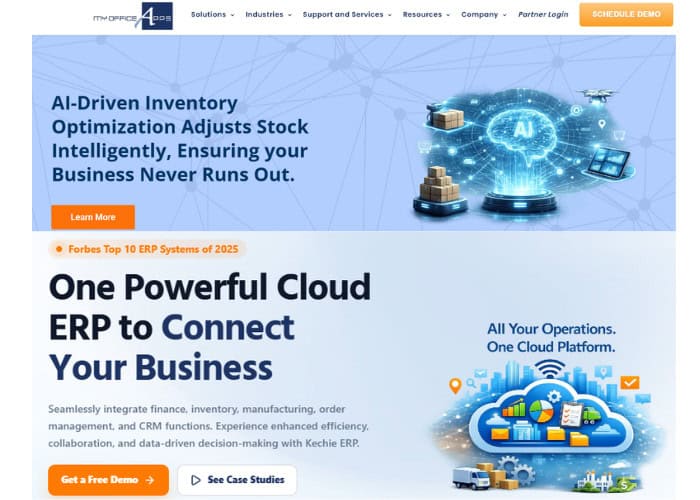
Most CMMS platforms track work orders and PM schedules in isolation from the rest of your operation. When a work order triggers a parts need, someone has to manually check inventory, create a purchase order in a separate system, and reconcile the cost in yet another. Kechie eliminates that disconnect. Our equipment maintenance module lives inside a full ERP, so maintenance workflows are natively connected to inventory, purchasing, and financials.
Product Overview
Kechie addresses the three biggest maintenance pain points for SMBs: disconnected parts inventory from work orders, missed preventive maintenance due to no automated triggers, and compliance documentation scattered across files and spreadsheets. When a maintenance work order is created, the system checks parts availability, triggers procurement if stock is low, and posts costs to the correct asset and cost center automatically.
Preventive maintenance scheduling with automated triggers based on time intervals, work order management with assignment, priority tracking, and completion documentation. Full asset registry with maintenance history, warranty tracking, and lifecycle cost analysis.
Pricing
User-based subscription pricing as part of the Kechie ERP platform. Equipment maintenance module available alongside inventory, purchasing, and financial modules. Contact us for a custom quote.
Integrations
Native integration with Kechie’s inventory, purchasing, warehouse management, and financial modules. No middleware required between maintenance and the rest of your operations.
Setup
Implementation takes weeks as part of a full ERP deployment or as a module addition to an existing Kechie installation. Our team configures asset registries, PM schedules, and work order workflows during onboarding.
Tradeoffs
Kechie’s maintenance module is purpose-built for SMB manufacturers and distributors who want maintenance tracking connected to their ERP without buying a separate CMMS. Dedicated CMMS platforms like Limble or eMaint may offer deeper maintenance-specific reporting and analytics. For businesses that need maintenance, inventory, purchasing, and accounting in one system, Kechie provides the most integrated solution.
Support
Direct access to our engineering team. Award-winning support included in the subscription with no per-incident fees.
➤ See Kechie’s equipment maintenance in action: Schedule your free demo
2. Fleetio – Best for Fleet-Heavy Operations
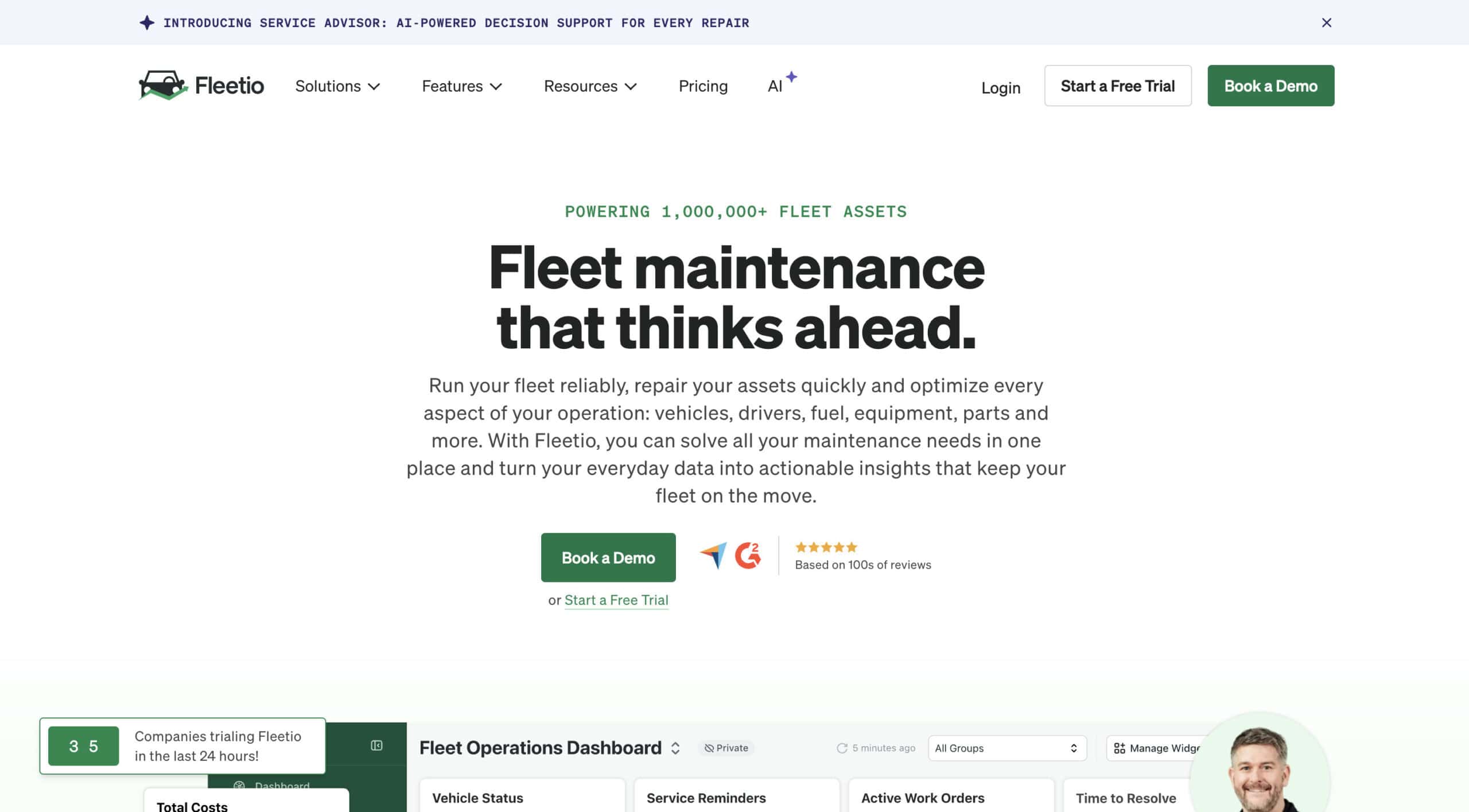 Fleetio is a fleet management platform that combines vehicle maintenance tracking, fuel management, inspections, and asset lifecycle management. For companies whose primary maintenance concern is a fleet of trucks, vans, or vehicles rather than stationary production equipment, Fleetio provides the most fleet-specific functionality.
Product Overview
Preventive maintenance automation, digital inspections (DVIR), fuel management with GPS integration, parts inventory, vendor management, and fleet cost analysis. Mobile app for drivers and technicians.
Pricing
Starting from approximately $5/vehicle/month for basic fleet tracking. Advanced plans with full maintenance and fuel management increase per-vehicle costs.
Setup
Days to weeks. Cloud-native with straightforward onboarding for fleet data import.
Tradeoffs
Fleetio excels at fleet-specific maintenance and is consistently rated among the top fleet management tools. It is not designed for stationary equipment, production machinery, or non-vehicle asset management. For mixed fleets and stationary equipment, you may need Fleetio alongside another CMMS or ERP.
3. Limble CMMS – Best for Easy Adoption and Fast Deployment
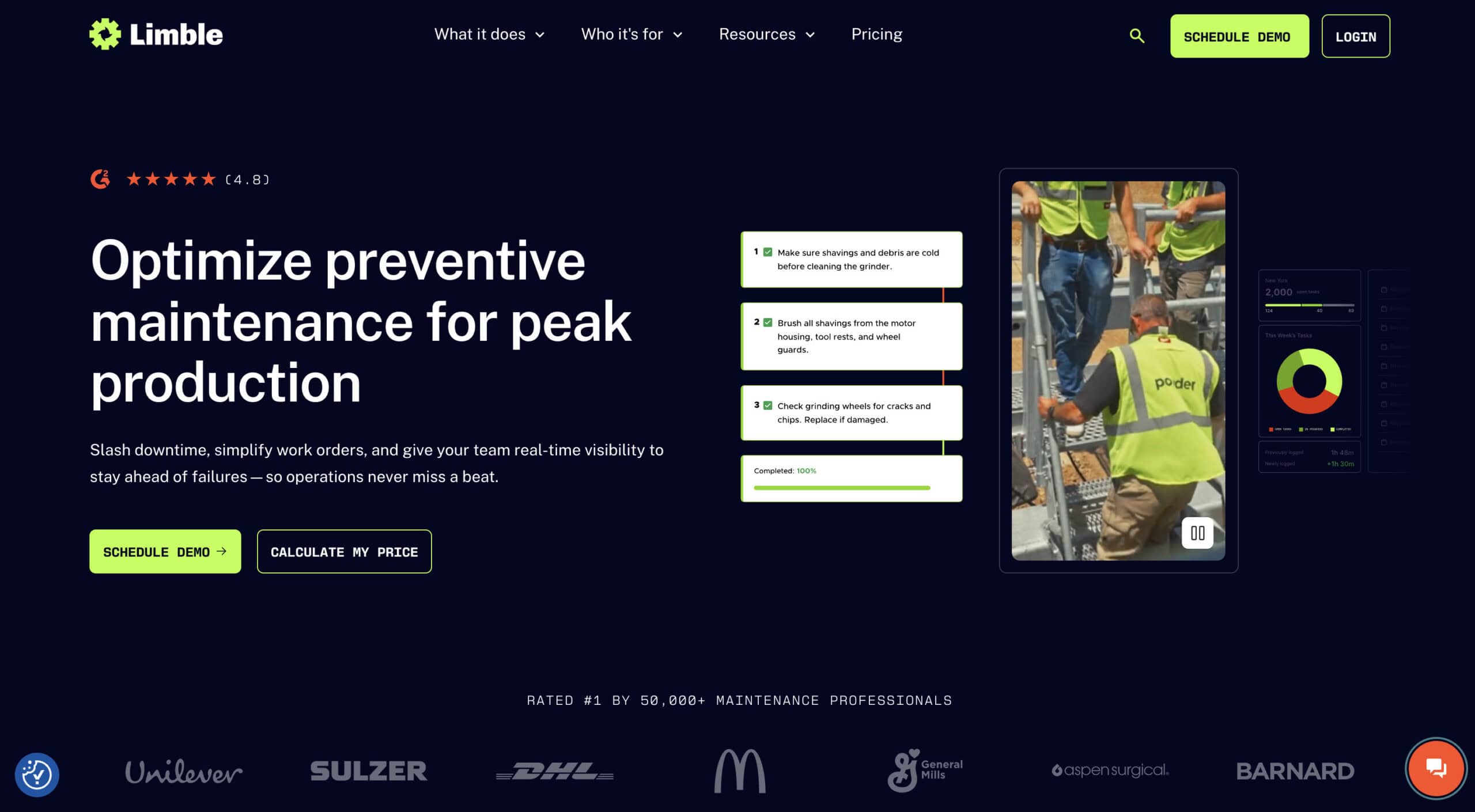 Limble is a modern, user-friendly CMMS that consistently earns the highest user ratings in the category. For maintenance teams that need to move quickly from spreadsheets to a real system without a complex implementation, Limble provides the fastest path to organized maintenance management.
Product Overview
Preventive maintenance scheduling, work order management, asset management, parts inventory, mobile app for technicians, request portals, and maintenance KPI dashboards.
Pricing
Free tier available with basic work order management. Pro starts at approximately $28/user/month. Business+ and Enterprise tiers for larger operations.
Setup
Days to weeks. Known for fast onboarding with minimal IT involvement.
Tradeoffs
Limble’s strength is usability and adoption speed. Maintenance teams are productive quickly. The trade-off is that Limble is a standalone CMMS, so parts procurement, financials, and inventory management require separate systems or integrations.
4. eMaint (Fluke Reliability) – Best CMMS for Mid-Size Asset-Heavy Organizations
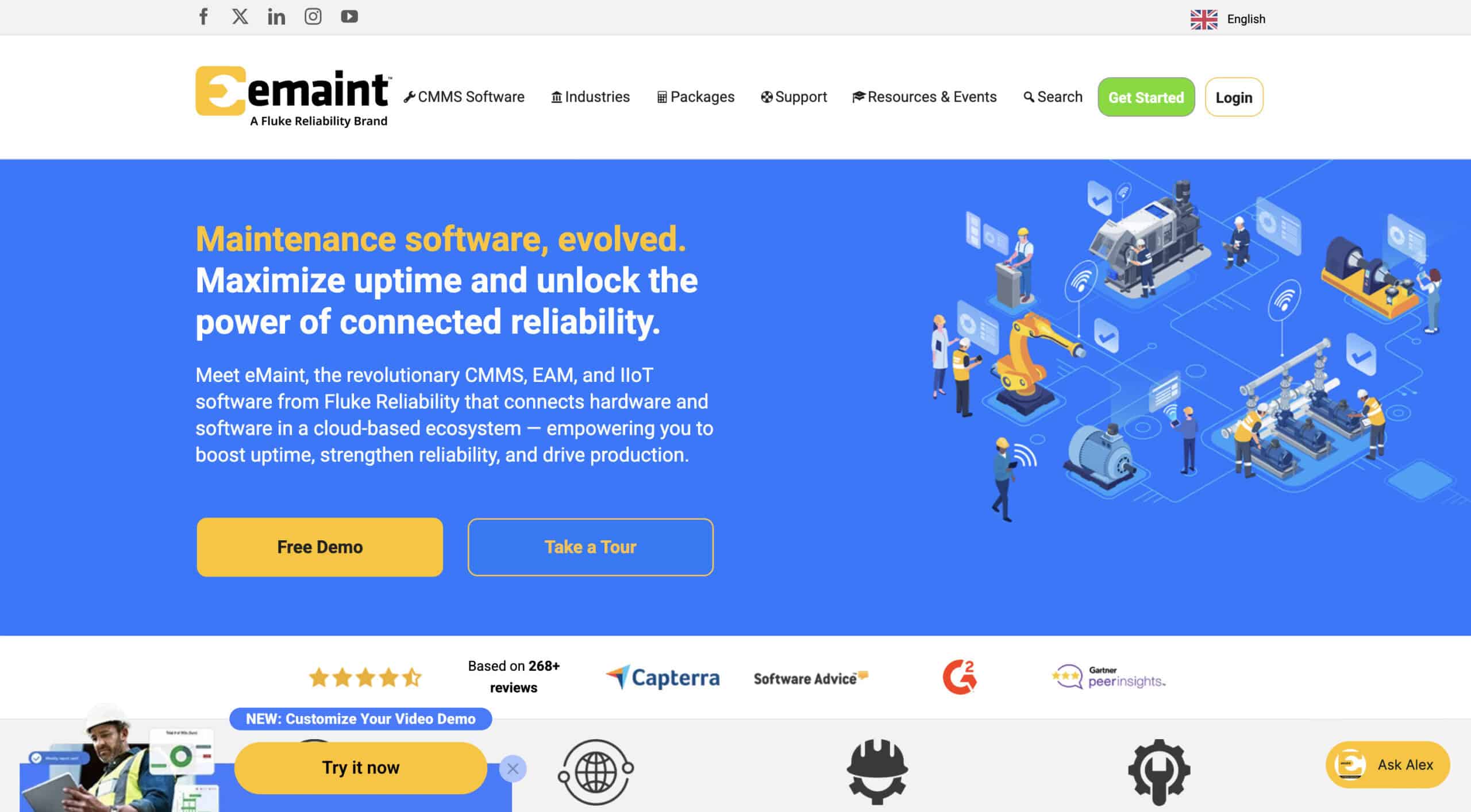 eMaint, now part of Fluke Reliability, is a mature CMMS platform with strong asset management, work order management, and predictive maintenance capabilities. For mid-size organizations with large equipment fleets and complex maintenance programs, eMaint provides enterprise-grade CMMS functionality.
Product Overview
Work order management, preventive and predictive maintenance, asset management, inventory and purchasing, reporting dashboards, and mobile access. Condition monitoring integration through Fluke’s hardware ecosystem.
Pricing
Starting from approximately $69/user/month. Enterprise pricing available for larger deployments.
Setup
2 to 8 weeks depending on asset count and configuration complexity.
Tradeoffs
eMaint provides deep CMMS functionality with strong reporting and analytics. The learning curve is steeper than simpler tools like Limble, and pricing is higher. Best for organizations with dedicated maintenance managers who need detailed KPI tracking and predictive maintenance capabilities.
5. Tractian – Best for IoT-Driven Condition-Based Monitoring
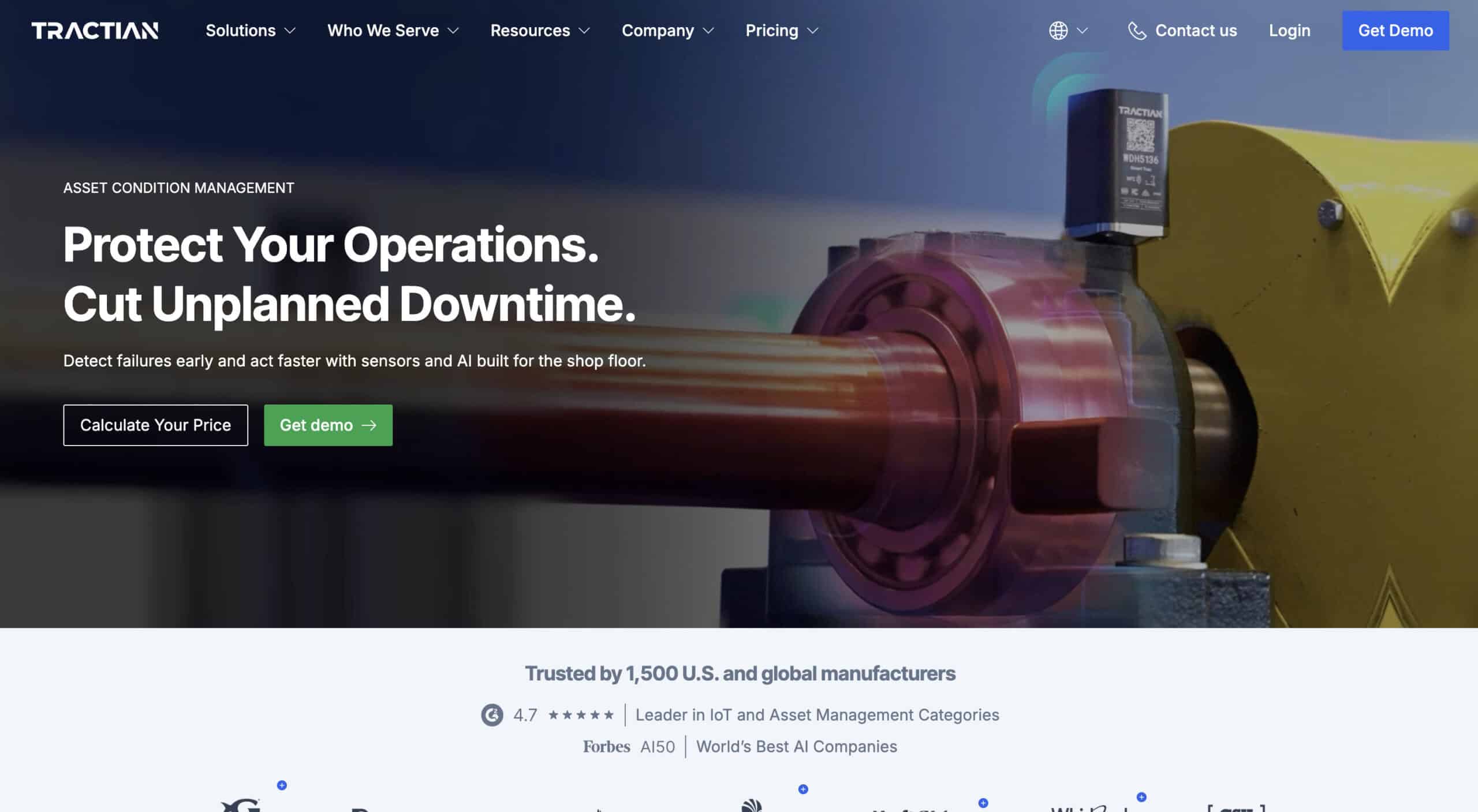 Tractian combines hardware sensors with CMMS software to enable real-time condition monitoring and AI-driven fault detection. For operations where preventing unexpected failures on critical equipment justifies sensor investment, Tractian provides the most advanced predictive maintenance approach.
Product Overview
IoT vibration and temperature sensors, AI-driven fault detection, CMMS with work orders and PM scheduling, energy monitoring, and automated alerts. The platform learns equipment behavior and predicts failures before they occur.
Pricing
Contact Tractian for quotes. Pricing includes hardware sensors plus software subscription.
Setup
2 to 4 weeks for sensor installation and software configuration.
Tradeoffs
Tractian delivers genuine predictive maintenance through real-time equipment monitoring, which standalone CMMS platforms cannot match. The trade-off is higher upfront cost for sensors and the requirement for physical installation on monitored assets.
6. HCSS Equipment360 – Best for Construction Companies
HCSS Equipment360 provides heavy equipment tracking, telematics integration, maintenance scheduling, and cost tracking purpose-built for construction companies. It connects equipment costs to project budgets, which general CMMS platforms do not do natively.
Pricing
Contact HCSS for custom pricing.
Tradeoffs
Strong for construction-specific equipment management with project cost allocation. Less suited for manufacturing or non-construction industries.
7. Tenna – Best for Construction Asset Tracking and Utilization
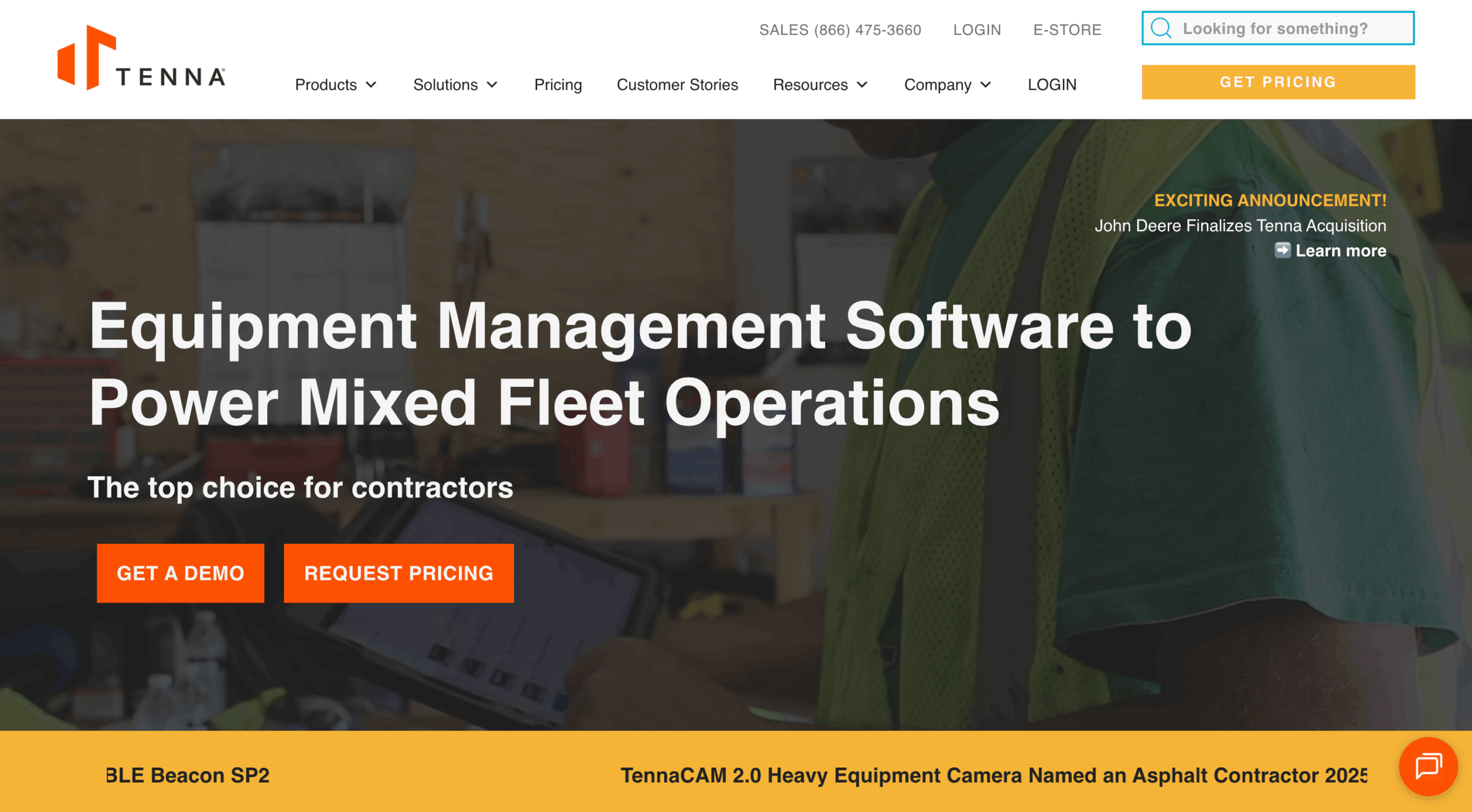 Tenna combines GPS asset tracking, telematics, preventive maintenance, and utilization analytics for construction fleets. Its strength is knowing exactly where every piece of equipment is and how heavily it is being used.
Pricing
Contact Tenna for custom pricing.
Tradeoffs
Excellent for construction fleet visibility and utilization optimization. Maintenance features are solid but less deep than dedicated CMMS platforms.
8. Fullbay – Best for Heavy-Duty Repair Shops
 Fullbay is a shop management platform designed specifically for commercial truck and heavy equipment repair shops. It handles estimates, work orders, invoicing, parts ordering, and technician management with workflows built for the repair shop business model.
Pricing
Starting from approximately $250/month.
Tradeoffs
Purpose-built for repair shop operations with strong invoicing and customer management. Not designed for internal maintenance teams managing their own equipment fleets.
9. B2W Maintain – Best for Heavy Civil Contractors
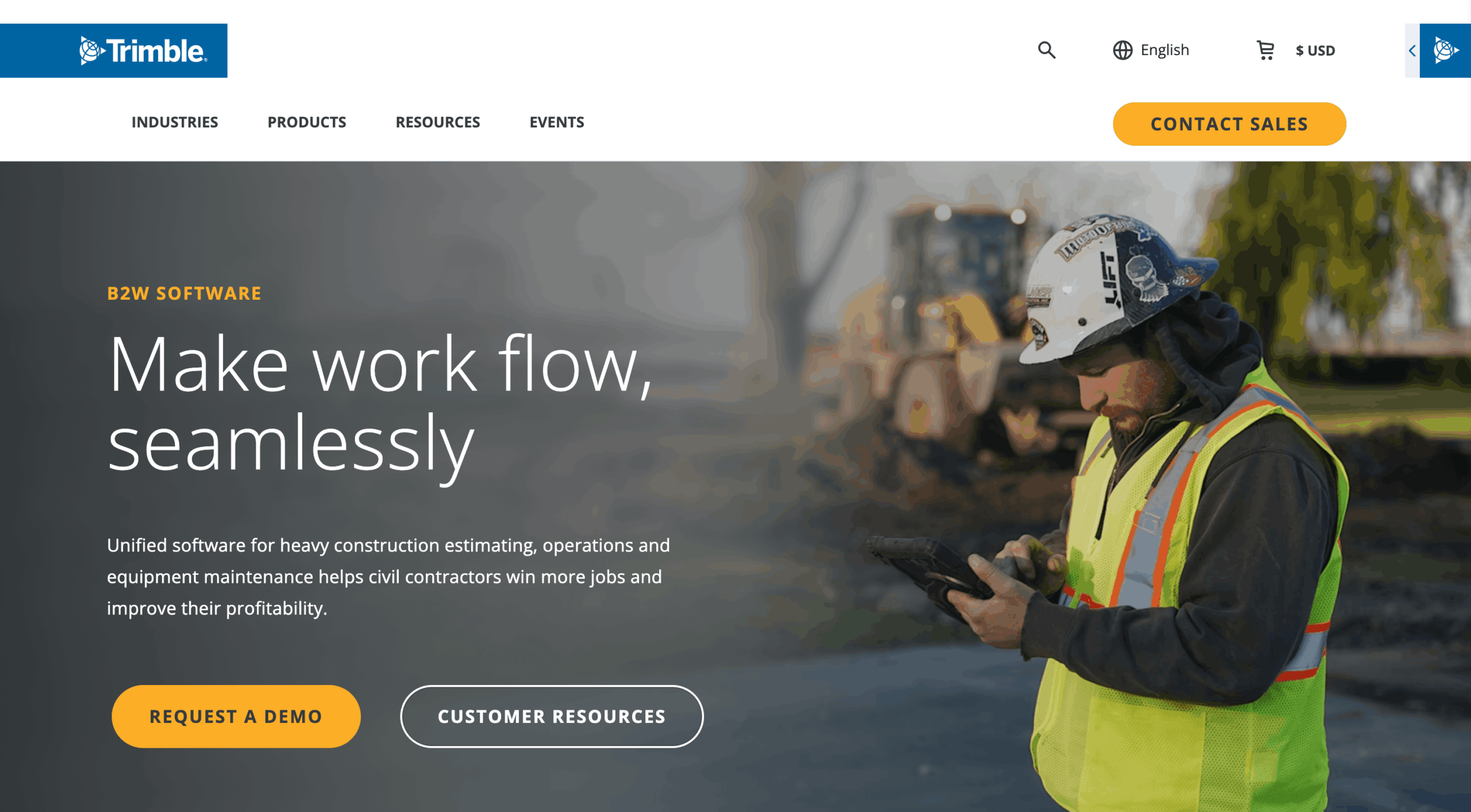 B2W Maintain focuses on equipment maintenance for heavy civil construction, connecting maintenance data to field operations, estimating, and job costing. Purpose-built for contractors managing large fleets of earthmoving and heavy construction equipment.
Pricing
Contact B2W for custom pricing.
Tradeoffs
Deep integration with B2W’s construction operations suite. Best for heavy civil contractors already using or evaluating the B2W platform.
10. Service Pro – Best for Field Service and Maintenance Scheduling
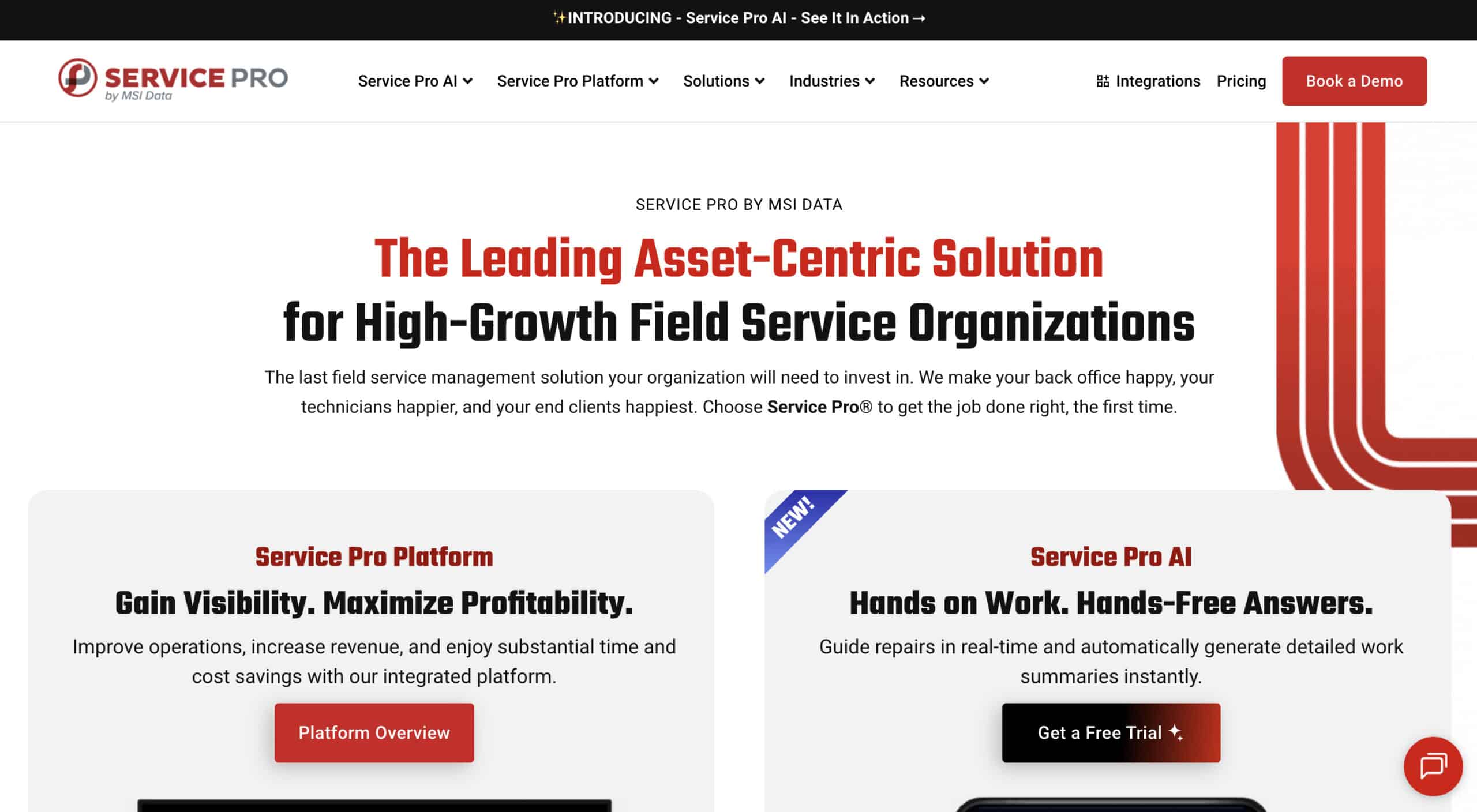 Service Pro provides work order management, scheduling, and mobile dispatch for field service teams. For companies that send technicians to customer sites for equipment maintenance, Service Pro handles the scheduling and dispatch workflow.
Pricing
Contact Service Pro for custom pricing.
Tradeoffs
Strong field service dispatch and scheduling. Less suited for internal maintenance management or asset-intensive operations compared to dedicated CMMS platforms.
How to Choose the Best Equipment Maintenance Software
Step 1: List Every Asset You Need to Track and Where They Sit
Catalog all equipment: stationary production machinery, mobile fleet, tools, and any assets requiring PM. Note locations (single site, multi-site, field). This inventory determines whether you need a CMMS, fleet management tool, or ERP with native maintenance.
Step 2: Map Your Current Maintenance Workflow From Request to Completion
Document how maintenance requests are created, assigned, parts sourced, work completed, and costs tracked today. Identify every manual step, spreadsheet, and workaround. Each gap is a requirement for your new system.
Step 3: Decide Whether You Need a Standalone CMMS or Maintenance Inside Your ERP
Standalone CMMS platforms offer deeper maintenance-specific features. ERP-based maintenance connects work orders to parts inventory, procurement, and financials automatically. If you are already running or evaluating an ERP, a native maintenance module eliminates integration complexity.
Step 4: Check for Preventive Maintenance Scheduling With Automated Triggers
Automated PM triggers based on calendar intervals, equipment hours, meter readings, or condition thresholds are what separate real maintenance software from spreadsheets. Verify the system supports your specific trigger types.
Step 5: Make Sure Parts and Inventory Are Linked to Work Orders
When a technician closes a work order, parts consumed should deduct from inventory automatically. When stock drops below threshold, procurement should trigger. If parts and maintenance are in separate systems, you are rebuilding the same data gaps you have now.
Step 6: Evaluate Mobile Access for Technicians in the Field
Field technicians need to view work orders, log time, record parts used, attach photos, and complete inspections from a phone or tablet. If the mobile experience is clunky or limited, adoption will be low and data quality will suffer.
Key Features to Look for When Choosing the Best Equipment Maintenance Software
Preventive Maintenance Scheduling
Calendar-based and meter-based PM scheduling with automated work order generation. The system should create and assign work orders automatically when PM is due, not rely on someone remembering to check a spreadsheet.
Work Order Management
Create, assign, prioritize, and track work orders from request to completion. Include labor hours, parts consumed, and cost tracking on every work order for accurate maintenance cost analysis.
Asset Registry and History
Centralized asset database with complete maintenance history, warranty information, purchase date, and lifecycle cost tracking. When an auditor asks for maintenance records on a specific asset, you should be able to pull them in seconds.
Parts Inventory Connected to Maintenance
Real-time parts visibility linked to work orders and reorder points. When stock drops below threshold, the system triggers a purchase order. No more discovering mid-repair that the part is out of stock.
Mobile Access for Technicians
Full-featured mobile app for creating work orders, logging time and parts, attaching photos, and completing inspections in the field. The mobile experience should match the desktop in functionality.
Compliance and Inspection Documentation
Digital inspection checklists, documented maintenance records, and audit-ready reports for OSHA, DOT, EPA, and customer compliance requirements. Replace manual paperwork with timestamped, verifiable digital records.
Reporting and Maintenance KPIs
Track MTBF (mean time between failures), MTTR (mean time to repair), PM compliance rates, maintenance cost per asset, and downtime hours. These metrics drive the business case for continued investment in maintenance processes.
Which Heavy Equipment Maintenance Solution Is Right for Your Business?
If you are an SMB manufacturer or distributor that wants maintenance tracking connected to inventory, purchasing, and financials in one system without buying a standalone CMMS, Kechie provides the most integrated solution. If you need a dedicated CMMS with fast deployment and high usability, Limble is the strongest standalone option. For fleet-heavy operations, Fleetio. For IoT-driven predictive maintenance, Tractian. For construction-specific equipment management, HCSS Equipment360 or Tenna.
➤ Ready to connect maintenance to your operations? Schedule your free Kechie demo
FAQs
What’s the difference between CMMS and ERP-based equipment maintenance software?
A CMMS is a standalone system focused exclusively on maintenance: work orders, PM scheduling, and asset tracking. ERP-based maintenance integrates those same capabilities with inventory, purchasing, and financials so that maintenance workflows trigger parts procurement and cost allocation automatically. Standalone CMMS may offer deeper maintenance-specific features; ERP-based maintenance eliminates the integration gap.
Can equipment maintenance software automatically trigger parts reorders when stock runs low?
Yes, if parts inventory is connected to maintenance workflows. ERP-based systems like Kechie handle this natively. Standalone CMMS platforms typically require integration with a separate inventory or purchasing system to achieve automatic reorder triggers.
How does preventive maintenance software reduce unplanned equipment downtime?
By automating PM schedules with triggers based on time, hours, or meter readings, the software ensures routine maintenance happens before equipment fails. Consistent PM catches wear, fluid degradation, and component aging early. Companies using PM software typically report 25% to 50% reductions in unplanned downtime.
Do I need a mobile app for field technicians to log maintenance work?
If technicians work on equipment away from a desk, yes. Mobile access for logging work orders, recording parts used, attaching photos, and completing inspections is essential for data accuracy. Without mobile access, technicians record work on paper and someone enters it later, creating delays and errors.
How do maintenance software costs compare across the top platforms?
Costs range from free (Limble’s basic tier) to several hundred dollars per user per month for enterprise EAM platforms. CMMS platforms typically charge $20-$100/user/month. ERP-based maintenance is included in the ERP subscription cost. Total cost of ownership should include software, implementation, training, and the cost of integrations between maintenance and your other systems.
What ROI can companies expect from implementing maintenance software?
Most companies see ROI through reduced downtime, lower emergency repair costs, extended equipment life, and better parts management. Industry benchmarks suggest 10% to 40% reduction in maintenance costs and 25% to 50% reduction in unplanned downtime within the first year of implementation. The fastest ROI comes from replacing reactive maintenance with preventive schedules.
How does equipment maintenance software help improve team communication and efficiency?
Centralized work order management gives everyone visibility into what needs to be done, who is doing it, and what the status is. Technicians see their assignments on mobile devices. Managers see completion rates and backlog. Parts teams see upcoming requirements. This replaces the radio calls, whiteboard notes, and email chains that create communication gaps in manual maintenance operations.
Schedule a Free Demo Today!
See how Kechie ERP can transform your business, save you time, money, and aggravation. Click the button below to schedule your free demo.
Schedule Your Kechie Demo Now!In This Article
– Best Heavy Equipment Maintenance Software Solutions: Comparison & Ratings Chart
– 10 Top Heavy Equipment Maintenance Software in 2026 Reviewed
– How to Choose the Best Equipment Maintenance Software
– Key Features to Look for When Choosing the Best Equipment Maintenance Software
– Which Heavy Equipment Maintenance Solution Is Right for Your Business?
– FAQs