7 Best Manufacturing Software for SMB Manufacturers (2026)
If you’re a small or mid-size manufacturer still running production in spreadsheets, managing BOMs in documents, or tracking inventory in QuickBooks, you already know the cost: version conflicts, data gaps, stockouts that should not have happened, and reporting delays that make decision-making reactive instead of strategic.
The best manufacturing software in 2026 solves these problems by connecting production planning, inventory management, purchasing, and financials in a single system.
This guide compares the 7 best manufacturing software systems for SMB manufacturers, including both full ERP platforms with native manufacturing modules and dedicated MRP tools.
We evaluated each platform on manufacturing depth (BOMs, work orders, MRP, production scheduling), inventory management, ease of use for floor-level staff, total cost of ownership, and how well it serves small to mid-size operations specifically.
Whether you run a small manufacturing team or a growing operation with hundreds of employees, choosing the right manufacturing software can be challenging. This comparison will help you evaluate your options and build a shortlist.
Best Manufacturing Software Systems: Comparison & Ratings Chart
| Software | Best For | Key Features | Integrations | Setup | Starting Price | Rating |
| Kechie | SMB manufacturers & distributors | Full ERP + MRP + WMS + inventory | Native: Shopify, Amazon, ShipStation, EDI, QuickBooks | Weeks | Contact for quote | 4.5+/5 |
| Epicor Kinetic | Discrete manufacturers | MRP, shop floor, quality mgmt | Native: major EDI, CAD, CRM | 3-6 months | Contact for quote | 4.0/5 |
| Oracle NetSuite | Mid-market manufacturers | Global ERP + manufacturing | Large marketplace | 3-6 months | $$$+/user/mo | 4.0/5 |
| Acumatica | Mid-size (no per-user fees) | Manufacturing + distribution ERP | Native Power BI, 200+ connectors | 3-6 months | Contact for quote | 4.5/5 |
| Katana | Small e-commerce manufacturers | MRP, BOM, production scheduling | Shopify, WooCommerce, Xero, QBO | 2-6 weeks | From $179/mo | 4.2/5 |
| Infor CloudSuite | Industry-specific verticals | Deep vertical manufacturing ERP | AWS-native, 100+ connectors | 3-9 months | Contact for quote | 4.0/5 |
| Odoo | Budget-conscious manufacturers | Open-source modular ERP + MRP | Community marketplace | 4-12 weeks | Free (Community); ~$25/user/mo | 4.1/5 |
7 Top Manufacturing Software Solutions in 2026 Reviewed
Here are the top 7 manufacturing software solutions for SMB manufacturers in 2026:
1. Kechie – Best Fully Integrated Manufacturing ERP for SMB Manufacturers & Distributors
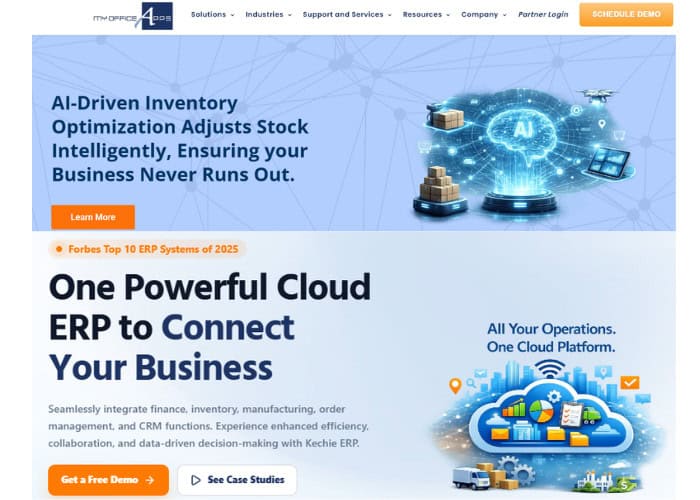
If your core frustration is that your current tools force you to manage production in one system, inventory in another, and accounting in a third, Kechie is the most direct solution. We built Kechie as a fully integrated, cloud-based ERP that runs MRP, inventory, warehouse management, purchasing, order processing, and GAAP-compliant financials on a single database, with real-time data across every module.
Product Overview
Kechie addresses the three biggest pain points for SMB manufacturers: disconnected systems forcing manual reconciliation, inventory inaccuracies causing stockouts and overstock, and production planning that lives in spreadsheets rather than a system of record. Our MRP module calculates material requirements from real-time demand, generates purchase orders automatically, and integrates production scheduling with inventory and purchasing so nothing falls through the gaps.
Multi-warehouse inventory with lot tracking, serialization, barcode-driven pick/pack/ship, automated cycle counting, and real-time stock visibility completes the operational picture. Every transaction is auditable and drillable from a single interface.
Pricing
User-based subscription pricing. Packages available modularly (manufacturing/MRP, inventory/WMS, finance) or as a full ERP. One-time fee for implementation, data migration, and training. Minimum 7 users. Contact us for a custom quote.
Integrations
Native integrations with Shopify, Amazon, ShipStation, FedEx, UPS, EDI trading partners, and payment processors. QuickBooks migration path for businesses upgrading from accounting software.
Setup
Implementation typically takes a few weeks. Our team blueprints your manufacturing processes, configures workflows, handles data migration, and trains staff. No external consultants required.
Tradeoffs
Reviewers on Capterra, G2, and GetApp consistently highlight ease of use, flexible customization, and support quality. Some users note a learning curve with advanced configuration, and manufacturers needing highly specialized industry modules should verify fit. For SMB manufacturers who need production, inventory, and accounting in one system without enterprise complexity, Kechie delivers the best balance of depth and usability.
Support
Award-winning customer support with direct access to our engineering team. No third-party support partners or consultant fees for basic questions. Phone, email, and ticket-based support with dedicated account management.
Mini Case Study
Caitec, a distribution and manufacturing company, evaluated four ERP systems and chose Kechie because we could customize during rollout rather than forcing a rigid package. They doubled their business with 30% less overhead after implementation, with new employees productive on the system within one to two days.
➤ See Kechie’s manufacturing ERP in action: Schedule your free demo
2. Epicor Kinetic – Best for Discrete Manufacturers Needing Deep Shop Floor Control
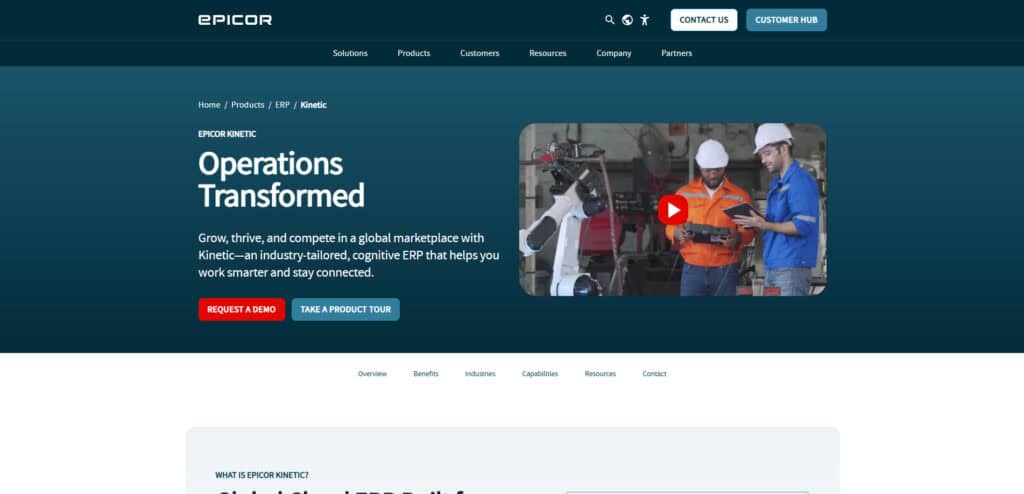
Epicor was built for manufacturing from the ground up. For discrete manufacturers who need advanced production scheduling, shop floor execution, quality management, and MES capabilities beyond what general-purpose ERPs offer, Epicor Kinetic is the manufacturing-first platform.
Product Overview
MRP, advanced production scheduling, quality management with inspection plans, shop floor execution with real-time tracking, supply chain management, and integrated financials. Strong in automotive, aerospace, industrial equipment, and job shop environments.
Pricing
Contact Epicor for quotes. Positioned between SMB and enterprise pricing. Implementation costs add substantially.
Setup
3 to 6 months for standard deployments. Partner-dependent implementation.
Tradeoffs
Epicor provides the deepest manufacturing functionality of any platform on this list, particularly for discrete manufacturers with complex shop floor requirements. The trade-off is higher cost, longer implementation, and a UI that is still being modernized. Less suited for distribution-heavy or mixed operations.
3. Oracle NetSuite – Best for Mid-Market Manufacturers Planning Global Expansion
NetSuite is the ERP that growing manufacturers move to when they need multi-subsidiary management, global compliance, and a platform that handles enterprise-scale manufacturing operations.
Product Overview
Manufacturing modules include demand planning, work orders, routing, WIP tracking, and quality management. Integrated with NetSuite’s financials, inventory, CRM, and ecommerce (SuiteCommerce).
Pricing
Base platform fee plus per-user licensing. Significantly higher than SMB alternatives. The manufacturing module is an add-on.
Setup
3 to 6 months standard. Complex deployments extend beyond 12 months.
Tradeoffs
NetSuite provides strong manufacturing functionality within a mature global ERP, but the cost and complexity exceed what most SMB manufacturers need. Best suited for companies with $10M+ revenue planning multi-entity or international operations.
4. Acumatica – Best for Mid-Size Manufacturers Who Want Unlimited Users
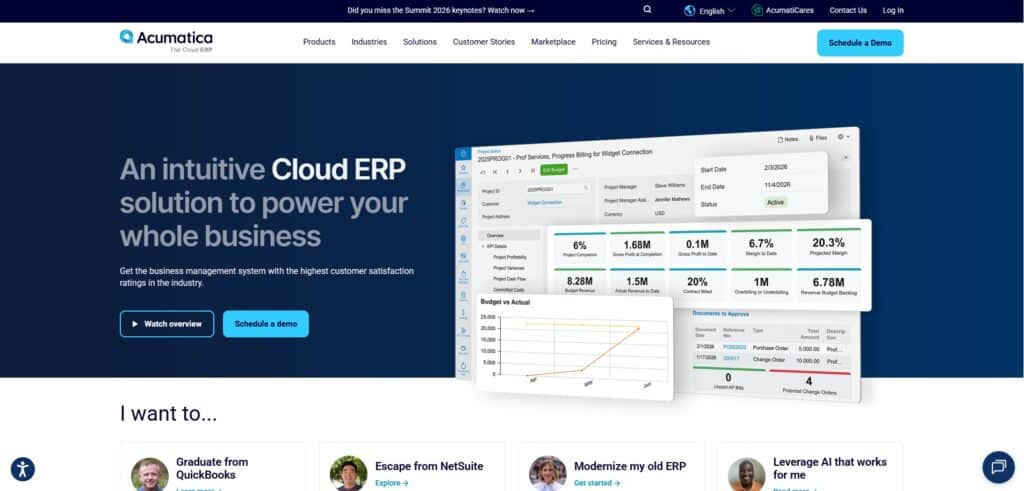
Acumatica’s consumption-based pricing means every warehouse worker, machine operator, and floor manager can access the system without adding per-user costs. For manufacturers with large teams, this pricing model can save tens of thousands annually compared to per-seat alternatives.
Product Overview
Manufacturing suite includes engineering change control, production management, MRP, estimating, product configurator, and advanced planning. Integrated with distribution, financials, CRM, and project accounting.
Pricing
Consumption-based (transactions and storage, not user count). Contact Acumatica for quotes.
Setup
3 to 6 months through certified VARs. Implementation quality varies by partner.
Tradeoffs
Acumatica offers strong manufacturing capabilities with a pricing model that rewards growth rather than penalizing it. Implementation requires a VAR partner, and costs can exceed initial estimates if scope changes during deployment.
5. Katana – Best MRP for Small Ecommerce-Driven Manufacturers
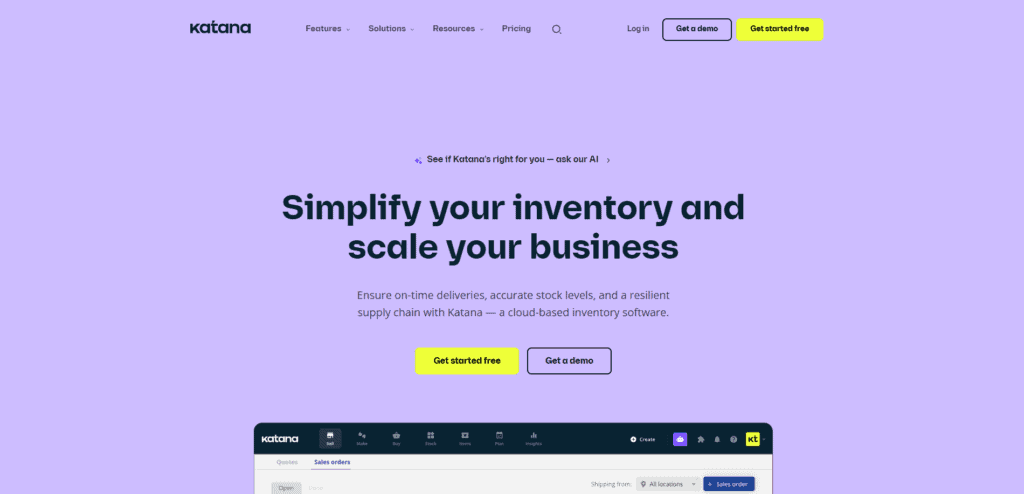
Katana is a cloud-native MRP platform designed for small manufacturers who sell through Shopify, WooCommerce, or Amazon and need production planning, BOM management, and inventory tracking without a full ERP. It’s one of the best small business manufacturing software options for e-commerce-first operations.
Product Overview
Visual production scheduling, auto-booking of materials from BOMs, real-time inventory tracking, batch and serial number management, barcode scanning, and sales order management with e-commerce sync.
Pricing
Starter from $179/month. Standard from $359/month. Pricing is usage-based (sales order volume and locations), not per-user. Free plan available for up to 30 SKUs.
Setup
2 to 6 weeks with dedicated onboarding. Onboarding fee starts at $999.
Tradeoffs
Katana excels at visual production planning and e-commerce integration for small manufacturers. Recent pricing model changes have drawn criticism from users with high order volumes and low-ticket products, as usage-based tiers can escalate quickly. Katana is an MRP, not a full ERP, so you will still need separate tools for advanced accounting, CRM, and warehouse management.
6. Infor CloudSuite Industrial (SyteLine) – Best for Industry-Specific Manufacturing
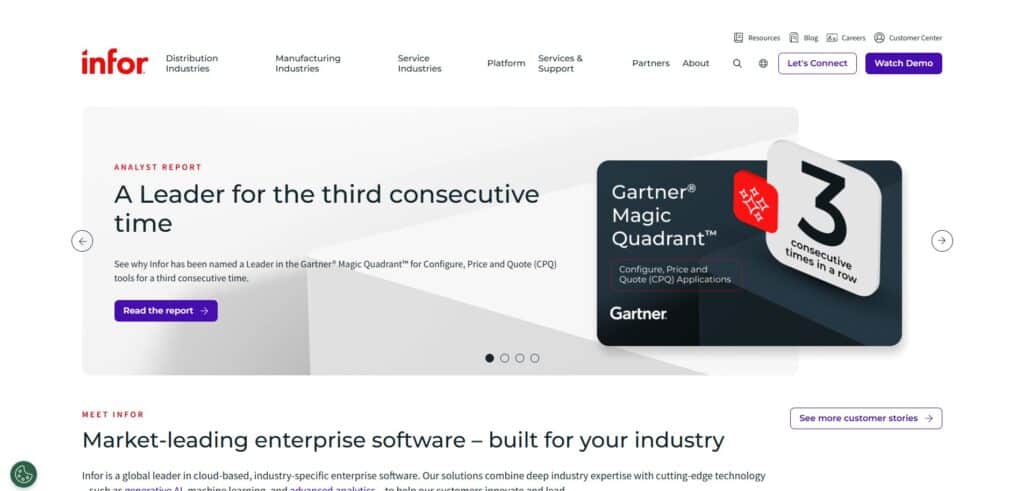
Infor differentiates through deep industry-specific manufacturing functionality. Instead of one platform configured for every vertical, Infor offers purpose-built CloudSuites for discrete manufacturing, process manufacturing, automotive, aerospace, and food & beverage.
Product Overview
Production scheduling, shop floor management, quality management, supply chain planning, demand sensing, and financials. Pre-configured industry workflows reduce customization needs.
Pricing
Contact Infor for custom pricing. Enterprise tier.
Setup
3 to 9 months, depending on vertical and manufacturing complexity.
Tradeoffs
Infor provides the deepest industry-specific preconfiguration, reducing implementation time for manufacturers in supported verticals. Cost and complexity are enterprise-grade, making it less accessible to SMBs with revenue below $25M.
7. Odoo – Best Budget-Friendly Open-Source Manufacturing Platform
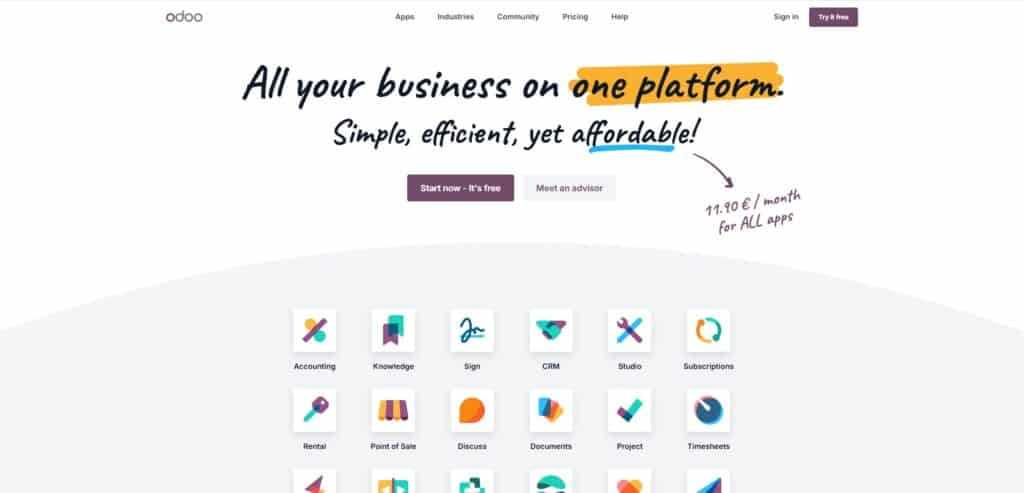
Odoo’s Community edition provides free, open-source MRP with BOMs, work orders, and production scheduling. For budget-constrained manufacturers who need basic production planning without licensing fees, Odoo offers the lowest entry point on this list.
Product Overview
MRP, BOMs, work orders with routing, work center management, quality control, maintenance scheduling, and inventory management. Enterprise edition adds more advanced planning and reporting.
Pricing
Community edition: free (self-hosted). Enterprise: approximately $24.90/user/month (Standard) to $37.40/user/month (Custom). Each additional app adds to the monthly cost.
Setup
4 to 12 weeks, depending on complexity and whether self-hosted or cloud.
Tradeoffs
Odoo’s low entry price attracts cost-conscious manufacturers, but the total cost of ownership rises significantly with Enterprise licensing, third-party modules, and implementation partner fees. Heavy customization creates upgrade debt, and US GAAP accounting support is limited. Best for technically capable teams with modest manufacturing complexity.
How to Choose the Best Software for Manufacturing
Step 1: Define Your Core Manufacturing Requirements
Document your specific needs: discrete vs. process manufacturing, BOM complexity, production scheduling requirements, quality management, lot traceability, and compliance mandates (ISO, FDA). The best software for a manufacturing company depends entirely on your specific production model, so start with what you actually do on the floor every day. Whether you are evaluating the best software for a manufacturing business of 20 people or 200, the requirements definition step is what separates a good decision from an expensive mistake.
Step 2: Set Your Budget and Total Cost of Ownership
Calculate beyond the license fee: implementation, data migration, training, ongoing support, and the cost of integrations you will need. Compare this to the cost of your current system (including manual processes and error costs).
Step 3: Evaluate Integration With Your Existing Tech Stack
Verify native integrations with your e-commerce platforms, shipping carriers, EDI partners, accounting tools, and any CAD or PLM systems. Middleware and manual exports create the same data fragmentation you are trying to solve.
Step 4: Assess Scalability for Your Growth Plans
Choose a platform that handles your needs today and your projected needs in 3 years. Adding users, SKUs, warehouses, or production lines shouldn’t require a platform migration.
Step 5: Request Demos and Involve Your Floor-Level Users
Bring your production manager, warehouse lead, and controller into the demo. Have the vendor walk through your actual workflows: creating a production order, consuming materials, tracking WIP, completing a work order, and reconciling costs. Generic demos hide usability problems.
Step 6: Check Vendor Support, Training, and Onboarding
Evaluate how the vendor handles onboarding, training, and ongoing support. Direct vendor support is faster and more reliable than partner-mediated support. Ask about response times, dedicated account management, and whether support is included in the subscription.
Step 7: Compare Implementation Timelines and Disruption Risk
Ask each vendor for a realistic implementation timeline based on your scope. Platforms that are implemented in weeks create less business disruption than platforms that require 6 to 12 months. Factor in the cost of running parallel systems during a long implementation.
Key Features to Look for When Choosing the Best Manufacturing Management Software
Material Requirements Planning (MRP)
MRP calculates what materials you need, when you need them, and generates purchase orders and production recommendations from real-time demand and supply data. This is the single most important manufacturing feature. Without it, you’re planning production manually.
Bill of Materials (BOM) Management
Multi-level BOMs with cost rollup, revision control, and the ability to track components across assemblies. Your BOM should connect directly to inventory and purchasing, so material availability is always visible.
Production Scheduling and Work Orders
Visual production scheduling with work order creation, status tracking, material consumption, and completion reporting. Floor-level users should be able to start, track, and close work orders without leaving the system.
Real-Time Inventory Management
Multi-warehouse inventory with real-time stock visibility, lot tracking, serialization, barcode scanning, automated cycle counting, and reorder point automation. Inventory accuracy is the foundation of manufacturing efficiency.
Quality Management and Traceability
Lot traceability, inspection plans, quality holds, and documentation that support compliance with ISO, FDA, or customer-mandated quality programs. For regulated manufacturers, this is non-negotiable.
Integrated Financials (GAAP-Compliant)
Manufacturing costing (standard, average, or actual), WIP accounting, variance analysis, and financial reporting that connects production costs to your general ledger without manual journal entries.
Procurement and Vendor Management
Automated purchase orders triggered by MRP, vendor scorecarding, receiving workflows, and three-way matching. Procurement should flow directly from material requirements to purchase orders to receiving to accounts payable.
Which of the Popular Manufacturing Platforms Is Right for Your Business?
For SMB manufacturers (15 to 250 employees) who need MRP, inventory, warehouse management, and accounting in one integrated platform without enterprise complexity or cost, Kechie is the best fit. We built it for exactly this use case.
For discrete manufacturers with complex shop floor and quality requirements, Epicor Kinetic provides the deepest manufacturing functionality. For mid-market companies planning global operations, Oracle NetSuite offers enterprise scale. For manufacturers who want unlimited users without per-seat fees, Acumatica’s consumption model is compelling. Small e-commerce manufacturers who primarily need MRP and inventory should evaluate Katana.
➤ Ready to upgrade your manufacturing software? Schedule your free Kechie demo
FAQs
What is the best manufacturing software for a small business in 2026?
For small manufacturers (15 to 250 employees) who need integrated MRP, inventory, and accounting, Kechie provides the best balance of manufacturing depth, ease of use, and total cost. Katana is a strong option for very small e-commerce manufacturers who primarily need MRP and BOM management without full ERP functionality.
Cloud-Based vs. On-Premises ERP: Which Is Best for Manufacturing?
Cloud-based ERP is the better choice for most SMB manufacturers in 2026. It eliminates infrastructure costs, provides remote access, includes automatic updates, and implements faster. On-premises makes sense only for manufacturers with strict data sovereignty requirements or very specialized hardware integrations that cloud platforms cannot support.
How does the manufacturing industry sector affect ERP software selection?
Discrete manufacturers need BOMs, work orders, and production scheduling. Process manufacturers need formula management, batch tracking, and regulatory compliance. Mixed-mode manufacturers need both. Choosing a platform built for your manufacturing type avoids costly customization and ensures core workflows are native, not bolted on.
What are the most common challenges when choosing the best manufacturing software?
The biggest mistakes are: overbuying enterprise software for an SMB operation, underestimating implementation time and cost, not involving floor-level users in evaluation, choosing based on feature lists rather than workflow testing, and ignoring total cost of ownership in favor of sticker price.
How long does it take to implement a new manufacturing system?
Cloud-based SMB platforms like Kechie can be implemented in weeks. Mid-market solutions like Acumatica and Epicor take 3 to 6 months. Enterprise platforms like NetSuite and Infor can take 6 to 12+ months. The timeline depends on data complexity, customization needs, and how many parallel systems you’re replacing.
What ongoing costs are associated with manufacturing systems?
Ongoing costs include: software subscription or license fees, user licensing (if per-seat), annual maintenance (for on-premises), vendor support fees (if not included), integration maintenance, and periodic training for new employees. Cloud ERP typically bundles most of these into the subscription, making costs more predictable.
What are the five types of software used in manufacturing?
The five primary categories are: ERP (enterprise resource planning for end-to-end operations), MRP (material requirements planning for production), MES (manufacturing execution systems for shop floor), CAD/CAM (design and machining), and CMMS (maintenance management). Many modern platforms combine ERP and MRP into a single system.
Schedule a Free Demo Today!
See how Kechie ERP can transform your business, save you time, money, and aggravation. Click the button below to schedule your free demo.
Schedule Your Kechie Demo Now!In This Article
– Best Manufacturing Software Systems: Comparison & Ratings Chart
– 7 Top Manufacturing Software Solutions in 2026 Reviewed
– How to Choose the Best Software for Manufacturing
– Key Features to Look for When Choosing the Best Manufacturing Management Software
– Which of the Popular Manufacturing Platforms Is Right for Your Business?
– FAQs