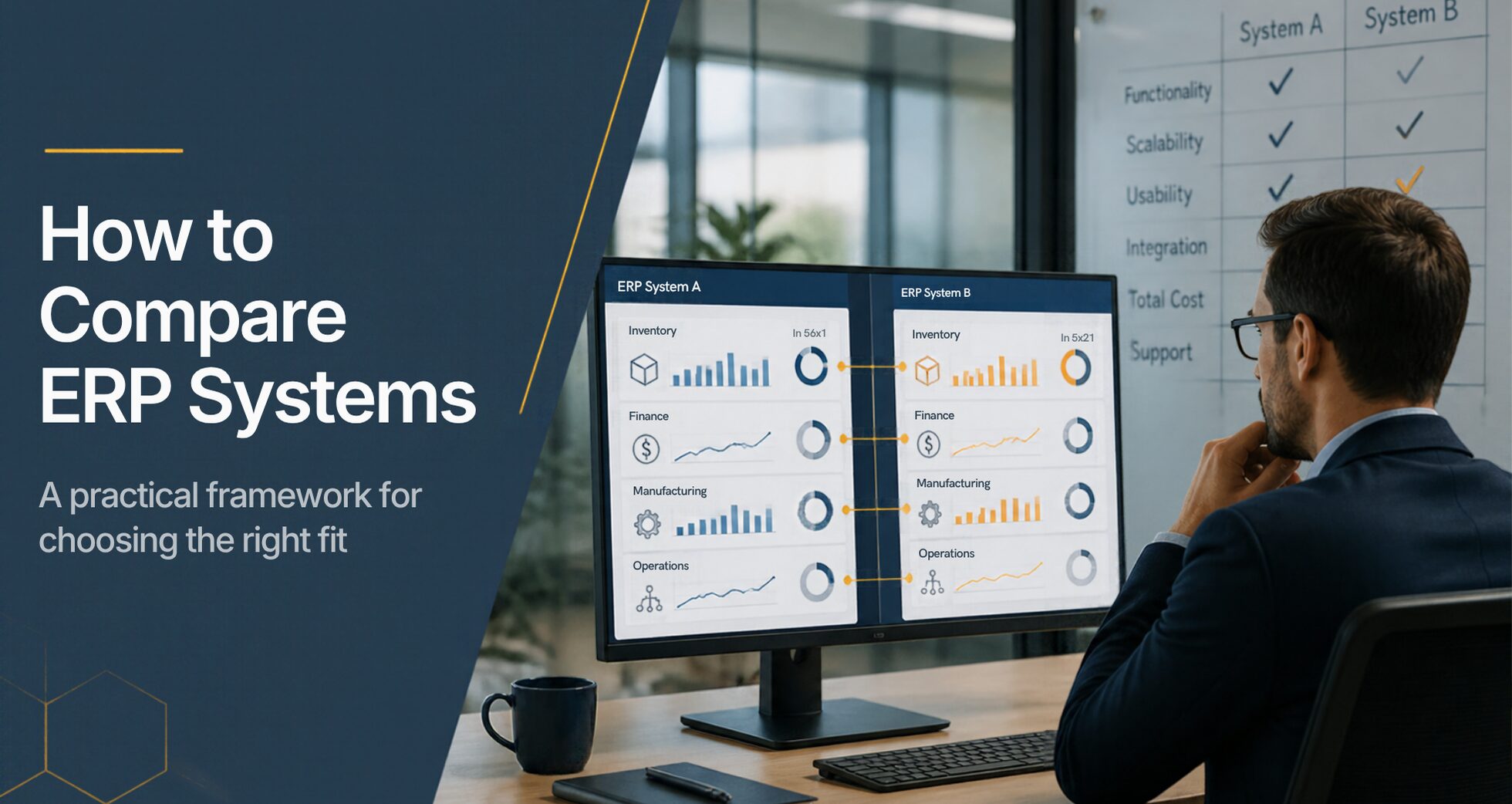
The best way to compare ERP systems is to score every vendor against the same weighted list of your own requirements, then compare total cost of ownership over five years, not the first-year price. Feature checklists alone don’t work. Almost every ERP claims inventory, accounting, and reporting, so the real differences show up in fit, usability, implementation, and support.
This guide gives you the criteria that matter, a scorecard you can copy, and a simple way to compare cost across very different pricing models.
Key takeaways
- Write down your requirements before any demo, and give every vendor the same demo script.
- Score vendors on a weighted scorecard, so the decision reflects your priorities rather than the best presentation.
- Compare five-year total cost of ownership, not first-year price.
- Check references with companies like yours before you sign.
- Use the weighted scorecard and five-year cost table below as your working template.
Step 1: Define your requirements before you see a demo
A demo shows what a vendor wants you to see. Your requirements make sure you see what you need. Before you contact anyone, write down:
- Your core processes. How orders, purchasing, production, shipping, and billing actually flow today, department by department. Manufacturers should include how production costs reach the books; see accounting software for manufacturing.
- Your pain points. The three to five problems that started this search, in plain words.
- Must-haves vs. nice-to-haves. Lot tracking for a regulated product is a must-have. A mobile dashboard might be nice to have.
- Users and roles. How many people will use the system, in which departments and locations.
- Systems to connect. Ecommerce, shipping, EDI, payments, and anything else that must exchange data.
- Timeline and budget range. When you need to be live, and what a realistic five-year investment looks like.
Then turn those answers into a short script for each vendor’s demo, using your own products and scenarios. Every vendor walks through the same script, which makes the comparison fair.
Step 2: Compare on the criteria that matter
These ten criteria separate ERP systems far more than feature lists do. Next to each is the question that gets a useful answer.
| Criterion | What it means | Ask every vendor |
|---|---|---|
| Functional fit | Covers your must-haves as delivered, without custom development | “Show me our process, start to finish, in the system as delivered.” |
| Usability | People in every role can do their work without workarounds | “How long until a new warehouse or sales user is productive?” |
| Implementation | Who does the work, how long it takes, and what’s included (implementation guide) | “Who implements, what’s the typical time to go live, and what’s out of scope?” |
| Industry experience | The vendor already serves companies like yours | “Which customers in our industry, and of our size, can we speak with?” |
| One system vs. assembled | Modules share one database, or are separate products joined by integrations | “Were all of these modules built together, or acquired and connected?” |
| Reporting | Reports ready on day one vs. built during or after implementation | “How many reports come pre-configured, and who builds new ones?” |
| Integrations | Prebuilt connections to the tools you already use, plus an API | “Which of our systems connect today, and who maintains the integration?” |
| Support | Who answers, how fast, and whether they know your setup | “When we open a ticket, who handles it and what are your response targets?” |
| Deployment and security | Cloud or on-premise, who hosts it, and how data is protected | “Where is our data hosted, how is it backed up, and what compliance do you meet?” |
| Scalability and roadmap | Room to add users, locations, and modules as you grow | “How do new features get decided, and do all customers receive them?” |
Step 3: Score every vendor the same way
Give each criterion a weight that reflects your priorities; the weights should add up to 100. After each demo, score every vendor from 1 (poor) to 5 (excellent) on each criterion. The weights below are a starting point; adjust them to fit your operation.
| Criterion | Weight (%) | Vendor A (1–5) | Vendor B (1–5) | Vendor C (1–5) |
|---|---|---|---|---|
| Functional fit | 20 | |||
| Usability | 15 | |||
| Implementation | 10 | |||
| Industry experience | 10 | |||
| One system vs. assembled | 10 | |||
| Reporting | 10 | |||
| Integrations | 10 | |||
| Support | 5 | |||
| Deployment and security | 5 | |||
| Scalability and roadmap | 5 | |||
| Weighted score | 100 |
To get each vendor’s weighted score, multiply each score by its weight, add the results, and divide by 100:
The result lands on the same 1–5 scale, so a 4.2 beats a 3.6 at a glance. Have two or three people from different departments score independently, then average. That keeps one strong opinion from deciding for everyone.
Step 4: Compare total cost of ownership, not price
ERP vendors price in very different ways: per user, by edition or tier, by module, by transaction volume, or a mix. The only fair comparison is total cost of ownership (TCO) over the same period, usually five years. Ask every vendor to fill in the same lines.
| Cost component | What to ask | Often missed |
|---|---|---|
| Subscription or licenses | Price per user, edition, or module, and what’s included | Required modules sold separately |
| Implementation | Fixed fee or hourly estimate, and who performs it | Change orders when scope grows |
| Data migration | Which records move over, and who cleans them | Historical transactions and open orders |
| Training | Included hours, and the cost of training new hires later | Ongoing training as staff turns over |
| Integrations | Prebuilt connectors vs. custom work, plus ongoing fees | Third-party connector subscriptions |
| Customization | Cost to build, and whether it survives upgrades | Rework after each upgrade |
| Support | What’s included, and what costs extra | Premium support tiers |
| Usage-based fees | Charges tied to transactions, storage, or volume | Costs that rise as you grow |
| Annual increases | Contractual price increase at renewal | Uncapped renewal increases |
| Internal time | Hours your team spends on implementation and testing | Lost productivity during go-live |
Add each vendor’s five-year total, then divide by your expected number of users for a cost-per-user comparison. Weigh that number alongside the scorecard. The lowest price rarely delivers the best value if it needs more workarounds, more integrations, or more outside help to run.
For typical ranges, see our guide to ERP implementation cost.
Step 5: Check references and confirm the details
Before you decide, talk to two or three current customers of each finalist, ideally of similar size and complexity. Ask what went well, what took longer than expected, and how support responds when something breaks.
Then get the details in writing: implementation scope, timeline, the team assigned, renewal terms, and which modules are included. Larger projects often formalize this with a request for proposal (RFP), sent after demos so vendors respond to your real requirements.
Red flags to watch for
- The demo avoids your script. If a vendor keeps returning to its own slides instead of your scenarios, the system may not handle them as delivered.
- “We can build that.” Sometimes true, but every custom build adds cost, time, and upgrade risk. Ask whether it exists today.
- Vague implementation estimates. “It depends” without a range, a scope, or a named team usually means the real number comes later.
- Every answer needs a separate product. A long list of add-ons, connectors, and partners to cover your must-haves points to an assembled system.
- No reference customers like you. Ask to speak with customers of similar size and complexity, not just the vendor’s biggest names.
- Pricing that grows faster than you do. Usage-based fees and uncapped renewal increases can turn a good first-year price into a costly fifth year.
How Kechie ERP measures up
We built Kechie ERP to score well on the criteria buyers care about most. Kechie, from My Office Apps (MOA), is enterprise ERP without the enterprise complexity.
- One system. Core inventory and warehouse management, with modules such as manufacturing, financials, and portals you add as you need them. Data entered once is available in all relevant modules in real time.
- Usability for every role. What each person needs is on screen or one or two clicks away. New users are typically productive within one to two days after go-live.
- Ready from day one. Pre-configured for your industry and configurable for your business, with hundreds of pre-configured reports and no IT required.
- Structured implementation. Dedicated implementation and project management teams take you live in weeks.
- Integrations. Prebuilt connections to QuickBooks Online, Shopify, Amazon, ShipStation, Avalara, and more, plus an API for other systems.
- Predictable value. User-based pricing with no consumption fees, so cost tracks the people using the system, not your transaction volume.
- A roadmap shaped by customers. New features come from common customer requests and are released to all customers, backed by US-based support.
Kechie was named to Forbes Advisor’s 10 Best ERP Systems of 2025. To see how it compares with specific systems, visit our ERP comparison hub.
Ready to compare with confidence?
See how Kechie compares with the systems on your shortlist, or book a demo using your own products and processes.
Request a Demo Compare Kechie to Other ERPsFrequently asked questions
How do you compare ERP systems?
Define your requirements first, then have every vendor demo the same script. Score each one on a weighted scorecard covering fit, usability, implementation, reporting, integrations, support, and scalability. Finally, compare five-year total cost of ownership.
What are the most important ERP evaluation criteria?
Functional fit comes first: the system should handle your must-have processes as delivered. Usability, implementation approach, and support usually matter next, because they decide whether your team actually adopts the system.
How do you compare ERP costs when pricing models differ?
Convert every quote to a five-year total that includes subscription, implementation, data migration, training, integrations, customization, support, usage fees, and renewal increases. Then compare cost per user alongside each vendor’s score.
How many ERP vendors should you evaluate?
Most companies research a wider list, then take three to five vendors through full demos. Fewer can miss a good fit; more makes careful scoring hard.
How long does an ERP evaluation take?
It depends on your size and complexity. Defining requirements first is the step that shortens it most, because it rules out poor fits before demos begin.