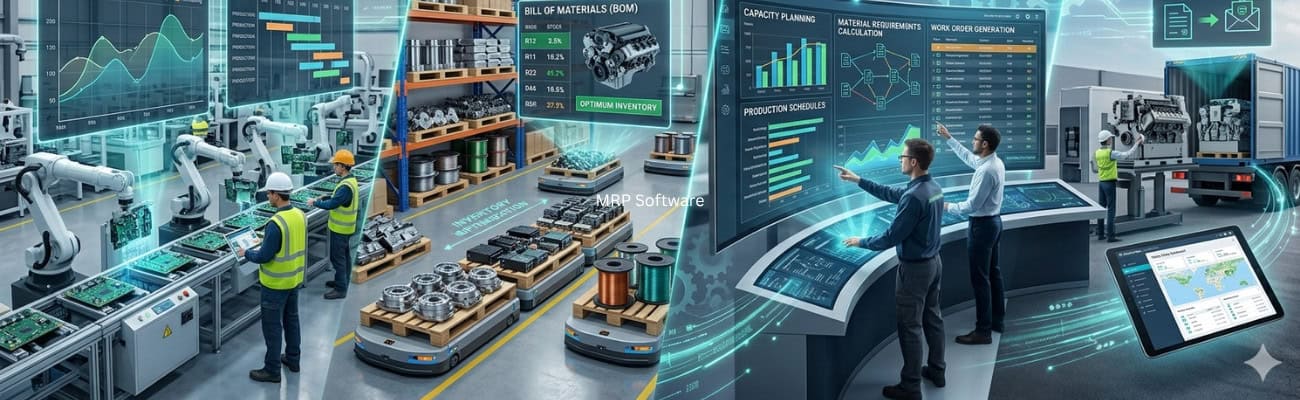
Material Requirements Planning (MRP) software helps you plan production and manage inventory. It gets materials ready at the right time. Per Material Requirements Planning (MRP), MRP calculates the materials and parts you need to build a product.
MRP answers three questions: what materials you need, how much, and when. MRP automates these calculations. You move from manual planning to decisions based on data.
Why MRP Software Matters for Modern Manufacturers
Many small and mid-sized manufacturers start with spreadsheets or separate systems. This works at first. It breaks down as orders grow and supply chains get complex.
Without one central system, departments pass information by hand. Sales, production, and purchasing work apart. This leads to delays, mixed messages, and costly errors.
MRP software lets you plan ahead. You stop reacting to shortages. You predict demand and have materials ready early.
Research from McKinsey Operations Insights shows manufacturers that plan digitally gain speed, lower costs, and build stronger supply chains.
This matters most for SMB manufacturers. As you grow, small problems multiply fast. MRP gives you the structure to grow without losing control.
How MRP Software Works
MRP uses three inputs to build production and purchasing plans.
The first input is the bill of materials (BOM). It lists every part needed to make a finished product. The second is inventory data. This includes stock levels, lead times, and supplier details. The third is demand. It comes from sales orders or forecasts.
From these inputs, the system calculates what to make or buy and when. You get work orders, purchase orders, and updated stock forecasts.
Groups like the National Institute of Standards and Technology (NIST) stress that connected systems improve speed and data accuracy in manufacturing.
This process never stops. When orders come in or stock changes, the plan updates in real time. Production stays in step with demand.
Key Features of MRP Software
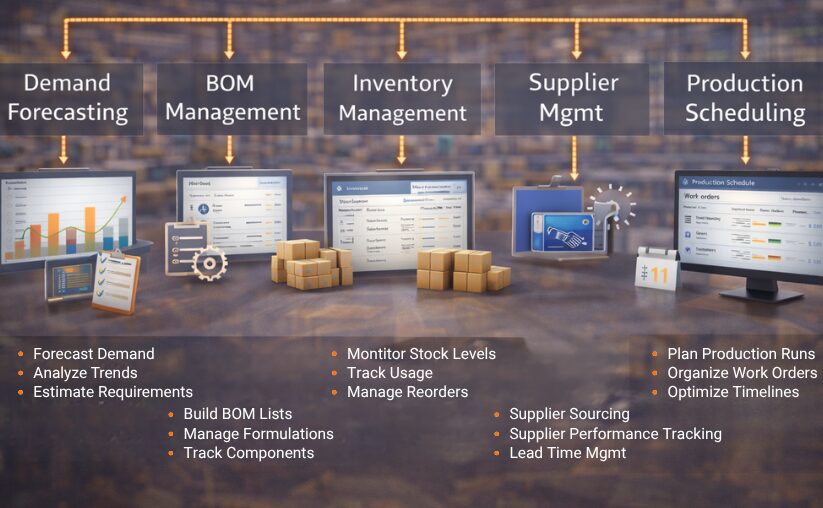
Modern MRP systems include these core features.
Demand forecasting uses past trends and current data to predict future needs. Production scheduling assigns labor, materials, and equipment.
Inventory management tracks stock and shows future needs. You avoid shortages and extra stock.
Supplier management tracks lead times and vendor performance. Materials arrive when you need them. Reports and analytics show how you are doing. Managers can spot bottlenecks and improve processes.
Together, these features link planning, execution, and monitoring in one system.
Real-World Use Case: MRP in Action
Take a mid-sized electronic parts maker. Before MRP, it plans with spreadsheets.
As orders grow, errors appear. Parts run out without warning. Schedules become unreliable, and extra stock piles up in slow areas.
After it adds MRP software, it sees inventory and demand in real time. The system creates purchase orders on its own. Schedules adjust on their own, and stock counts become more accurate.
Within a few months, the company improves on-time delivery and cuts waste. Teams spend less time on data and more time on production and growth.
MRP vs ERP: Understanding the Relationship
MRP focuses on production planning and inventory. ERP (Enterprise Resource Planning) covers the whole business.
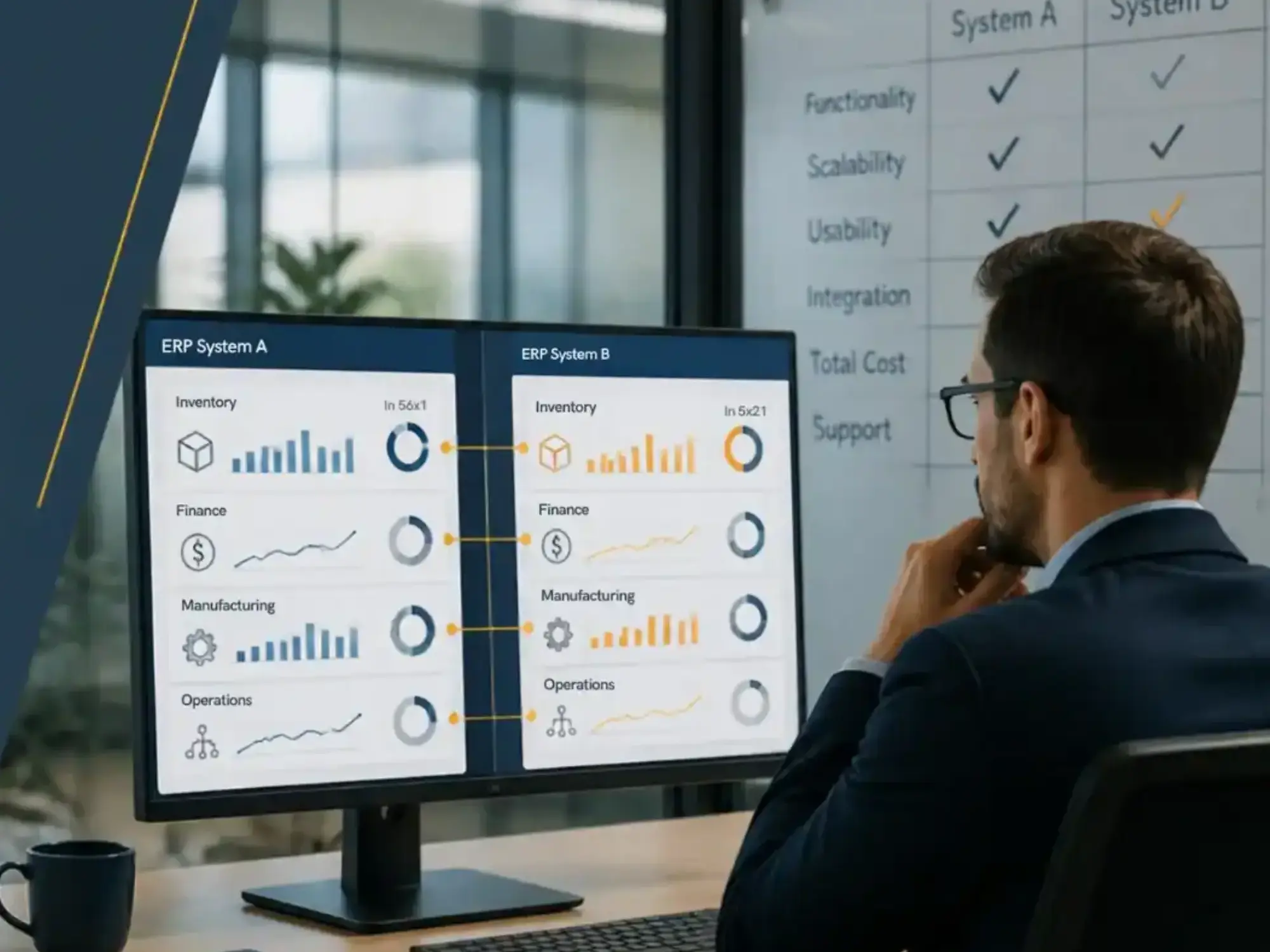
ERP links finance, sales, inventory, and operations in one platform. In most modern systems, MRP is one module inside ERP.
The key difference is scope. MRP solves production problems. ERP connects the whole company.
For a deeper comparison, see ERP vs MRP.
Benefits of MRP Software
MRP software improves your results in five ways.
It improves inventory accuracy. It tracks materials in real time and forecasts future needs. It speeds up production by automating schedules and resource use.
It gives you accurate, current data for better decisions. Managers react fast to changes in demand or supply.
It cuts costs by right-sizing inventory and reducing waste. It also keeps customers happy with on-time delivery.
Common Challenges Without MRP
Without MRP software, the same problems keep coming back.
Inventory counts go wrong. You run out or overstock. Schedules slip, and you miss deadlines.
Teams spend a lot of time matching data between systems. This lowers output and raises the chance of errors.
These problems get worse as you grow. What once felt manageable starts to block growth.
MRP fixes this with automated planning.
MRP in Cloud-Based Manufacturing Systems
Today, MRP rarely stands alone. It usually sits inside a cloud-based manufacturing ERP.
This link ties production planning to inventory, purchasing, and finance data. Everyone works from one source of truth.
Cloud systems add more benefits: remote access, automatic updates, and room to grow.
Learn how MRP fits into a complete system in our Cloud-Based Manufacturing Software Guide.
How to Choose the Right MRP Software
The right MRP system depends on your needs and how complex your operations are.
Smaller manufacturers often want ease of use and a fast setup. Larger or complex operations may need advanced features. Examples are capacity planning, multi-location inventory, and deeper integrations.
Think about growth. The system you buy today should still fit when you are bigger.
Check connections too. Systems that link to accounting, sales, and supply chain tools give you more value over time.
Implementation Timeline and Expectations
MRP software usually takes 30 to 120 days to set up for SMB manufacturers. Timing depends on project scope and complexity.
Roll it out in phases. Start with core functions like inventory and production planning. Teams can adjust before you add more modules.
Training matters. Employees need to know how the system improves their work, not just how to use it.
For a detailed walkthrough, see our Manufacturing ERP Implementation Guide.
MRP software is a core tool for manufacturers who want to work faster, cut costs, and grow.
It automates planning and gives real-time visibility. Businesses can stop reacting and start planning ahead.
For SMB manufacturers, MRP is often the first step toward a full ERP.
For a broader comparison of solutions, explore our Best Manufacturing ERP for Small Businesses guide.
Key Takeaways
MRP software links production, inventory, and purchasing with automated planning.
Cloud ERP extends MRP by linking all business operations in one platform.
A good rollout needs planning, training, and phases.
Pick a system that is easy to use, grows with you, and connects to your tools.
➤ See Kechie in action: Schedule your free ERP demo
Frequently Asked Questions
What does MRP software do in manufacturing?
MRP software helps manufacturers plan production, manage inventory, and have materials ready when needed. It runs the math based on demand, stock, and schedules.
Is MRP the same as ERP?
No. MRP covers production planning and inventory. ERP is broader and also covers finance, sales, and operations. MRP is often a module within ERP.
Who should use MRP software?
MRP fits manufacturers that need more control over inventory and production but do not need a full ERP yet.
What are the main benefits of MRP?
MRP improves inventory accuracy, cuts stockouts, tightens schedules, and lowers costs.
Can MRP work without ERP?
Yes, but it limits you as you grow. Many companies later move to ERP to connect everything.
Schedule a Free Demo Today!
See how Kechie ERP can help your business and save you time, money, and hassle. Click the button below to schedule your free demo.
Schedule Your Kechie Demo Now!In This Article
-Why MRP Software Matters for Modern Manufacturers
-How MRP Software Works
-Key Features of MRP Software
-Real-World Use Case: MRP in Action
-MRP vs ERP: Understanding the Relationship
-Benefits of MRP Software
-Common Challenges Without MRP
-MRP in Cloud-Based Manufacturing Systems
-How to Choose the Right MRP Software
-Implementation Timeline and Expectations
-Final Thoughts
-Key Takeaways